

"Roses are red, my Gold Level was extended, KLM Flying Blue, I love you."
Our Chief Mobile Opinionist, Matteo, is thankful for the extension to his Flying Blue status.
I’m a really bad poet, I know. I have butchered a classic children’s rhyming poem here, and my only excuse is that I really want to thank the people at KLM and Flying Blue.
Roses are red,
My Gold Level was extended,
KLM Flying Blue,
I love you.
(Matteo Doni, January 2021)
A whole month before Valentine’s Day, I received a lovely message, via electronic mail, from Flying Blue. Flying Blue is the frequent flyer program of Air France-KLM, which other airlines take part in as well. Those who follow Tech Travel Geeks will probably know I’m quite a loyal customer of KLM and participant in the Flying Blue program.
My Gold Level (status) has been extended and my XP (status points) from 2020 have been carried over. Thank you Flying Blue!
MY KLM Flying Blue status is renewed for 12 months. Thank you KLM Flying Blue
KLM’s wonderful people gained my loyalty after having provided excellent service in multiple occasions. Not only did they solve complicated travel problems for me on multiple trips, but always served me with a smile and an excellent sense of humour. This amazing level of service really won me over. It wasn’t the Tinykens™ in the Crown Lounge at Schiphol and all the other Skypriority benefits, though those may have been a contributing factor.
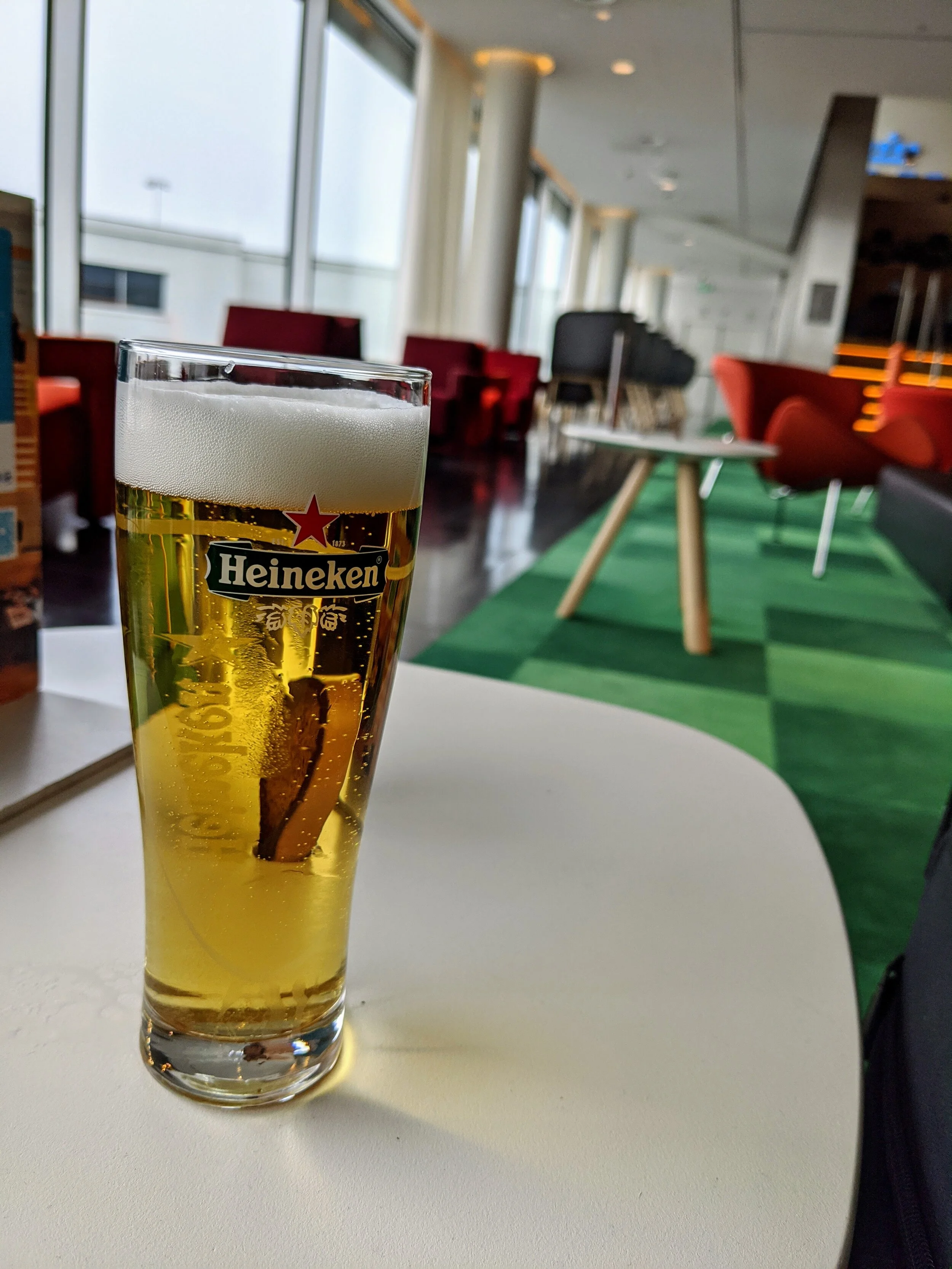
A Tinyken™: a small glass of self-serve Heineken in a KLM Crown Lounge at Amsterdam Schiphol Airport.
The renewal of my Gold Level, the status level which grants me many benefits when I travel, just reinforces my loyalty to KLM and the Air France-KLM group.
2020 was a devastating year for the travel industry. It was heart-breaking to see not only my favourite airline, KLM, but the industry as a whole deal with the impact of the covid-19 crisis. I’m an optimist though: the ripples of the social and economic impact of the crisis will be felt for decades to come at this point, but the lessons learnt will hopefully help us navigate future challenges better.
As a frequent traveller, it is now almost a year since I have been on a flight. We all know it is the right thing to do, and I will continue to avoid any non-essential travel until it is safe to pack my bag, go to the airport and walk down that SkyPriority lane at the gate. I would be lying if I said I haven’t had dreams of this recently.
Rest assured that as soon as it is appropriate I will be back on a KLM flight somewhere and might bump into you at a Crown Lounge in Schiphol.
Stay safe, dream of travel and be ready to take off when we can do so safely.
Again, many thanks to the KLM and Flying Blue teams.

POCO X3 NFC by Xiaomi Giveaway - Announcement
The Tech Travel Geeks announce the giveaway of a 128GB POCO X3 NFC.
Today the Tech Travel Geeks are announcing the giveaway of a 128GB POCO X3 NFC, just like the one we recently unboxed and set up on the Tech Travel Geeks YouTube Channel.
To enter, please us the Gleam app here: https://gleam.io/yFwVa/tech-travel-geeks-poco-x3-nfc-giveaway
As stated in the Terms & Conditions, Xiaomi or YouTube are not affiliated or sponsoring this competition.
POCO X3 NFC
The POCO X3 includes an AI quad-camera with a 64MP primary sensor and can take ultra-wide-angle photos for landscape, portrait mode, and macro mode.
The POCO X3 includes the latest Qualcomm Snapdragon 732G processor, and an Octa-Core CPU. The POCO X3 features a 6.67" display with a 120hz display for smoother scrolling and browsing.
The POCO X3 includes 5160mAh big battery, for more prolonged phone usage without having to recharge.
The POCO X3 charges via USB-C and supports up to 33W fast charging. A 33W fast charger is also included in the box.
The POCO X3 comes with a 20mp punch-hole selfie camera.
The POCO X3 also features a side-mounted finger-sensor, allowing you to unlock your phone from the side using the natural grip of your hand.
The POCO X3 includes a 3.5mm headphone port to allow you to plug in your wired speakers or headphones.
The POCO X3 includes NFC, allowing contactless payment via Google Pay.
Unboxing & Setup
Check out the POCO X3 NFC videos from the Tech Travel Geeks below.

Flying International During a Pandemic
The empty flight departures reader board at Amsterdam Airport Schiphol (AMS) on Tuesday, June 16, 2020.
Editor’s note: This essay was written based on the author’s experience traveling internationally between Europe and the USA in June and July 2020. Since then, airlines have made vast improvements to the in-flight experience while keeping the safety of their passengers top-of-mind. Country entry requirements have also changed drastically since then and continue to do so as the COVID-19 pandemic continues.
Flying during a pandemic is not recommended. All non-essential travel is not recommended.
But what counts as essential?
For anyone living a global life – with friends spread around the world, in a business that depends on face-to-face contacts, or anyone who recharges from hopping on an airplane and exiting somewhere new – isolating in place for over 100 days is rough. On so many levels.
One of the joys of living abroad and being a frequent international flyer is, in 16 hours or so, I can be reunited with my closest family and friends. And pretend I’m a high-roller while becoming best friends with flight attendants as they bring drinks directly to my seat at 30,000 feet.
This year, the pandemic put a pause to our global life.
I felt a sense of panic when I flew from Dublin to Geneva via Paris during the last week of February, before the virus fully spread throughout Europe. We all thought, “Well, at least it isn’t here, yet.” Wandering through Paris-Charles De Gaulle seeing people in masks, smelling the aroma of hand sanitizer (that will eventually be calming), my heart rate increased. I tried to focus on calming breaths: it’ll all be okay, don’t panic, it’s not here, yet. And then, the world shut down.
Outbound Flight: Europe to USA
In the middle of June, after 95 days of confinement lockdown in Switzerland, I hit a wall emotionally and mentally. For lots of reasons, amplified by isolation, the depression was deep. The only way out was to go back to the US and be with family for a bit.
The CDC advises: “Staying home is the best way to protect yourself and others from COVID-19.”
But some trips are necessary. And essential.
I pulled up my favorite website and booked a roundtrip economy ticket with Delta from Geneva, Switzerland to Seattle, Washington, USA. And held my breath.
A 30+ hour journey with three plane changes and an overnight layover in Los Angeles lay ahead. All while wearing multiple N95 masks and with my good friend, a 300ml bottle of hand sanitizer.
My outbound flight from Europe to America was scheduled to depart Geneva, Switzerland (GVA) on Tuesday the 16th of June 2020 – roughly 13 weeks after most nations around the world closed their borders to anyone other than repatriating nationals. And one day after most European Union and EU member states reopened their borders.
In June, airports were still empty. Flights and routes were still minimal. And the anxiety around travel was still there, but with an odd calm on top of it. Not like the videos Americans posted with their experience repatriating to the US from Europe in mid-March.
GVA > AMS
I’m a highly anxious flyer. Even in normal circumstances and despite being three-quarters of the way to Million Miler Status with Delta, I can’t sleep the night before a long-haul and my pulse increases on the way to the airport. A friend recommends giving myself more time than I usually need. This morning, I leave my house 4 hours before the flight, haul my luggage onto the train to the airport with an N95 permanently latched to my face. US-based airlines recommend arriving 3 hours early but the bag drop for inter-European flights only opens 2 hours before. Even during a pandemic I’m early. Severely early.
Only 8 flights are departing from GVA–most of them between 10:30 am and 12 pm, then a small handful at 5 pm. That's it. It’s 9 am. Bag drop stations for most of the airlines are unmanned. I never thought the Geneva Airport could be so…big. There’s someone organizing the orange stanchions around the infinite EasyJet queue to direct one-way traffic around an escalator in the far end of the terminal. EasyJet’s not flying to GVA at this time.
There's something to celebrate about getting to the airport 3 hours early. Especially an empty airport. I haul my luggage through the orange stanchions and up the escalator to a small collection of restaurants outside of security -- McDonald's is the only one open. A friendly woman wearing a mask greets me: "Are you dining with us?"
"Oh, can I?" I say through my mask, looking past the sparse tables and see people on the terrace — I didn't even know there was an outdoor space inside the airport. "Yes, and can I sit outside?"
"Of course," she says. "Please disinfect—” pointing to the hand sanitizer dispenser, “—and here is your number. I will bring it out to you."
I do exactly as she says and sanitize again after using the touch screen to place my order.
Outside on the terrace, the air is fresh and warm. I sit down. Take off my N95 and put it in the protective plastic it came in. Mask etiquette is complicated. But there is no one around me and I am outside. Should be okay. The McDonald’s employee comes with my tray. Seeing her brings me comfort. And the best McChicken of my life.
While I eat, little birdies surround me; they don't understand social distancing.

Back off, birdie, you’re less than 1.5 meters!
I sit there until the bag check opens. About a half hour. I read. Breathe deeply. Embrace the pause in hopes of preventing anxiety.
I check my bag and head to security. It's strange to see all the staff wearing masks and sitting behind Plexiglass. My playful banter and jokes fall flatter than usual. I blame the Personal Protective Equipment (PPE).
There’s no line at security. They want me to remove things out of my pockets and a belt, if I have one. They don't care about electronics or want to check liquids.
"Just leave it all in your bag," the security agent says.
I keep my phones, passport, hand sanitizer, and headphones in my jacket pockets and I put my jacket in the bin. I read somewhere a recommendation to keep all of your personal items tucked inside your hand luggage or coat pockets instead of laying them directly on the tray as it rolls through the x-ray machine. This is to avoid your potentially exposing these items to contact with any virus lingering on the bin.
The terminal is a ghost town. The generic Swiss souvenir shop immediately on the other side of security is open. I buy some chocolate for my parents. Duty Free is open, but you walk up to a counter and tell them what you'd like. No joy in browsing. Hermes and another high-end shop are open. Oh, and a specialty chocolate shop. It’s Switzerland, after all. I buy more chocolates. My dad will appreciate them. I wonder, who and how they decide which shops to keep open and which ones to shut? But I don’t ask anyone.
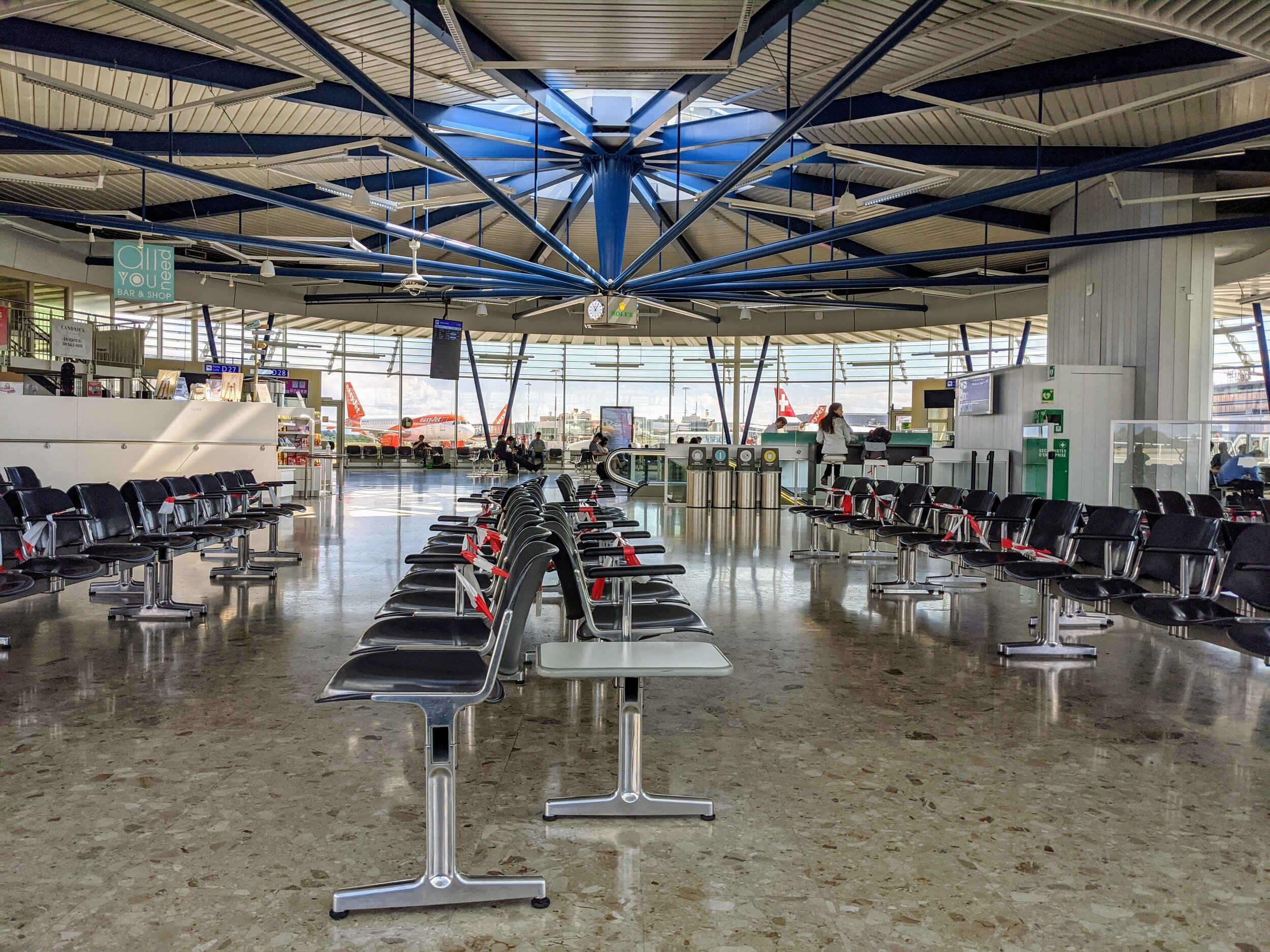
Every other seat around each gate is roped off. I wonder how families deal with traveling and not being able to sit by each other. I don’t see any families though. I take some selfies—not for the internet, but for me. I put on my glasses and learn how to breathe so they don’t fog up the lenses. I sit and practice breathing into my mask.
When it’s time, I make my way to my gate.
While on the moving walkway under the runway between the main and outer terminals, four airport police pass by. I hold my breath. They’re the only ones in the whole airport not wearing masks.
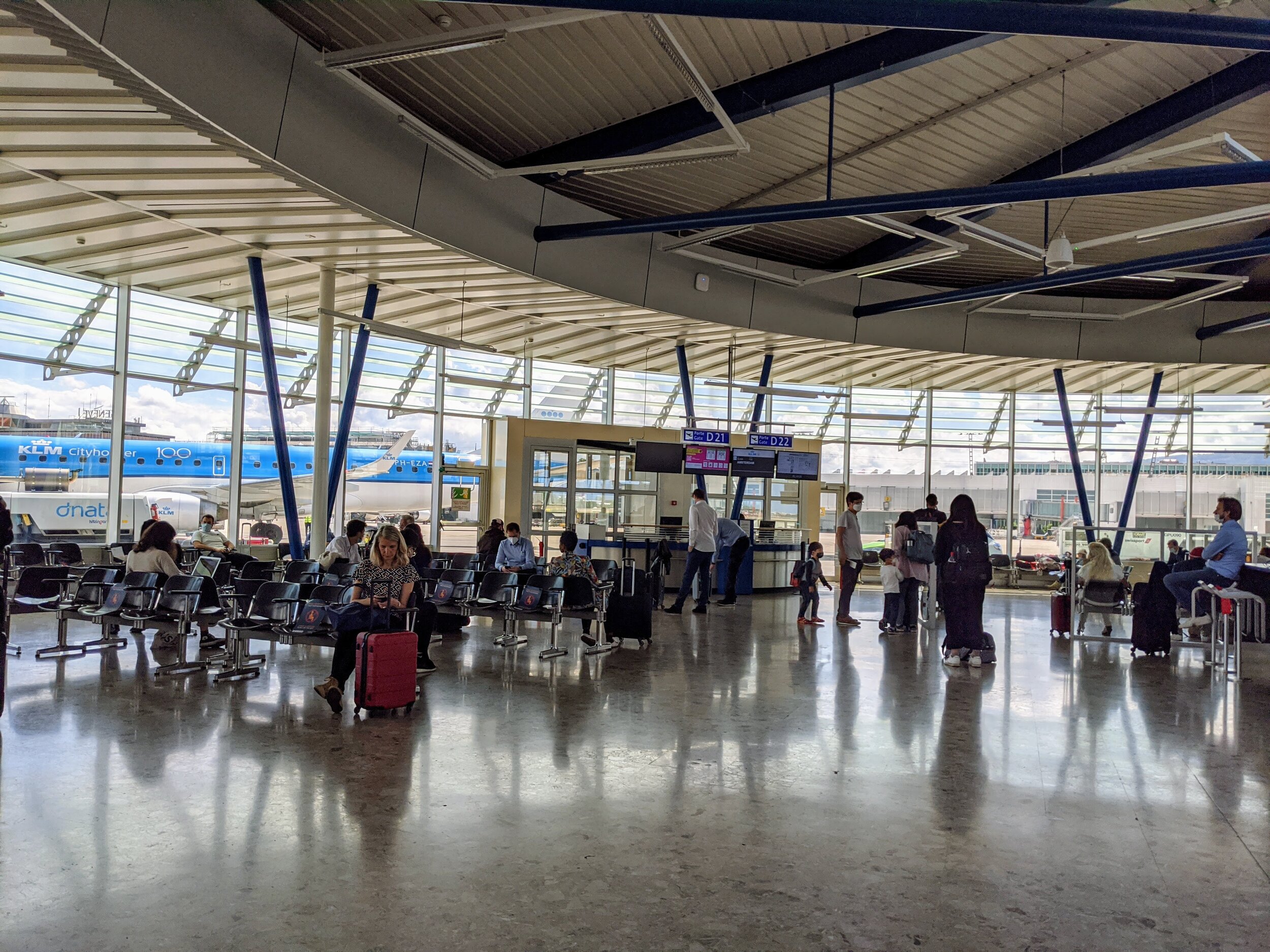
Upstairs at the gate, passengers sit in clusters. I go to the opposite end of the terminal where a 30-something man takes a business call in English on speaker. His accent is American. He is not wearing a mask. I hate him immediately and put my headphones on.
My throat is dry. I need water. The kiosk has a full bar with bottles of Campari, spirits, and beer for sale. Flights during COVID-19 don’t have alcohol on board. This goes against my usual flying rituals that start in the Sky Team lounge. I want an adult beverage, but I don't buy one. It’s 10 am, but that’s not the reason. Hand sanitizer, masks, and full-Plexi-face-coverings take up the impulse purchase real estate by the register. I expected these to be sold out inside the airport. I buy a bottle of water and stand at the back of the gate area not near anyone. I pull off my mask, drink quickly, and put my mask back on before swallowing.
KLM staff calls for boarding. Instructing all passengers to put on their masks before inviting the first section to board the aircraft. The staff asks all passengers to give extra space between each other and patience.
We board an Embraer 190. Everyone walks up the air-stairs in clusters up the stairs into the aircraft. Everyone is patient. It’s a new feeling. It’s…nice.
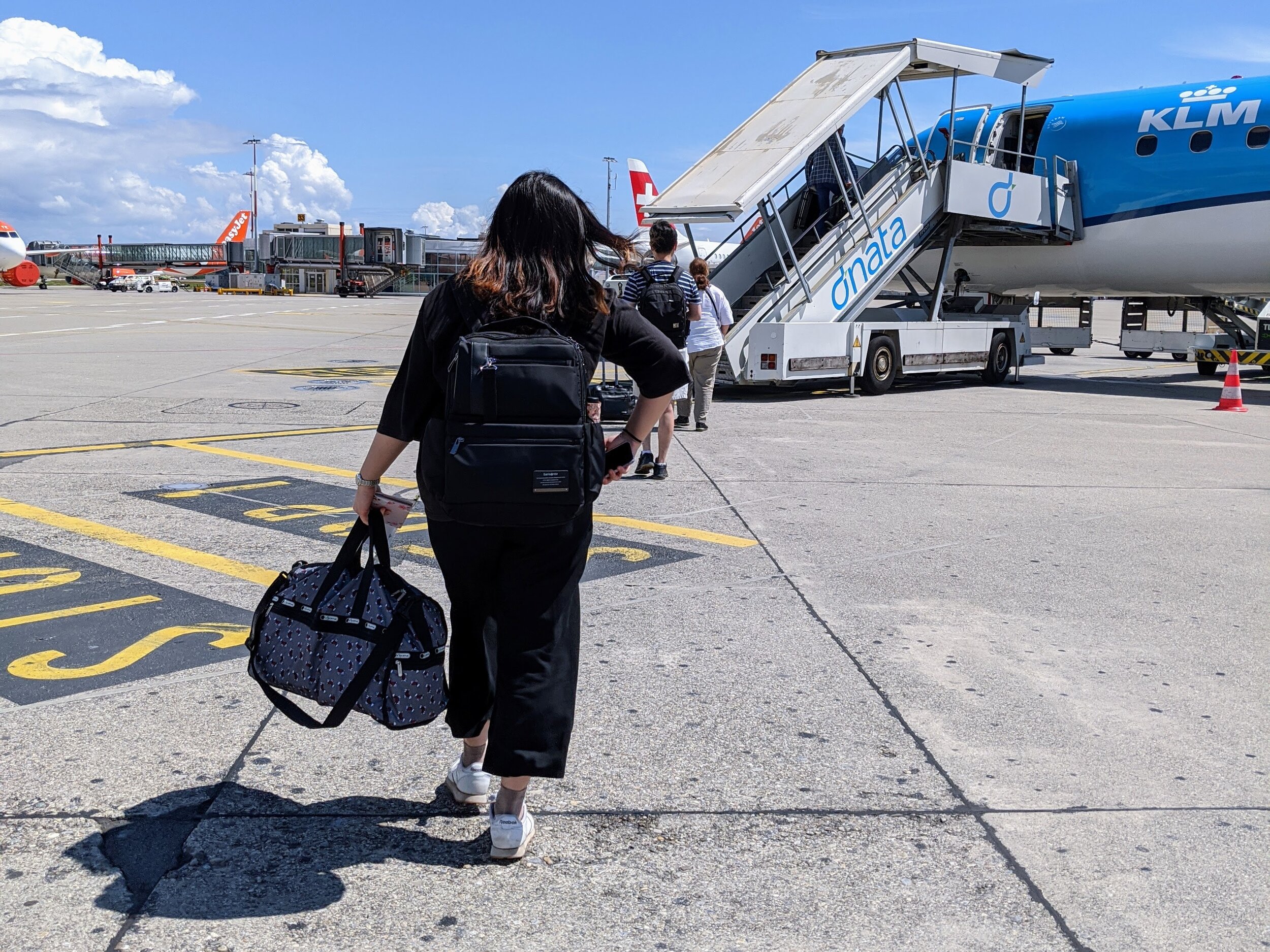
Once at my seat, I wipe everything down with an alcohol wipe. I’m the only one doing this, even though I don’t look around to be judged or congratulated. I almost forget to wipe down the seat belt buckle. (Naomi Campbell would be proud.)
A man stores his bag above my seat and sits down next to me. The Embraer has a 2-2 seat layout. I thought KLM had a policy to leave every other seat empty, but that’s okay. It will be okay. We’re both wearing masks.
After takeoff, the flight attendants deliver a boxed sandwich with a sealed Stroopwafel and water. They ask us to keep our trash and toss it as we exit the aircraft to reduce contact with the flight staff. Before deplaning in Amsterdam, I toss my rubbish in the bin – one flight down, two more and a border to go.
AMS > LAX
Amsterdam Schiphol (AMS) is empty. If it wasn’t daylight, I’d think I had just rolled off of an overnight flight from Asia, waiting for the lounge to open at 5 am. But it was close to 1 pm and broad daylight. There might be 50 other passengers connecting with me in the terminal.
Throughout the terminal are eight monitors, usually full with departing flight information. Today, only one and a half monitors are full and half of the flights have CANCELED as their status.
Passport Control between the Schengen and non-Schengen zone is usually the most chaotic place in AMS. Usually because it’s packed with obnoxious Americans who all want to cut the line to make their connection, especially if they have over 50 minutes to spare.
Today, some of the obnoxious Americans are here, but they’re on their best behavior. The line has maybe 20 people wrapping around every other stanchion to enforce social distancing. Ahead of me, is a woman wearing a backpack draped with shoes, her airline pillow, and an empty water bottle. She looks like she’s been traveling nonstop for the past few months. There’s also a family of four with two young children—one a babe-in-arms and the other able to walk on his own. Both parents are in active wear and Nikes, wearing overstuffed backpacks. These are the only young children I notice in the airport.
Border officers sit in every other booth with extra Plexi-plastic over the front so when passengers are asked to remove their masks, officers can compare passport photos and spittle won’t spread. This causes travelers’ voices to bounce off the plastic and back to the rest of us in line. I listen as an American tries to explain why his ticket doesn’t return to the US and is told to “follow me this way,” by a border officer. Border officers inside and outside of the booths aren’t wearing masks.
I walk up to the booth and hand over my passport and Swiss residency card, removing my mask when asked, and smile. The Dutch border officer stamps my passport, passes my documents back under the Plexi-plastic, and motions for me to walk on. He asks me no questions.
Relieved, I book it to the KLM Crown Lounge. I rarely get this much time – 2 hours – in the non-Schengen zone, so even if it’s closed, I’m not missing out.
The lounge is open. With fresh hand sanitizer at the door. I’m learning how to sanitize and let it dry for a moment before grabbing the handle of my roller bag. This is new travel choreography. Elbows are involved.
There are maybe 20 passengers in the lounge. Every other booth and table was roped off or vacant. I snag a prime couch near the windows overlooking the terminal. Drop my luggage to claim my space. And waltz – still wearing my mask – to the bar.
I ask the bartender for a Tinyken™, which is a glass of Heineken beer only available inside KLM Crown Lounges that you drink with pure delight and take a selfie with, posting to the internet to Matteo’s attention. Even during pandemic travels, some traditions must be honored.



I arrive at the gate as boarding starts. Fresh mask on. With my status, I can board the plane at any time. Advice from the internet says that to reduce the risk of potential exposure, it’s advisable to be one of the last to board. Especially if your seat is in front of the plane so as not to ‘breathe’ passengers as they make their way back.
This KLM flight will take us from Amsterdam (AMS) to Los Angeles (LAX) on board a Boeing 777-300er aircraft. Around 200 people are at the gate ready to board a plane with a capacity of 408 passengers. Usually when flying from Europe to America, the gate is filled with Boomers wearing Kirkland Signature jeans and a blazer surrounded by colleagues traveling together. You know the types—overly anxious travelers that rush to the front of Priority Boarding to floss their status. I prefer to sashay towards the front when Diamond Medallion is called. Today, there were no business travelers to cut in front of. Passengers were all single travelers or adult families. No young children. There was a sense of calm anxiety in the air; everyone had a reason to be flying.
I’m greeted at my seat by a 2-gallon-Ziploc bag filled with snacks. It feels like I’m on a school field trip. Inside the bag is a bottle of water, a can of Coke, a sandwich, two clementine oranges, and so much candy and sweets. In duplicate. And, of course, one package of Stroopwafels. This is all I get for the entire flight. Glad I had that Tinyken™ in the lounge.
On my seat is also a blanket. No pillows. I clean everything that I might potentially touch with an alcohol wipe and use a second one for the middle seat. Including the seat buckle, the TV screen, and window shade. When I checked the seating chart online during check-in, I had a seat buddy. But the single snack pack confirms—there will be no sharing of food or seats for me on this flight.
The seats and the floor are clean. Very clean. As in: I-have-never-seen-them-this-clean-before-in-my-life clean. As in there-is-no-way-a-child-has-ever-flown-on-this-plane. Ever. Kind of clean.


I call my mom as the cabin doors close. It’s 3:30 pm in Amsterdam and 6:30 am in Seattle.
I put my phone in airplane mode. The plane pushes back. The captain thanks us for flying with KLM during these odd times. The purser follows, with the calm and cheerful voice that I expect from the Dutch-based crew. She asks us to keep our masks on for the duration of the 11-hour flight and discourages us from lingering in the galley or around lavatory doors. And, in the rare case of a decompression, we’re reminded to remove our masks before putting the oxygen masks on our face.
I made it on the airplane that will take me to America. I am almost-almost there. I cry as we take off.
LAX > SEA
Early on in the flight, the crew delivered landing cards and health affidavits to every passenger.
Upon exiting the aircraft in LAX, we are greeted by public health workers. One for each passenger, handling about ten passengers at a time all standing about 6-feet from each other. They motion for me and the man behind me to go to the same official.
“We’re not together,” I shout from behind my mask.
“It’s okay,” the health worker shouts from behind her mask and visor.
It is not OK. I tiptoe sideways to put more distance between me and the man who was probably directly in front of me during the flight – with my filtered-breath on him the entire time.
She checks both of our questionnaires and asks us the same questions: Have you experienced any COVID-19 symptoms in the past 14 days? Do you have a fever? And so on.
Then: “You are advised to self-quarantine for 14 days upon arrival.” She hands us each a CDC flyer with symptoms and a hotline to call in case we have symptoms. “This is your ticket out of the airport; keep it with you.”
I smile throughout all this and focus on my breathing. Just in case “panic attack” is the latest symptom.
I walk through LAX’s Tom Brady International Terminal, gripping the CDC flyer for my life. LAX is—you guessed it—empty. Vacuuming starts around the empty gates below the overpass quarantining arriving international passengers from the departure gates. We might be the last international flight arriving today. It’s 5:30 pm on Tuesday. Just like Geneva. Leave it to a global pandemic to make the world’s transportation hubs adhere to ‘regular’ business hours.
At the US Customs and Border Control, the electronic landing machines are open. All I can think about is using one finger and sanitizing as soon as the receipt pops out. Every passenger is routed to talk to a Border Officer for questioning.
“Does Switzerland really make the best chocolate?” the officer asks me, looking at my documents.
This feels like a trick question. It’s been over 18 hours of quiet, anxious-ridden travel with little sleep due to feeling like I’d suffocate between my face and eye mask—what does chocolate have to do with possibly coming into the country with COVID-19?
Nothing. Absolutely nothing. Except reminding me of my favorite thing about returning to America – jokes and American sarcasm.
I collect my luggage and, with border receipt and golden CDC flyer in hand, make my way to the last checkpoint. No one asks me any questions or takes my temperature.
Outside, mask still on, I feel the Los Angeles sun on my face. Holy fuck, I made it. They let me in the country.
I make my way to an airport hotel to wait out the 8-hour overnight layover. Tomorrow morning, the third and final flight, a short, 2.5 hour connection from LAX to Seattle (SEA). Home, sweet home.


Voluntary COVID-19 Test After Arrival
The biggest fear about traveling during the Coronavirus pandemic is the potential risk of catching the virus while in-transit and bringing it home to my family. This is a risk I discussed with my family before purchasing the ticket as they could be impacted.
Five days after arriving in Seattle, I took a COVID-19 test. 24 hours later, my results came back negative and I could enjoy my time with my family without fear that I brought the virus to them from Europe. Even with a negative test, there’s always a risk of contracting the virus and developing symptoms. For the duration of my trip, I kept minimal contact with those outside of a small bubble of family and friends, plus good hygiene and mask etiquette for the duration of my trip.
Return Flight: USA to Europe
During my last two weeks in Seattle, I watch rumors unfold about Europe blocking American travelers as of July 1st. This is to allow freedom-of-movement between EU member states by preventing tourists from high-risk countries, like the US.
My heart panics. Before purchasing my outbound flight, I had conversations with my boss at work and made extra arrangements to care for my cat in Switzerland, knowing full-well that the situation could change at a moment’s notice or I might develop symptoms and be stuck.
I was not ready to end my trip early and make a mad-dash to the airport.
Body shaking, I refresh the IATA COVID-19 Travel Advisory Map and go deep on the entry requirements of every country I will transit through; cross-checking with local country sites to ensure that my documents will allow for transit and entry. Requirements such as a valid residency permit in the country I am returning to, Switzerland, and health declarations.
Checking and re-checking these sites and news sources – what’s official and what’s speculation? Fielding texts from friends worried that I didn’t see the news. Do I change my return flights or not? Processing the fact that I will have to say goodbye to my family and friends – too soon. The support system that I severely missed during confinement – we all did – and their grounding power that helped heal my mental health. I am not ready to say goodbye. Not yet.
SEA > DTW
The best part about wearing a mask is, if you’re an ugly crier, no one can see your face. And the trick to pretending like nothing is wrong is to squint your eyes and perk the sides of your mouth up. This will give the illusion that you’re smiling. While on the inside of your mask – and your heart – you are a mess.
My parents drop me off at the curb at 5-in-the-morning. I hug them tightly. Tears flowing. Not knowing when I’ll see them again. Not wanting to let go. But knowing I have to put my mask on and walk myself into the terminal and try and return to Europe.
The wonderful woman at the Delta check-in counter doesn’t notice my tears. She takes my US passport and Swiss residency card, scanning both into the system. My get-out-of-America cards. She sings about how she enjoys working during the pandemic, sharing stories about the diversity of customers who chose to fly during this time. A lot of them, it’s their very first time flying. But doesn’t go into detail beyond that.
It’s Sunday the 12th of July. It’s a minimum 22-hour journey departing Seattle-Tacoma International Airport (SEA) at 8 am and connecting via Detroit (DTW) to Amsterdam (AMS) then Amsterdam to Geneva (GVA). Three long flights again.
The TSA security line is long, but not outrageous. Everyone is wearing a mask. I do my best to toss death stares through my tears at those with noses poking out. No TSA pre-check or Priority Access line. We are all the same walking through this.

Going through security at TSA Checkpoint inside Seattle-Tacoma International Airport
Inside the terminal, things look a little different than a month ago. The reader board is full, but not too-full. There are people in the terminal but not as many as there would have been on a Sunday morning during summer peak travel season.
Boarding the plane in SEA to DTW, the gate agent scans my Swiss residency card again. Even though the first leg is a domestic flight, they will not let me on the plane unless I have proof that I can complete the journey.
I snag a first class upgrade. On the plane, the masked flight attendant hands me an alcohol wipe. By this time, I’m a professional. Once in the air, he presents me with a tray of beer in cans and plastic cups.
“Oh, this is new,” I perk up from behind a fresh N95 mask.
“When did you last fly?” he asks.
“About three weeks ago.”
“At this point, that’s an eternity,” he says. Accurate.
We speak about the pandemic and canceled vacation plans to Europe. He had a holiday coming up and planned to spend three weeks in Italy. I was supposed to spend two weeks in Portugal with my best friend, an American who lives in the US and only has a US Passport.
We talk about how President Trump doesn’t believe the pandemic exists and how irresponsible our fellow Americans are in ‘other parts’ of the US. Florida records 15,000 new cases that day, its highest-number of new cases to date.
DTW > AMS

The world has been waiting for you. So has Delta.
To board the flight from DTW to AMS, the Delta staff ask all passengers to complete a health questionnaire as required by the Dutch authorities. If we don’t already have this form with us, there are extras at the check-in desk at the gate.
While waiting to board, I check out my fellow passengers hovering around the gate in a socially-distanced way. Two Asian men in their 20s who look like college kids. I can’t make out which country their passports are from. Are they heading back to Europe after studying abroad from their dorm rooms all year? Or are they simply traveling in the US prior to Stay at Home orders and decided to go home? A short man with superior muscles and tattooed arm sleeves – I assume a military contractor on his way to Germany. I try to eavesdrop on a pair of 50-something men speaking a different language, but can’t make out the origin. Again, no children at the gate or anywhere in the terminal.
Onboard, more supplied alcohol wipes, more thanking us for flying during these challenging times.
I get an entire row to myself again, but no business class upgrade. The familiar drink trolley comes down the aisles. Hello, old friend. We are given a choice of two meals for dinner service. And a secondary drink service. It’s almost as if we were flying during normal times. The flight attendant refills my wine glass. Twice.
I am an expert at sleeping on a plane during a pandemic – sleep on my side with my knees tucked in to avoid the beverage cart; use my hood to cover my eyes, instead of an eye mask; and remove one ear loop off the face mask, holding the loop with my hand under my head to keep my mouth covered. This avoids the feeling of suffocation caused by wearing an eye mask and a face mask. 8-hours pass quickly. But lack of sleep the night before, wine, and an aching heart helps with that.
AMS

It’s always nice when you watch your own luggage roll into the belly of the airplane.
Landing in Amsterdam at 8 am the following day is disorienting. AMS is busier. Masks are still compulsory, but every single person wearing an official Schiphol staff uniform is not wearing one at all. Including terminal personnel, construction workers, and border officers. It’s weird.
With just over 2 hours before my final flight, I head straight to passport control with my health declaration, passport, and residency card clutched in my hands; fearful that I’ll lose one of them and be stuck in non-Schengen purgatory. Or worse—have to get back on an airplane to America.
The line between the non-Schengen zone and Schengen zone is long. Perhaps 100-feet into the main terminal. I can’t see the beginning to know if I’m in the correct line or not.
It’s okay. Deep breath. Plenty of time.
The line moves fast. Every other stanchion is skipped again in an attempt to dictate social distancing. But the 20-something man behind me has his nose peeking out of his mask is absolutely closer than 3 feet (or 1.5 meters). I put men-who-don’t-tuck-their-noses on the list of travelers I hate. He’s in good company with the Kirkland-Signature-jean-wearing business travelers. But I might trade him for the business traveler right now.
I reach the front of the line and hear a woman with an American accent arguing with border officers. She has a manila envelope thick with papers. Is she trying to negotiate her way through?
It’s my turn. I walk up to the beautiful, tall, tan Dutch border officer on the other side of the extra plastic barrier. I hand him my documents. He motions for me to remove my mask. I do so and smile brightly. He stamps my passport and passes my papers back through the opening beneath the window and stares at me. I smile through my re-attached mask. He motions for me to move on. He asks me no questions. He does not take my health questionnaire.

AMS is a little busier in July than it was in June…
AMS > GVA
On the final flight from AMS to Geneva, KLM staff pass out a new health questionnaire to every passenger as required by Swiss law. It’s similar to the one required by the Dutch authorities and includes more details about our individual flight path including any connection and detailed contact information in the unlikely case of someone on the plane testing positive for COVID-19 after this flight.
As of July 6th, the Swiss government announced mandatory quarantine for persons arriving in Switzerland from high-risk countries. The list of high-risk states are updated every two weeks based on the number of new cases of COVID-19 that are reported based on the population. The US is included in the list.
I hand my health declaration form to the Swiss official waiting on the jetway as I leave the plane. I collect my luggage and head straight to my home in Lausanne, Switzerland and stay there for 10 days. I experience no flu-like symptoms.
When will I hug you again?
When my parents dropped me on the curb at Seattle-Tacoma International Airport, I hugged them tightly. Tears flowed. Not knowing when I’ll see them again.
Before the pandemic, we could hop on an airplane for a short or long weekend and exit the fuselage and end up on the other side of the world. It was easy to maintain friendships and lovers in other parts of the world and with passports that were different from our own. Zoom was a verb, not a formal noun. It was a privilege we took for granted as we racked up the air miles and marched towards Million Miler Status.
The pandemic changed this. For me, it made me acutely aware of how not-physically-close I am to those that I love. Yet at the same time, emotionally connected because we are all in this together. Even if we are further apart than ever. When in our lifetime has everyone in the world shared such a similar experience?
Be it good or bad, it’s something.
This year, the pandemic put an end to the ease of the global life we led before.
And, hopefully, it’s only a pause. And we will emerge from it differently somehow. Somehow more connected. Somehow more thankful for the moments and the miles that connect us, not keep us apart.

Sea-Tac, you so punny

Pocophone POCO F2 Pro by Xiaomi - Long-Term Review
Our Chief Aperture Officer, Lukasz, presents a long-term review of the POCO F2 Pro by Xiaomi. We discuss all of the aspects of the device, including the build, screen, software, cameras and connectivity. Check it out to see how he enjoyed using it as his main device for over 6 weeks.
We’ve been covering the Pocophone POCO F2 Pro by Xiaomi on the Tech Travel Geeks YouTube channel, including unboxing it and setting it up with MIUI 12, as well as sharing a detailed camera review and some sample footage.
After around 6 weeks of using it as my main device, I’m keen to share my thoughts on the build quality, performance, cameras, connectivity and overall thoughts about the device. Check our full video review embedded below, or continue reading for the written form instead.
You can get the Xiaomi POCO F2 Pro on Amazon here (affiliate link): https://amzn.to/30w3C22
Build Quality

POCO F2 Pro’s build quality is premium and feels good in hand
The build quality is great, with both the front and back covered with Gorilla Glass 5 for protection, and an aluminum frame for stability. The back is slightly curved with matte finish, making it feel quite premium. It looks good in the hand, but it’s quite a bit slippery, so I’ve personally been using a flip case, as I usually do - check our unboxing and first impressions video below.
One of my favourite design features is the red power button, which stands out quite nicely and is very recognizable. I also like the design of the circular camera unit, which comes with some great detailing and an embossed circle surrounding it.

POCO F2 Pro’s power button has a distinct red colour
The one thing I miss here is waterproofing. The phone is fine with some splashes of water and protected from dust, but I wouldn’t recommend putting it under water. I personally consider it quite an important feature, so it’s too bad that it’s not available here.
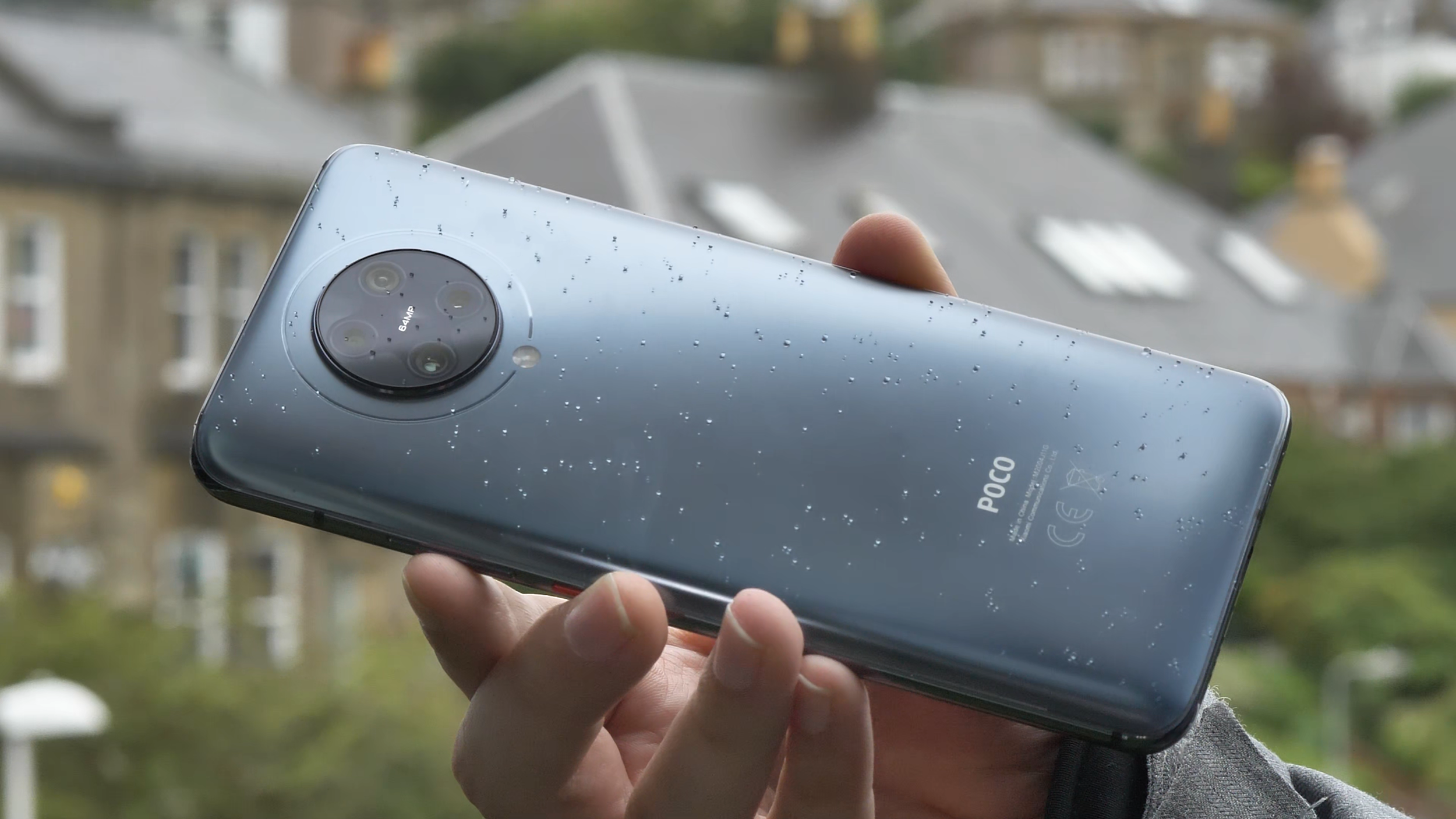
POCO F2 Pro lacks waterproofing, but can survive a bit of Scottish rain
The other thing to note is that the phone is quite chunky and heavy at 218 grams, and quite big thanks to the massive screen, which we’ll discuss just now.
Screen
The screen on the Poco F2 Pro is really good. It’s a Super AMOLED 6.67 inches diagonal screen with a 1080 x 2400 FullHD+ resolution and 20 by 9 aspect ratio. It’s quite bright and I’ve not had any issues with viewing it in brighter environments, but then again, I live in Scotland, so I’m not too demanding. The colour reproduction is good and you can even configure the colour gamut to your liking in software - plenty of choice here. The screen also supports HDR+. Unfortunately, there are no high refresh screen options, so it’s stuck at 60Hz, rather than 90 or 120 in some more expensive competitors.

POCO F2 Pro’s screen is bright, but with no high refresh rates
One of the key features of the screen though is that it doesn’t have any notches or cut-outs, and the bezels are really small. That’s thanks to the pop-up camera, which hides when it’s not needed, and only pops up when you have to use the front-facing camera. That makes the viewing experience much more enjoyable, so I’ve been thoroughly enjoying watching lots of YouTube and some Netflix on it.

POCO F2 Pro’s pop-up camera
And before anyone asks - the pop-up mechanism retracts automatically when it’s falling and it’s quite robust, so we’re not expecting any issues with it.
Performance
Similarly to its predecessor, the Pocophone F1 (check our full video review on YouTube), the F2 Pro also sports a high end spec sheet. It’s powered by the Qualcomm Snapdragon 865 octa-core chipset, which at the time of release was the highest end processor you could get. It also uses a highly-performant Adreno 650 graphics card.
I’ve spent quite a lot of time playing different games on it, trying to make it sweat, but I’ve struggled to do so. That’s probably thanks to this phone’s LiquidCool cooling technology, which ensures that the chipset isn’t throttled at any point, so it’s running at full speed for longer.

Call of Duty Mobile works great on the POCO F2 Pro
I tried popular shooting games like Call of Duty Mobile and Fortnite, and both worked great. I tested some of the most demanding 3D games, and they all worked great as well. I even tried to play some high end emulators like Playstation 2 and GameCube, and again, it was just pure joy. I managed to get almost consistent 60fps and quick load times on PS2’s God of War, compared to just 30fps on my one and a half-year-older Huawei P30 Pro. So, if you’re into gaming, getting a Snapdragon 865 device is a great option. Playing some games on a screen with no bezels and with a good game controller is definitely great fun, no matter if you like to play online, casually or enjoy high end gaming.

God of War on the DamonPS2 emulator works flawlessly in constant 60 frames per second
To round off the specifications, our model came with 6GB of memory and 128GB of storage, but there’s also an 8GB RAM with 256GB storage model as well. Unfortunately, there’s no memory card support, so be mindful of that if you want to store a lot of large games and videos on your device. You can check your phone’s configuration using the beautifully presented and useful “about phone” screen, which nicely brings me to the software experience.
Software
Poco F2 Pro runs Xiaomi’s MIUI software. It was recently updated to the latest MIUI 12, make sure you check our setup video below. The software is now more refined, especially when it comes to animations. My favourite feature is “super wallpapers”, which currently include Earth and Mars. If you enable always-on display, you can see the globe, which will then zoom in and show the animated wallpaper. When you swipe left or right, the animation will move accordingly. Luckily, it doesn’t move all the time, so it doesn’t cause any dizziness. This is different to “live wallpapers”, which are actually live animations and are constantly moving. To be honest, it’s not really something for me, but I guess some people might like it.
Overall, I’ve been enjoying the software experience on Poco F2 Pro. It is smooth and dynamic, and the Poco launcher is great for me. I enabled the split notification bar with the control centre, reminiscent of the user interface of a certain fruity company, after I got the update, and I’ve been quite happy with it, but it definitely required some getting used to.
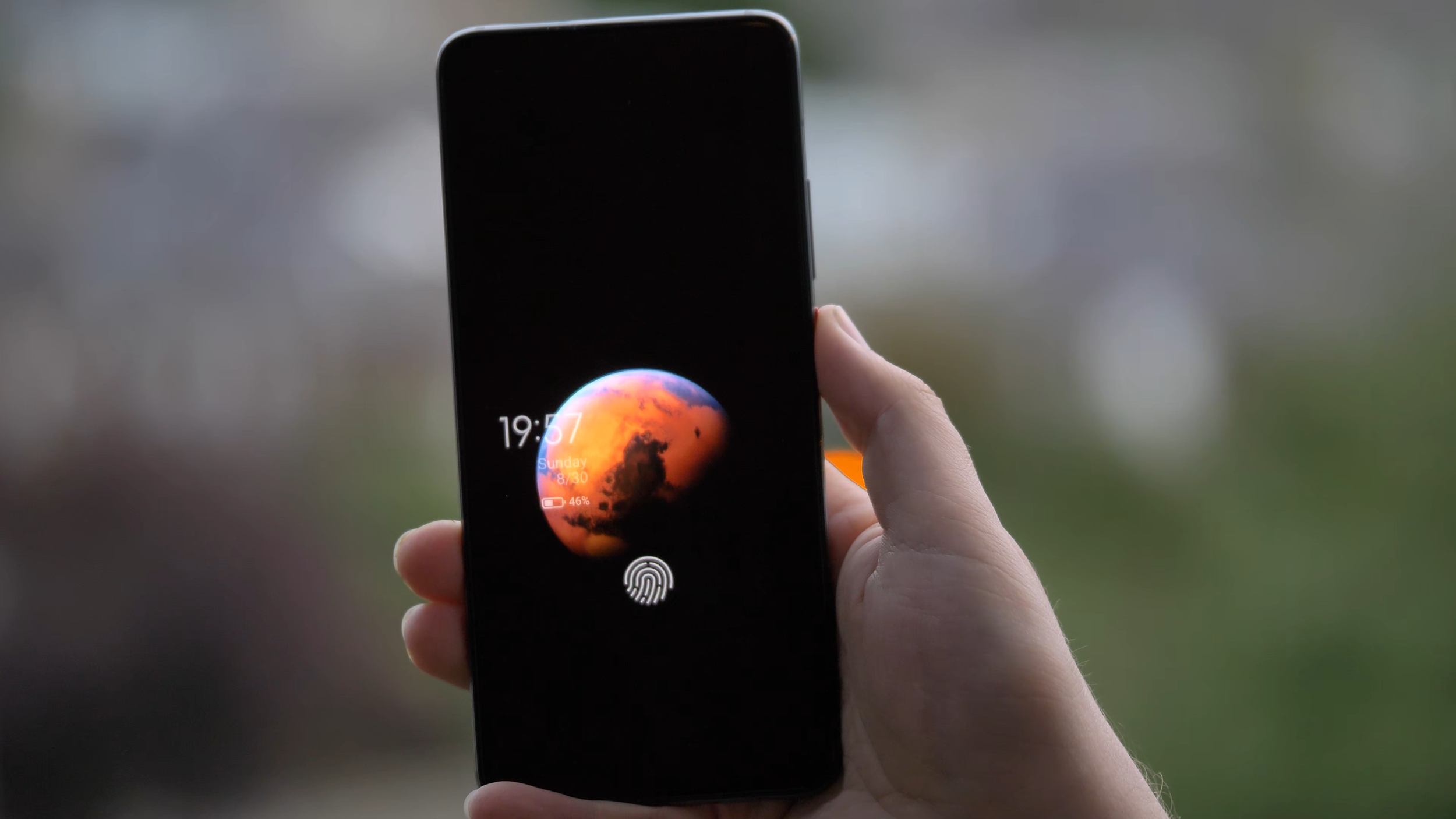
MIUI 12’s Mars “super wallpaper” is really impressive
I really liked how customisable everything is. For example, in the app drawer, I’m used to having the letters on the side to quickly jump to the app I’m looking for, but it was not there to start with. However, it turns out it’s easy to enable and works even better than I expected, as it temporarily highlights all the apps starting with that letter. The addition of search bar, frequently used apps and app categories to the side makes finding apps a breeze. You can even reorder those categories or disable some of them, that’s really great.

MIUI and the Poco Launcher are very customisable
When it comes to downsides, as mentioned in the setup video, there are quite a lot of preinstalled applications and games. Luckily, it’s possible to uninstall most of the apps and games from here, so it’s not a big problem. There is also some advertising within the software, including “promoted apps” in some of the folders. Luckily, you don’t have to use those folders and can create your own, so that’s not an issue either. You can also disable most of the ads - the one I removed was in the Security app. After installing apps from Google Play store, there is a security check for that app, and an ad pops up, but it’s possible to remove it easily, so it hasn’t been a problem for me.
As I was writing this section, I got a software update with the July 2020 security update and some fixes, including screen responsiveness when unlocking. I hope this helps with the fingerprint scanner, which brings me to the next point, security.
Security
When it comes to security, there are plenty of options. My usual favourite is the fingerprint scanner, which I’ve been using the most. Unfortunately, the under-screen reader on the Poco F2 Pro is not the best I’ve used. It is a bit slower than I’m used to, and I’ve had times when my fingerprint wouldn’t get recognized even after a few attempts. However, the animation is great and the haptic feedback is good, so it’s just that it’s not always recognizing my fingerprint fast enough.

POCO F2 Pro’s fingerprint scanner is nicely animated, but not the fastest or most accurate we’ve used
The other option, other than patterns and pass codes, is face unlock, which uses the pop-up selfie camera of the Poco F2 Pro. It’s actually fast and handy, but it requires an extra swipe to unlock and it takes a moment to happen. But it’s definitely a nice party trick, and the LED lights by the selfie camera are just mesmerising. Which brings us to my favourite section - cameras.
Photos
The Poco F2 Pro has quite a robust quad camera setup, consisting of a 64 megapixel f/1.9 main sensor, 13MP ultrawide lens, 5MP telemacro lens and a 2MP depth sensor for portrait shots. And overall, it does a good job to deliver nice photos, but not in all the situations. Let’s go through some examples.

POCO F2 Pro’s camera array
I really liked many of the photos taken with the main lens. By default, it does what’s called pixel binning, so it combines each 4 pixels into one that’s an average of the four, which is actually better, since each pixel is bigger and can collect more light. Because of that, most of the images are 16 megapixel, which is plenty for any camera. If you need 64 megapixel photos, you can enable that mode, but unless you need to shoot a photo for a billboard, I wouldn’t recommend it.




To take 64 megapixel photos, you need to use the Pro mode, which also allows you to control all the parameters like aperture, shutter speed, ISO or to focus manually. You can also shoot RAW photos in this mode - I wish there was an option to have RAW output in all situations, not just in Pro.

Pro mode in the F2 Pro’s camera app
I especially liked portrait and aperture photos, which came out quite nicely in most cases, probably thanks to the additional depth sensor. Look at this photo - you can see how the hair is nicely kept in focus, while the background is accurately blurred.
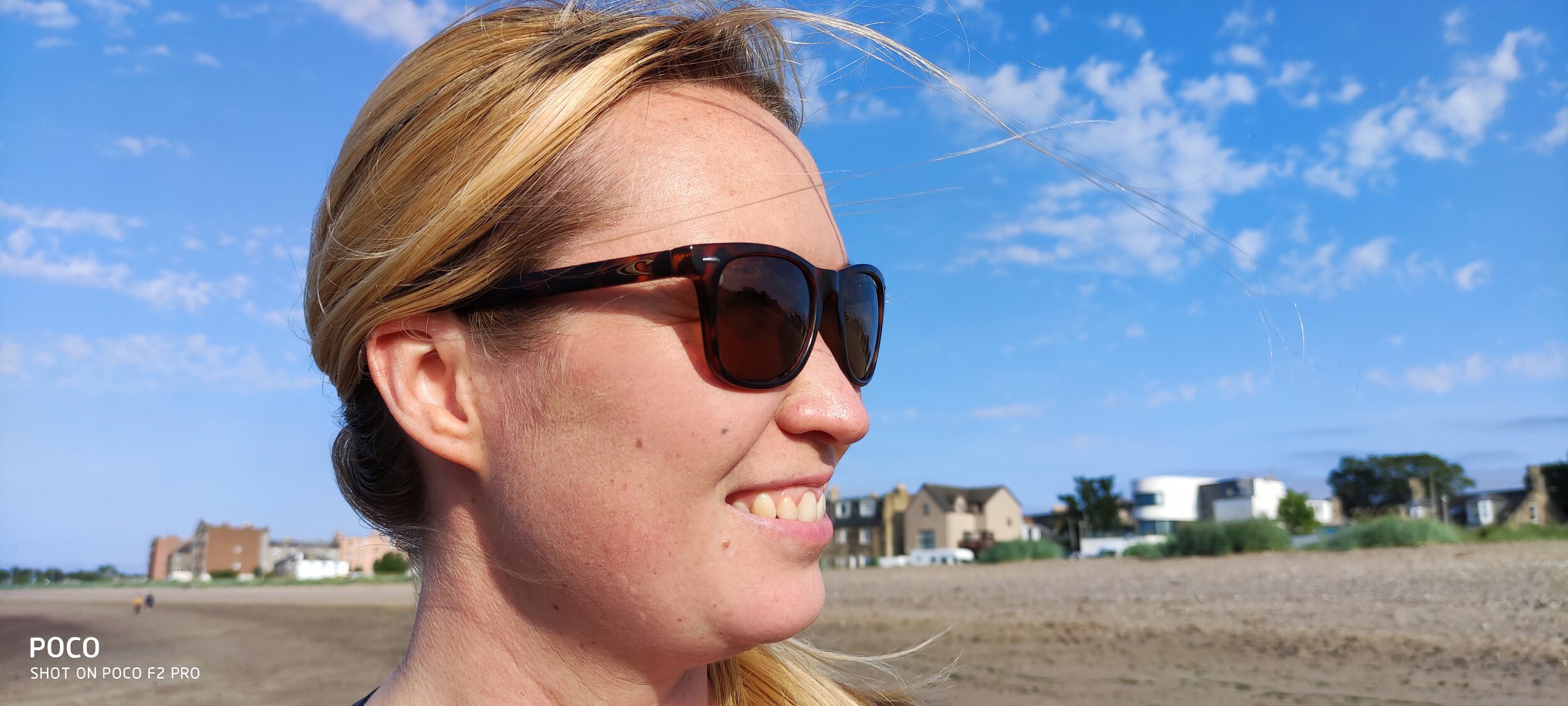
Portrait mode on POCO F2 Pro is quite good
However, I did have a few situations where the focus wasn’t right, especially for some objects. I was especially hoping for this photo to come out nicely, but instead of focusing on the flower, the camera focused on the hand. It’s still a lovely photo though.

POCO F2 Pro focusing on the hand rather than the flower
In some other cases, the colours were unfortunately a bit oversaturated, like this strawberry or some of the flower photos I took. Even more so, this was visible with the grass in some of the photos. It might be actually related to the auto HDR mode, which I normally have on, so you might want to be careful with that.
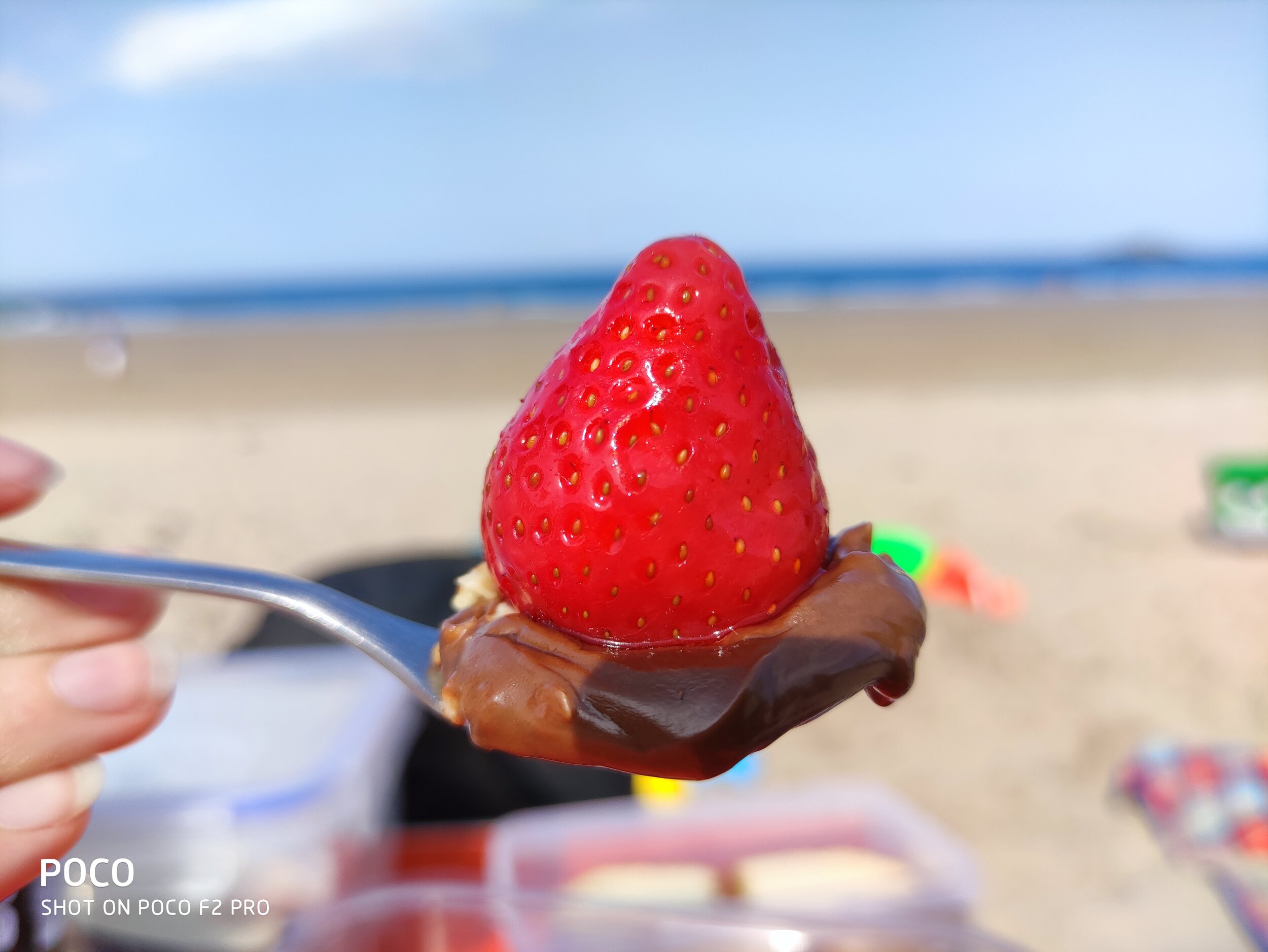


I really liked the wide angle lens, it complemented the main lens quite nicely. I managed to take some really nice photos with it, so no complaints, I really like taking nature photos with it, and it’s also great for some architecture photos.





The camera app also shows the option of two times zoom, but unfortunately, they’re just using the main lens and zoom in digitally, like you could do in any editing software by just cropping the image. Because of that, the photos come out a bit pixelated. It’s a bit of a shame, as having a good optical zoom lens is always great.

2x zoom images get pixelated as the images are cropped rather than using an optical zoom
The 5MP telemacro lens is instead used for macro shots. And they are actually quite nice if you remember to switch the super macro mode on. I especially like this photo of Thanos’s Infinity Gauntlet.

Macro mode on POCO F2 Pro is decent, but not as useful as a potential zoom lens
Poco F2 Pro’s night mode is decent, especially with the main lens. I’ve seen a few photos with some colour shift, but most of them were quite good. Check those really nice photos in Edinburgh during the festival of light here. Most of them came out surprisingly well, so no complaints from me. Just make sure to enable night mode, as the main lens’s aperture isn’t that wide at f/1.9.

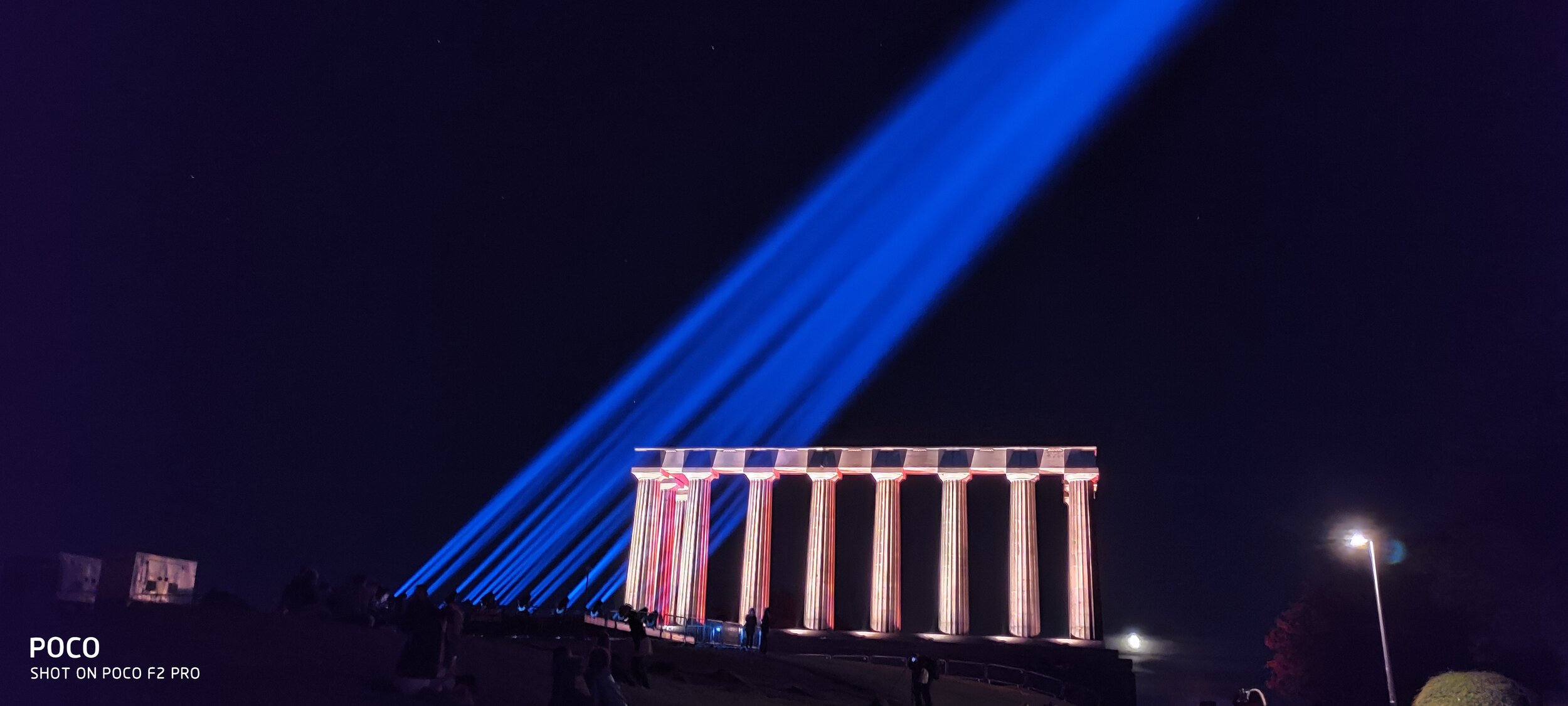




Video
When it comes to video recording, I’m quite happy, especially with the wide range of resolutions and modes available. Check our sample video below, and for more sample footage, check our full camera review above, which has more samples embedded.
The mode most people will likely be using is 4K 30 frames per second, and I really like the video quality. If you haven’t already, make sure to check our sample video, link in the description. Both the quality and stabilization are really good. One thing to remember is to avoid really fast panning movements, but that’s the same for all cameras, as the rolling shutter affects mobile cameras quite a lot.
There’s also 4K 60 frames per second, which is great for a bit of slow motion footage - however, to make it slow motion, you need to use some editing software. What’s good about it is that you can record quite long videos with it, unlike some slow motion modes.
When it comes to slow motion, you get a range of different frame rates and resolutions, as with many modern phones. You can get bursts of up to 960 frames per second in HD resolution, and up to 240 frames per second in Full HD resolution. Just be careful, as you need a lot of good lighting for decent video quality.

The camera app offers a wide range of frame rates and slow motion options
Speaking of resolution, thanks to the Snapdragon 865 chipset, the Poco F2 Pro is capable of recording 8K video. Since the adoption of 8K screens is minimal, I’d say this is more of a gimmick for now, unless you have a very specific use case. Since it’s double the resolution and 4 times the number of pixels, you can zoom in after the fact and get additional framing without losing any quality. So if your video is supposed to be 4K, you can zoom in on the face, or in my case, the guitar, and still have great quality after the fact.
However, there are some downsides. First, the stabilization doesn’t work as well and there can be some stutter. The file size can get quite big. And finally, two of my Windows machines experienced strange issues with artifacts when viewing the footage in different media players, probably due to codecs. The problem disappears when you convert the footage or upload to YouTube though. However, for now, I’d say mobile 8K is not ready for prime time just yet .

8K video as viewed on VLC Media Player on Windows 10 with default codecs
The video from the wide angle lens has been really good as well, especially for nature shots. Check out the next clip, recorded in 4K using the wide angle lens and with audio straight from the phone.
The selfie video camera is all right. Unfortunately, there’s no wide mode and there’s no 4K, but the normal 1080p is good, as you can see from this short video from Dunfermline in Scotland. The dynamic range is also good.
Overall, I’m very happy with the video capabilities of the Poco F2 Pro, and quite impressed by close up videos.
Overall Camera Thoughts
All in all, I’m really happy with the cameras on the Poco F2 Pro. They’re quite flexible thanks to a good main sensor and a capable wide angle lens. I especially liked the aperture shots, but I might just be overusing them a bit. It’s too bad there’s no real telephoto lens, but it’s understandable at this price point. The video capabilities are really good, especially the image stabilisation and the wide range of modes, so I’m really happy about that. Granted, it’s not the best camera set you can find on a phone right now, but if you’re looking for a very reasonably-priced phone with excellent performance and a good set of cameras, I would recommend this as a potential option, especially if you find a good deal for it.
Battery life and charging
The battery life on the Poco F2 Pro has been fantastic. The device is powered by a huge 4700 milliamp hour battery and it easily lasts the full day of heavy usage. I’ve had more than 7 hours of on-screen time, and that’s really impressive.

The battery is really great, managing a full day’s worth of usage and more
The phone comes with a 30W fast charger, which should charge your phone in just over an hour. In my testing, it wasn’t as fast unfortunately, but I got from 5% to 25% in 13 minutes and to full in one hour 45 minutes, which is still good for such a big battery.

Unfortunately, there’s no wireless charging, which is quite unfortunate, but was needed to keep the price lower.
Connectivity
As far as connectivity is concerned, the phone actually supports 5G, which is a first for me. Recently, the Three network enabled a tower here in Edinburgh, also thanks to our Chief Mobile Opinionist, Matteo, who requested it for our phone tests, thanks for that! On our walk, we got amazing download speeds of more than 600 megabits per second, which is almost twice the fastest broadband I was able to get. This is just crazy. One thing to note, the connection was appearing as either LTE or 4G+ rather than 5G, while Matteo’s OnePlus Nord was showing up as 5G, but the speeds were very similar. Either way, more than half a gigabit per second is crazy fast, so I’m looking forward to seeing it available in more places than just near that one tower in Edinburgh.

While not recognized as 5G, POCO F2 Pro’s download speeds get to around 600Mbps near 5G towers
Other than that, you get all of the latest connectivity options like Bluetooth 5.1, so you can connect all of your favourite devices, as well as WiFi 6 and NFC for payments, which are all great to see. It also supports dual SIM, if that’s something you need.
Audio
The other thing worth mentioning is audio quality. Unfortunately, the phone only comes with a single down-facing speaker which is of decent quality, but a stereo set would be much appreciated.
On the positive side, the phone sports a 3.5mm courage port or headphone jack, so I’m able to rock the Sony XM4 headphones both wirelessly or with a wire. This should help when we’re back travelling, in case I run out of headphone battery.

POCO F2 Pro sports the courage port, also known as the headphone jack
Conclusion
Overall, I’ve really been enjoying using the Poco F2 Pro so far. It’s a great device with excellent performance and smooth software experience at a price much lower than most flagship devices. I got my 6GB version from BangGood for £380, shipped from Spain, but the price is actually going further down and can be found unlocked for around £350, which is amazing.
Granted, the camera setup could be better if there was a proper telephoto lens, the waterproofing and wireless charging are missing, and some might want faster screen refresh rates, but I found those missing features reasonable and have been really happy with my purchase. I’ll definitely continue using this phone, if only to play some games with the highest performance available.
Thanks for checking this detailed review of the Pocophone POCO F2 Pro by Xiaomi. If you haven’t already, make sure to subscribe to our YouTube channel to get notified about our latest videos.

DJI Osmo Mobile 3 Combo Review - Excellent Phone Stabiliser
Our Chief Aperture Officer, Lukasz, reviews the DJI Osmo Mobile 3, the foldable gimbal for smartphones.
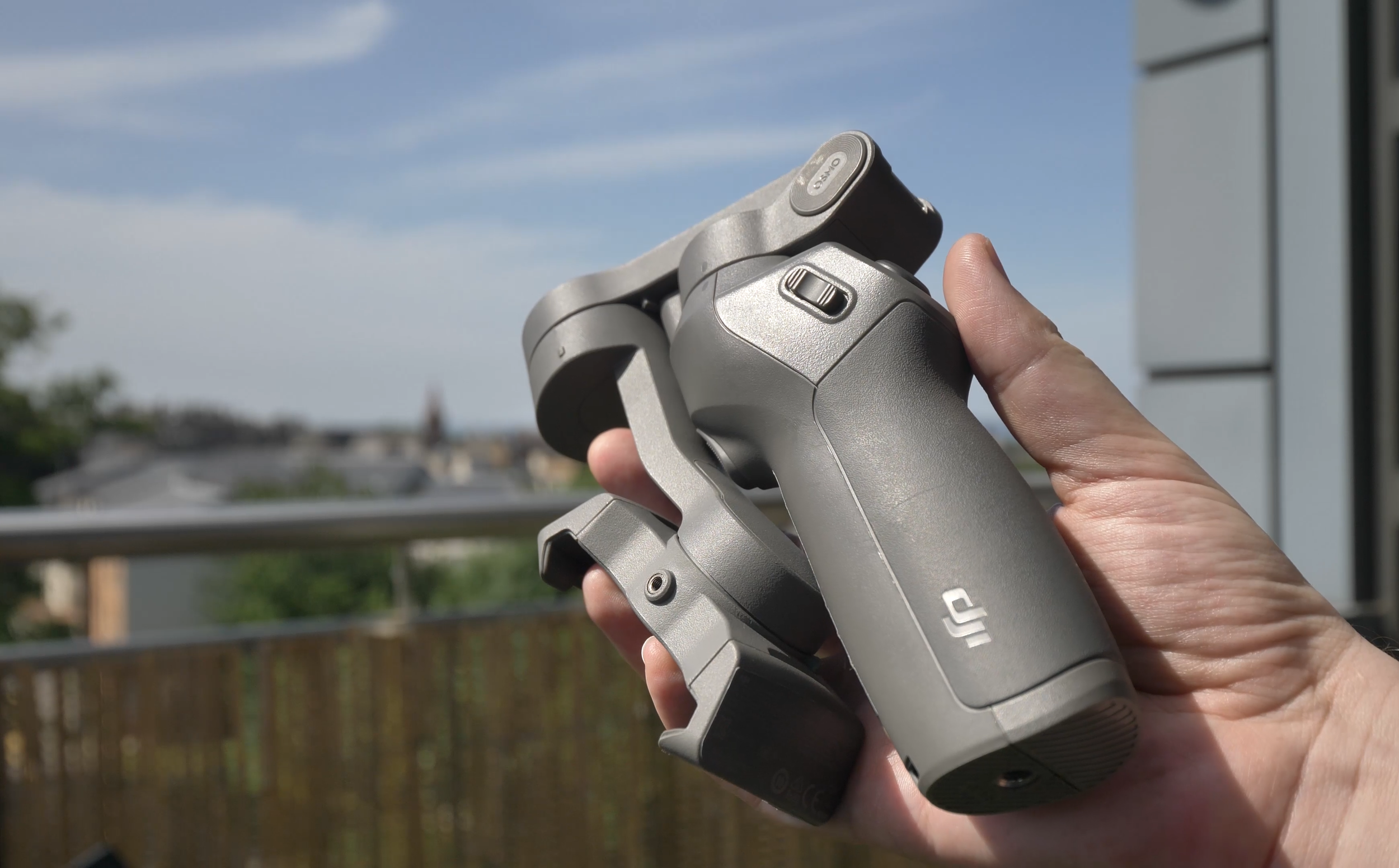
DJI Osmo Mobile 3 stabilizer, folded
We’ve been using the DJI Osmo Mobile 3 gimbal for some time now, and we’ve just released the full video review of the device on the Tech Travel Geeks YouTube channel. You can watch it below, or continue reading for the written review.
You can buy the Osmo Mobile 3 Combo on Amazon: https://amzn.to/2X1HQkY
Video stabilisation
Let’s just start with what this product is and why you might need it. It is a mobile phone gimbal, which provides one of the best video stabilisations for your phone. It will allow you to take some buttery smooth footage while filming on the move.
Here’s a sample video we filmed near Arthur’s Seat in Edinburgh, Scotland, using the Osmo Mobile 3 and the Huawei P30 Pro:
There’s a spring-loaded tension grip where you put your phone and keep it there securely. Luckily, there’s some curvature, so unlike some other devices or phone handles, it won’t press your power or volume buttons by accident.

Grip of the Osmo Mobile 3
It should fit most devices without a case or with thin cases on them, but thick gaming or rugged phones like my Doogee S95 Pro might not fit securely, so be mindful of that - it should work with phones of up to 9.5mm.
Before each use, you should balance it to get the best stabilisation of your footage, just make sure it’s nicely centered.
The footage comes out great, as you can see in some test footage. Everything is smooth and very stable, it’s best in class at the moment.
It’s great that you can use it both to film yourself, vlog-style, as if you had a stabilised selfie stick, or film your surroundings, at a flick of the switch.

Using DJI Osmo Mobile 3 as a selfie camera
Build quality
The gimbal is much smaller than I expected, especially when it’s folded. The fact that it folds is one of my favourite features - large size is the main reason I don’t use my large Zhiyun Crane gimbal for my main camera.

DJI Osmo Mobile 3 with Huawei P30 Pro compared to Zhiyun Crane and a Panasonic Lumix G80 camera
You can easily notice its weight at 404 grams or 14 ounces, but it makes it sturdy and very solid. Overall, despite it being made of plastic, I really like the build quality and the fact that it fits nicely with the DJI design language.

DJI Osmo Mobile 3 next to the original DJI Mavic Air drone
Hardware controls
When it comes to hardware controls, make sure you check the unboxing video, which you can find embedded below. We went there through all of the controls on the device like the joystick and the buttons. With those controls, you’ll be able to tilt, zoom, record, switch between camera positions, all without touching your screen. The controls are really handy and allow to focus on filming. It’s also great that you can configure the speed of response to get more cinematic footage. Plus, the battery life is fantastic - 15 hours should last a few days of shooting, plus it even lets you charge your phone, so you basically get a free powerbank included, great stuff.
Software
The Osmo Mobile 3 comes with the DJI Mimo app, which is a bit of a mixed bag, especially on Android. Interestingly, DJI released a major software update as we were finishing this review, so my device is actually better now than it was just a few days ago.
One of the issues was to do with frame rates and slow motion. Up until recently, you could only shoot 30 frames per second and there was no slow motion option. After the release, some phones now should have 8 times slow motion support - it works on my Huawei P30 Pro, but not on the Samsung S9+, which should support it as well. Similarly with 4K 60 frames per second, which my Samsung should support, but all 60fps options are greyed out. On Huawei, I can select 60fps options in FullHD, but since the phone itself doesn’t support 4K60, no luck for me there.

Limited frame rate selections currently on Samsung Galaxy S9+
When supported, slow motion functionality can be quite useful, so I hope DJI continue working on improving the app.

Filming slow motion video with DJI Osmo Mobile 3
The other major issue is that there’s no support for wide angle camera, you can only use the main lens. That’s a major bummer to me as well, since wide angle cameras are really cinematic in modern phones.

Lack of wide angle lens support on DJI Osmo Mobile 3
In addition to the video mode, there’s also photo mode, which can be useful for group photos - just enable gesture control and you can snap a great photo of yourself or with others.

Using DJI Osmo Mobile 3 with gesture control to shoot group photos
Functionality of the app depends heavily on the phone you have - in addition to missing slow motion, my Samsung S9+ didn’t have the night mode, HDR video or video bokeh, but to be honest, I’m not sure I’d be using any of them with the gimbal, since they have better equivalents in native camera apps.
However, the panorama mode is actually really useful with a tripod, so it’s worth checking out. It combines 9 photos into one, as per the example image below.

9x9 panorama photo taken on DJI Osmo Mobile 3 and Huawei P30 Pro
Timelapses are great and allow you to select up to four points which the camera will follow, as per the lovely shot of a swan which you can see in the video review.
There’s also hyperlapse, which is a moving timelapse or a video in fast forward. Stabilization helps a lot in this case. You might have seen it already in our sample footage, it’s really great.
Story Mode
So far, all the functions before are common in other camera apps, but two are quite unique to DJI Mimo. The first is the Story mode. It allows you to create short video stories, which follow a certain theme. There’s plenty of them to choose from, all with musical background and some transitions in between shots. Just follow the on-screen instructions and record between 3 and 6 quick shots, and the rest will be done automatically. For people who don’t have the time for video editing, this might be very useful. Just be careful - templates with text will actually add the text in, so you might end up with some random quotes like I did. What’s more, the default resolution is 720p (or HD), so you have to change that yourself, and you might also want to remove the Osmo watermark. Luckily, you only have to do it once.

Story mode in the DJI Mimo app by Moment
On the positive side, you can customize the templates or create your own, so if it’s something you’re into, it’s worth trying.
ActiveTrack 3.0
The main reason to use the DJI Mimo app, however, is the ActiveTrack 3.0 functionality. If you’ve used other DJI products like their drones or the professional Ronin stabilizers, you might have seen it before. Just draw a rectangle around a target and the gimbal will do all it can to keep it in the center. It works really great. On a trip in the hills, I actually tried to lose the tracking, but it kept up really well.

ActiveTrack 3.0 on DJI Osmo Mobile 3 is great at keeping track of the target
You can also use it for filming yourself. Maybe you want to start the best cooking show ever from your kitchen, but don’t have anyone to keep the camera aimed at you? No problem, Osmo Mobile 3 will move the camera and ensure you’re always in the centre of the frame. Or maybe you want to stream a heavy metal concert on Twitch, from the same kitchen? Sure, that’s also easy, just make sure you don’t drop your amp from the stove. The possibilities are endless.
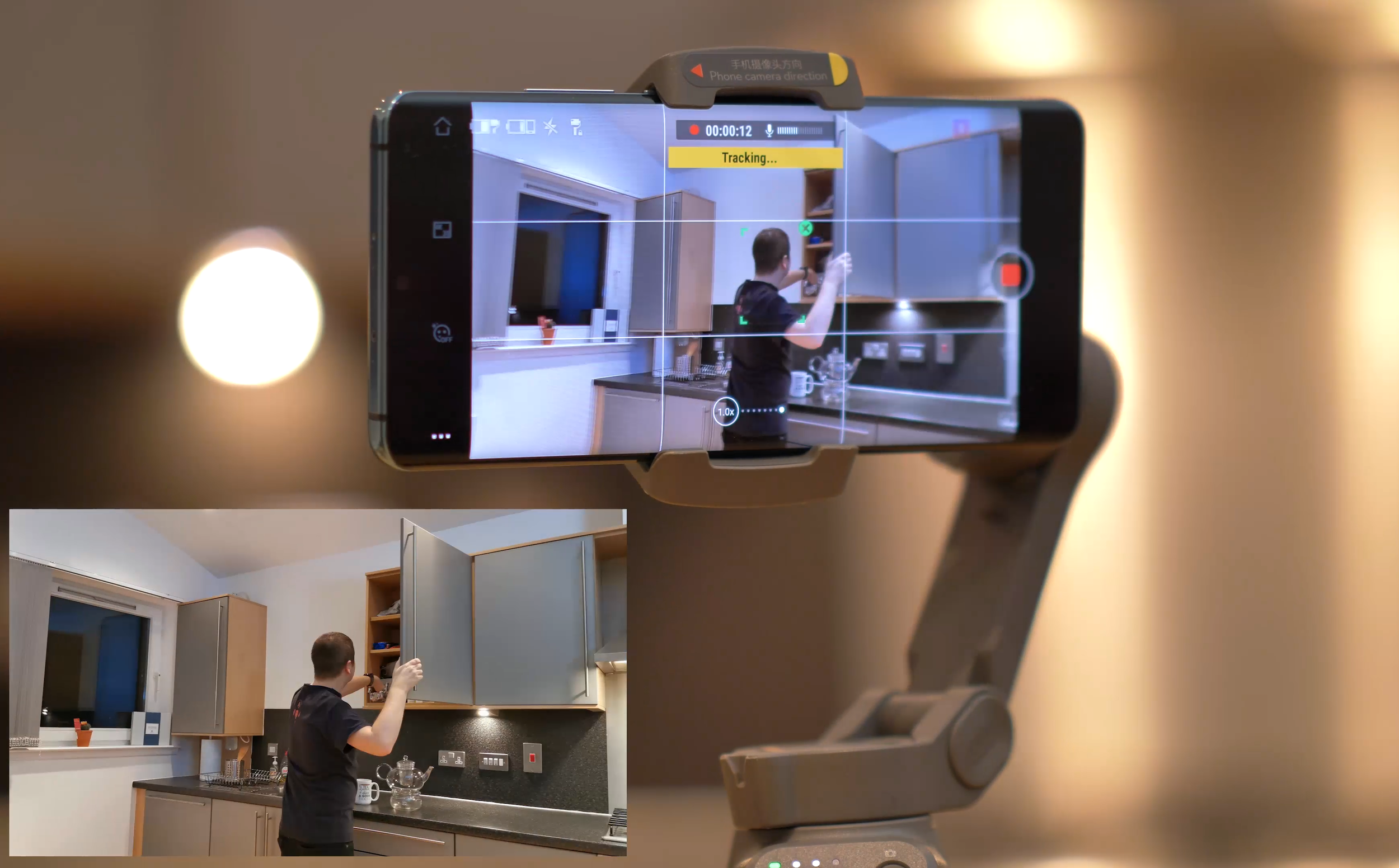
Filming yourself with the DJI Osmo Mobile 3
Overall thoughts
Overall, I really enjoy using the Osmo Mobile 3. I was a bit hesitant to start it, but once I learned how to use it properly and got to know all the features, I was sold. The image stabilisation is excellent and there’s a lot of great functionality to expand your filming toolkit. The app still needs some work, but other than that, I have no complaints.

DJI Osmo Mobile 3 with Huawei P30 Pro, as seen in the Scottish seaside
Thanks for checking this Tech Travel Geeks review!

Huawei P40 - All The Tech Travel Geeks Content
This is where you will find all the Tech Travel Geeks content we have created about the Huawei P40.
The Huawei P40 is available to purchase on Amazon here: https://amzn.to/2zSYGdZ
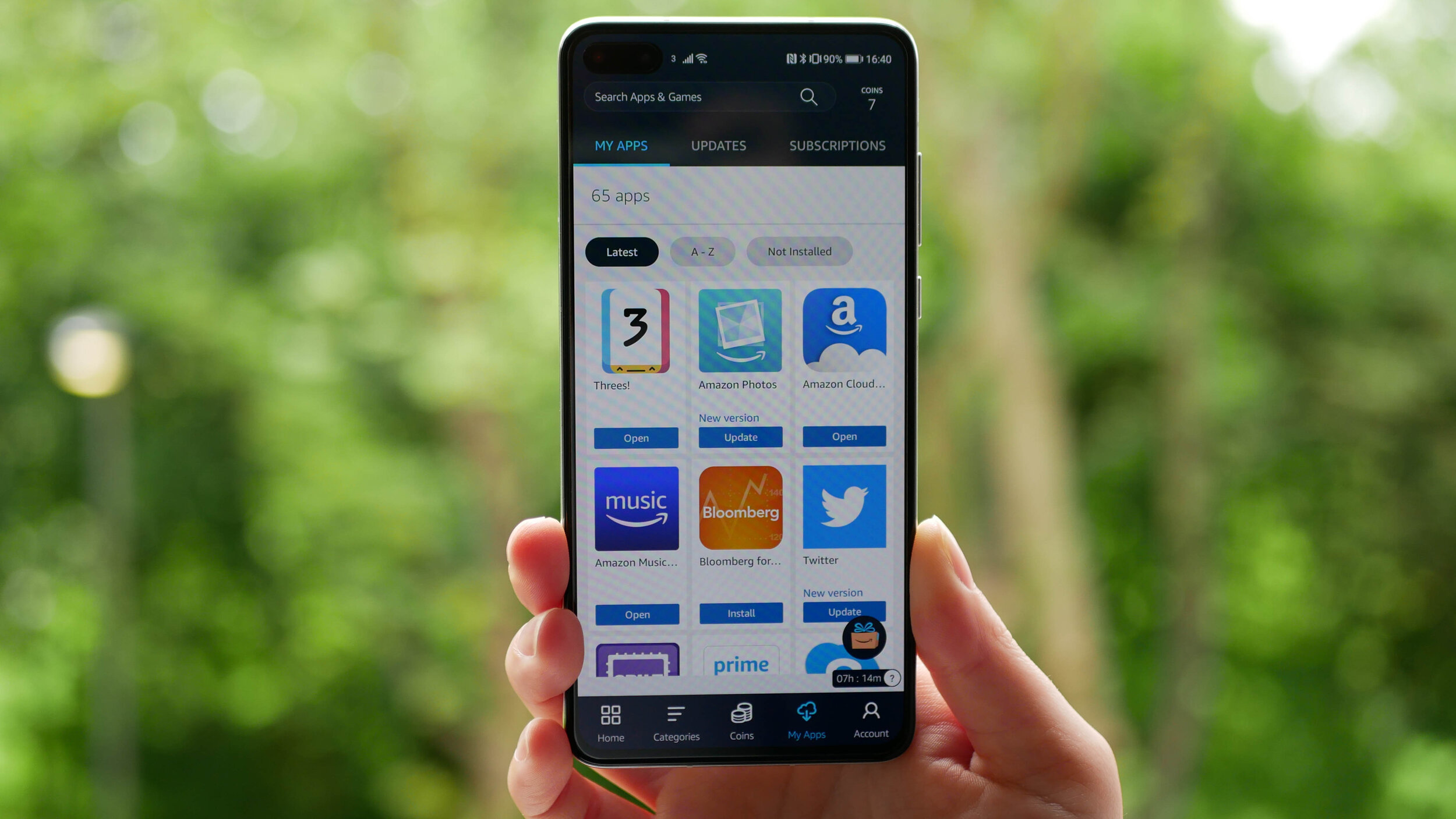
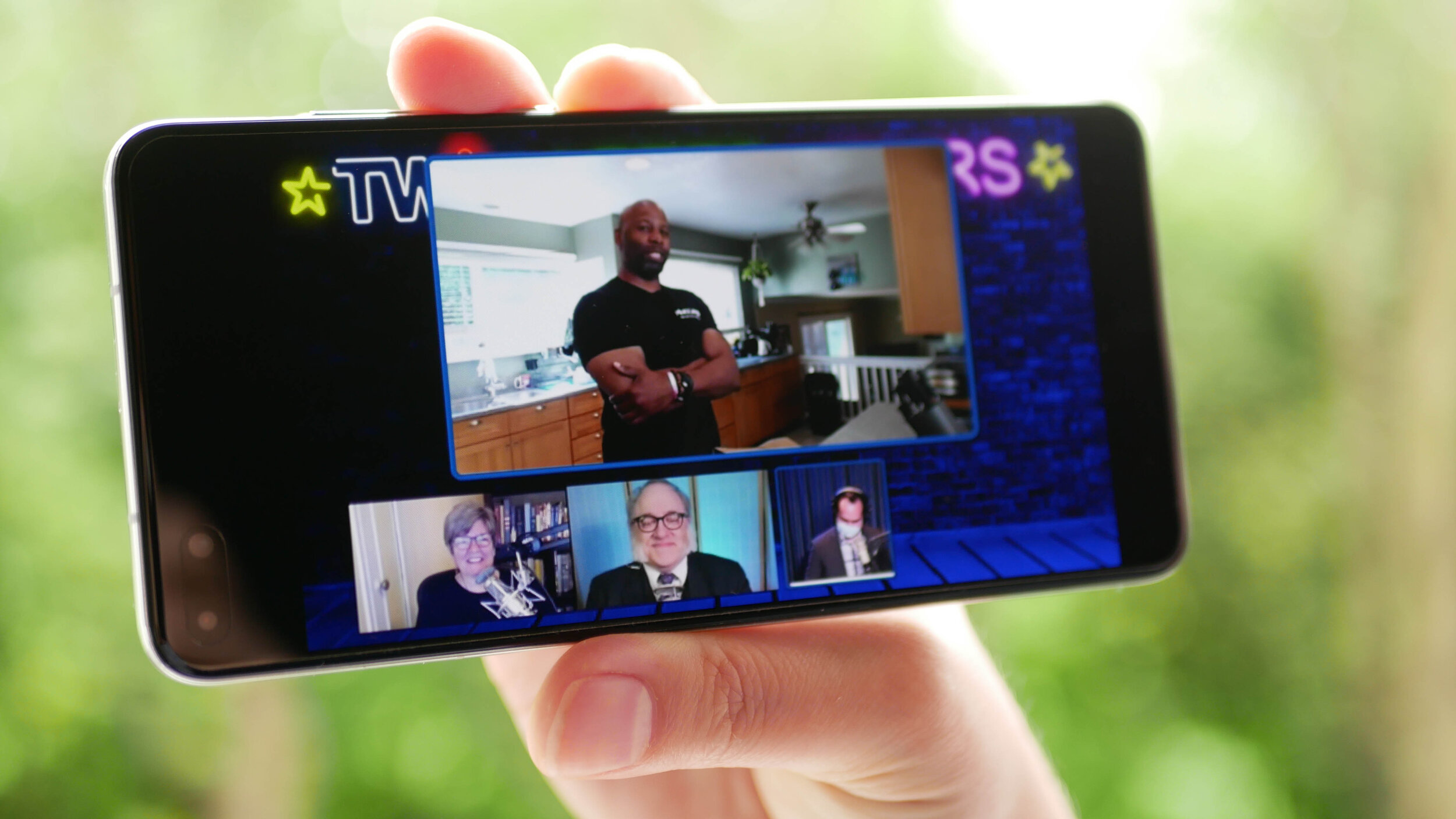
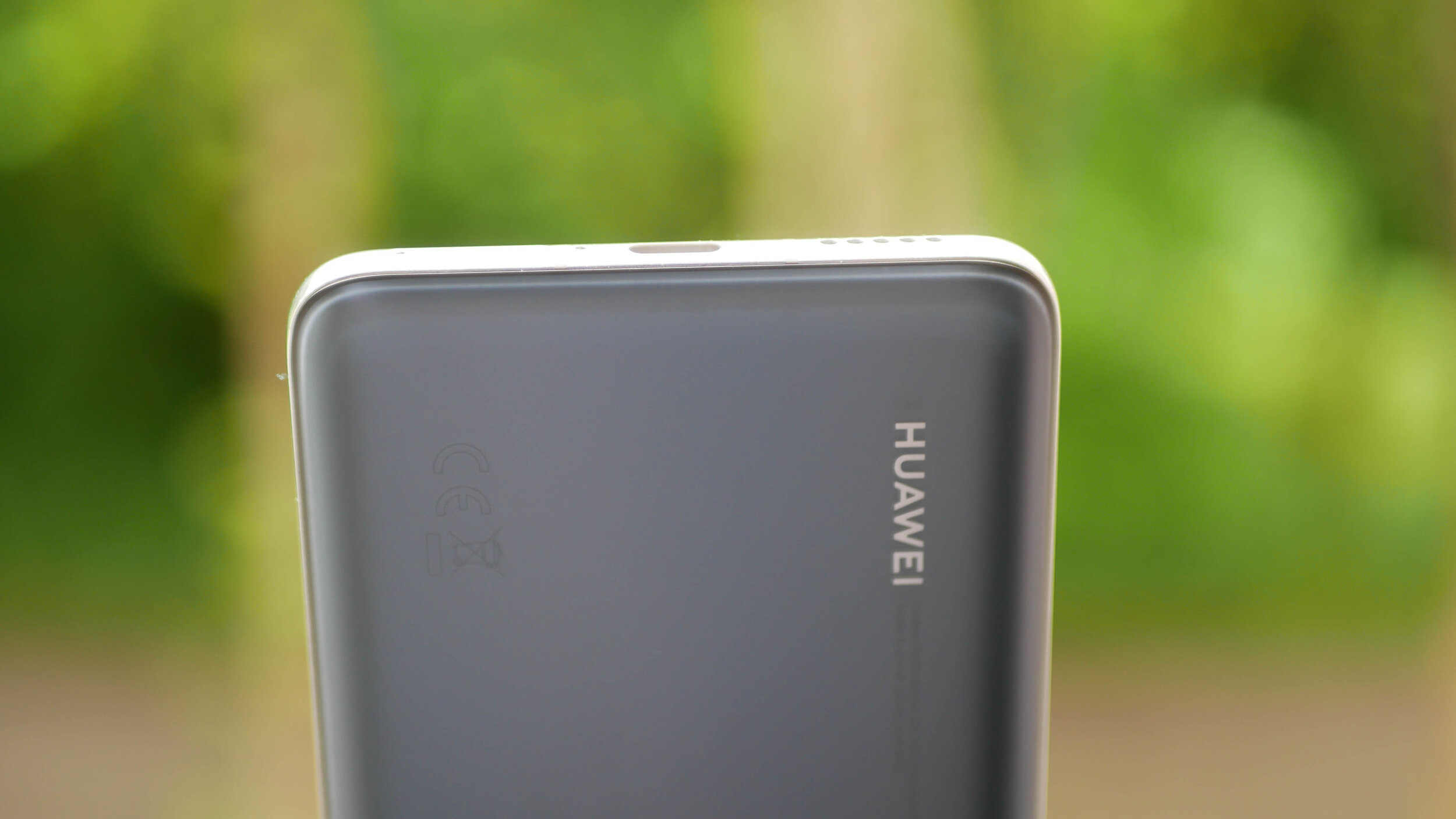
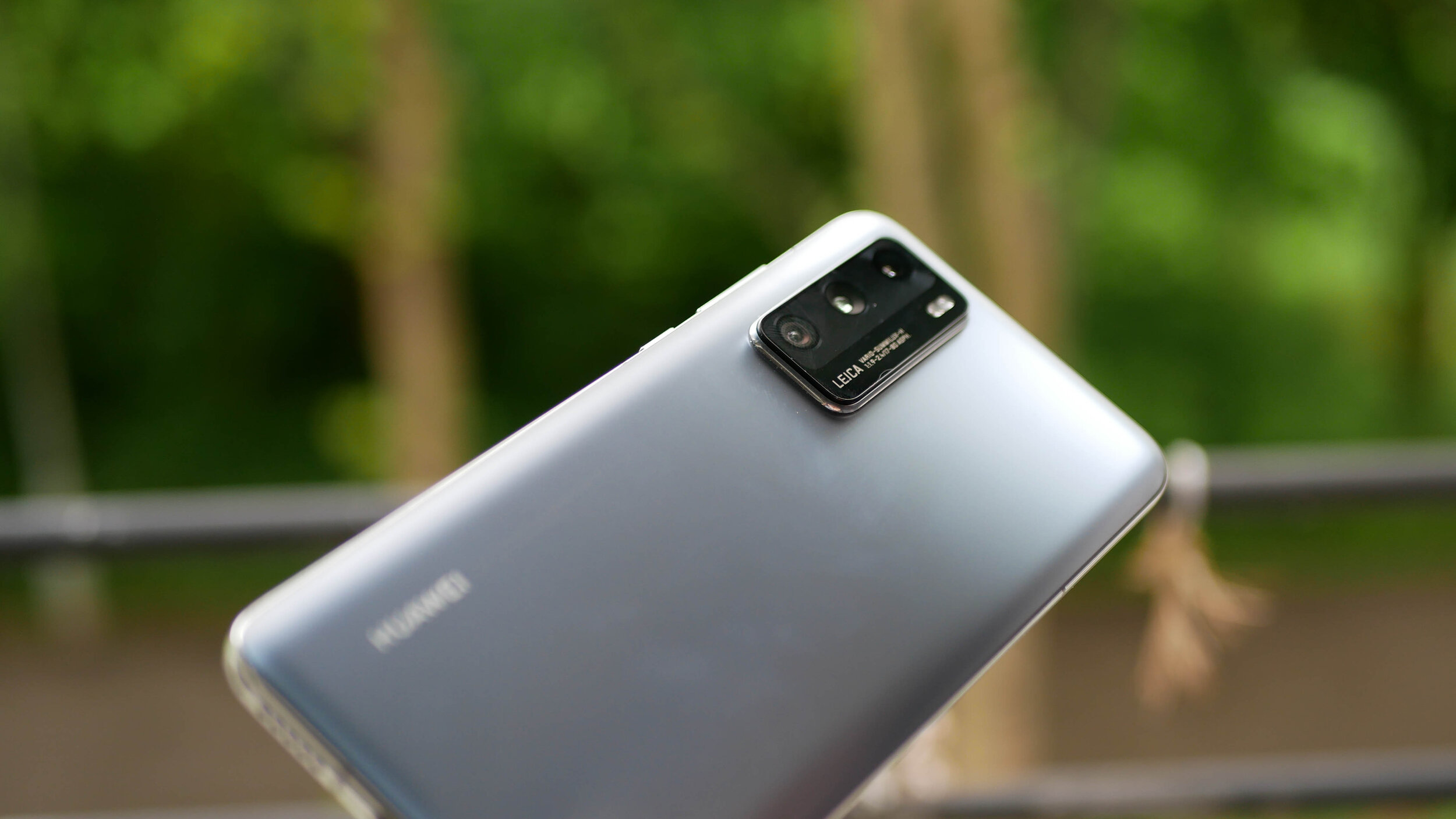
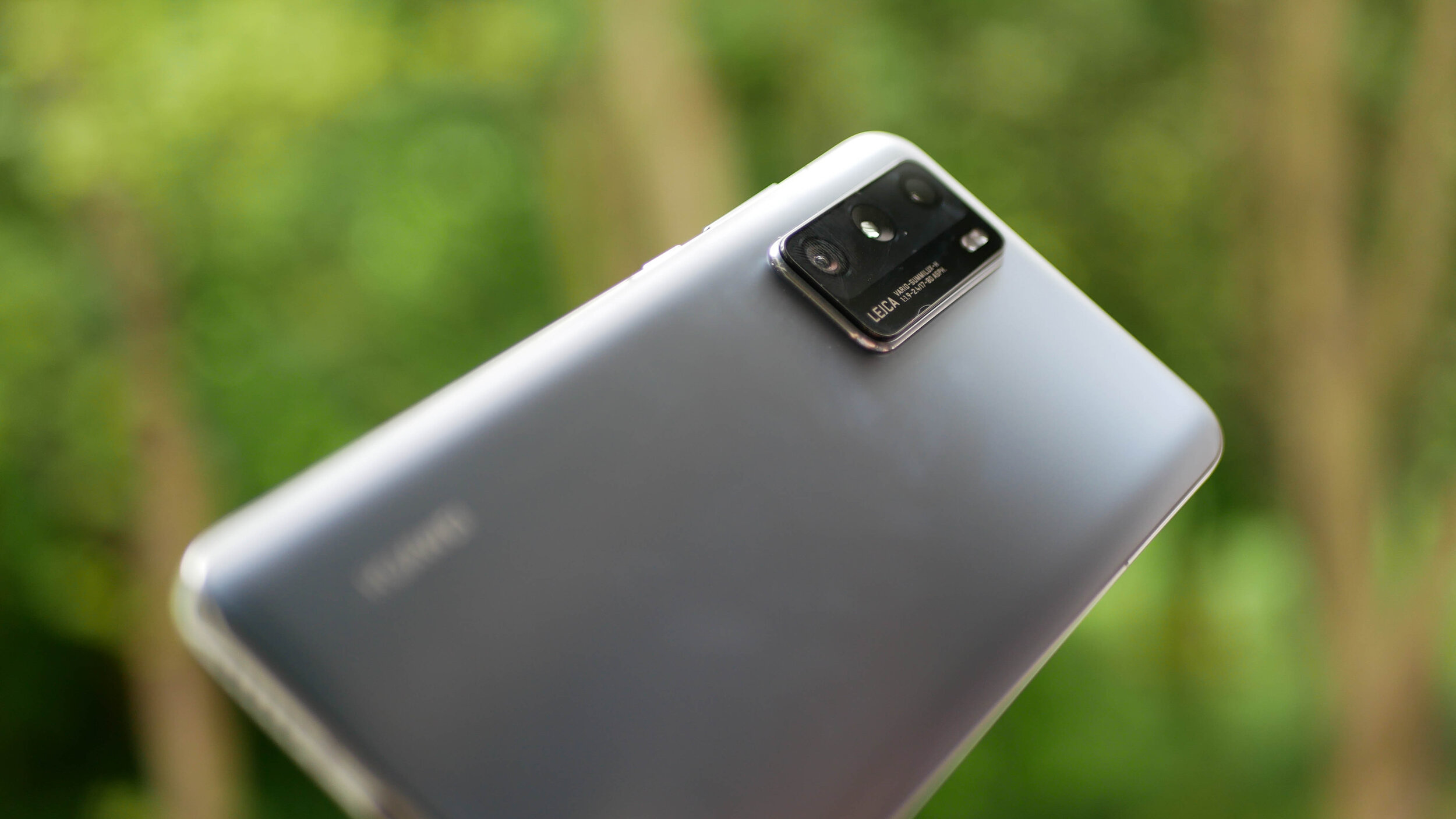
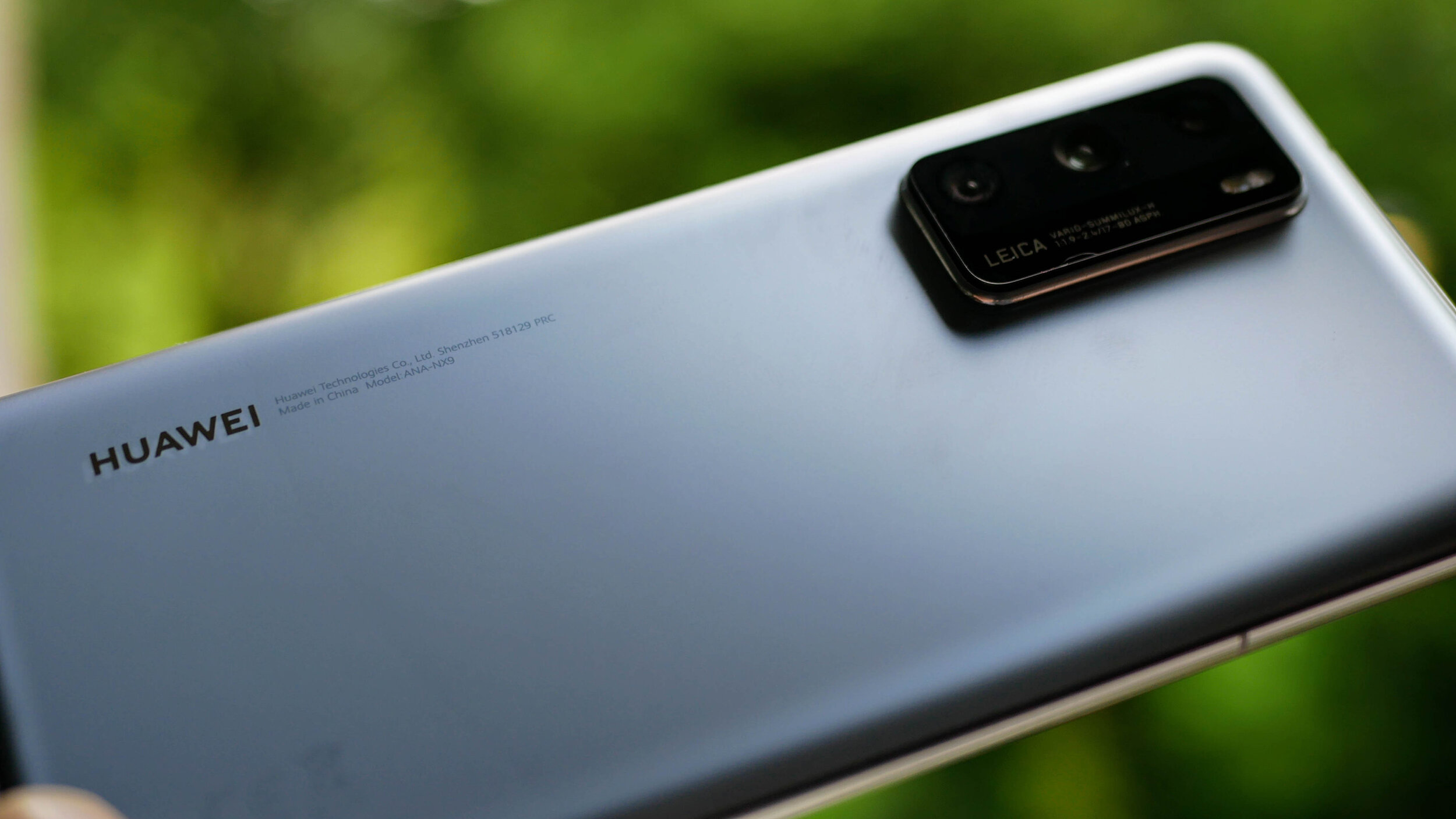
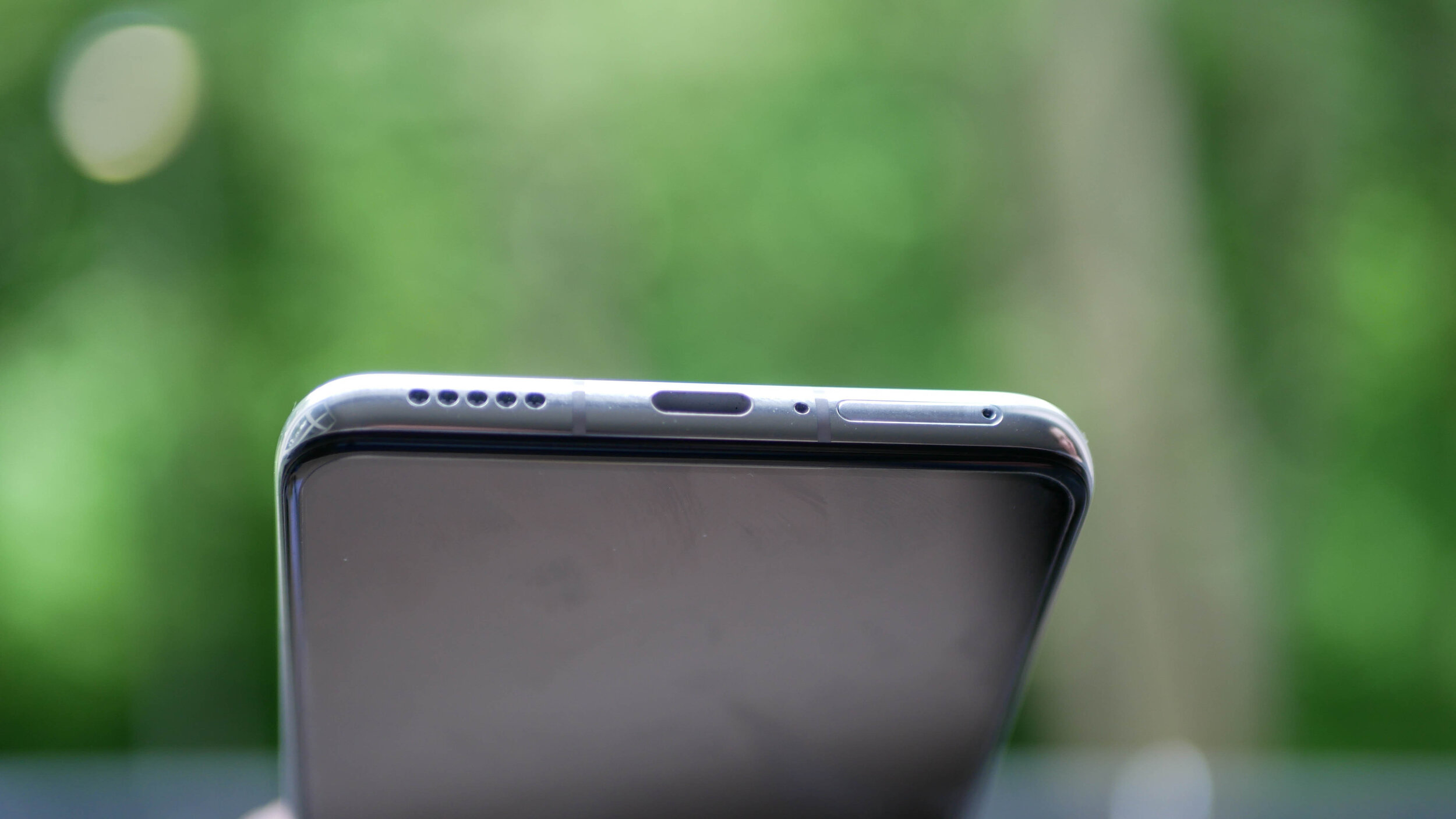
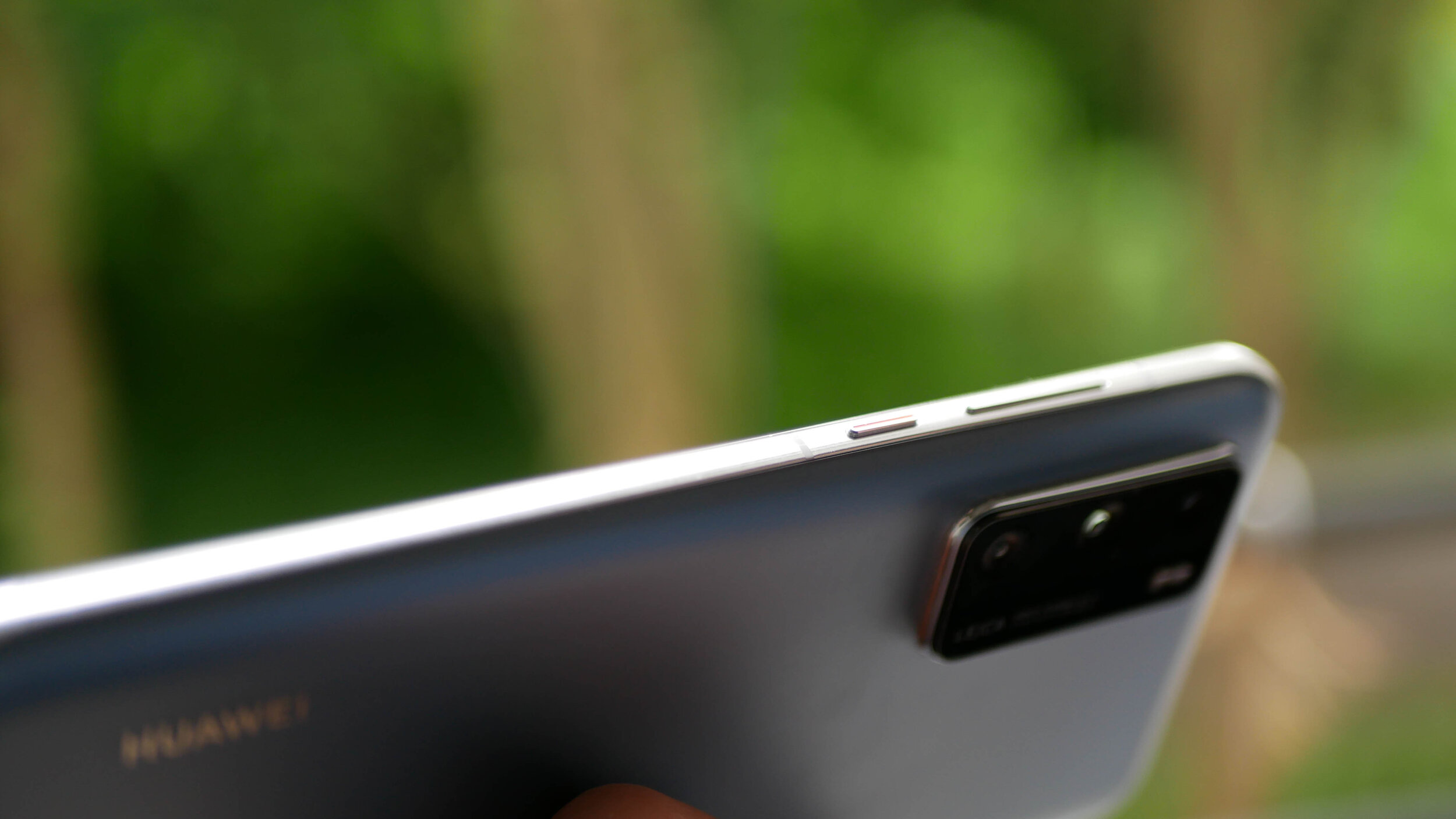
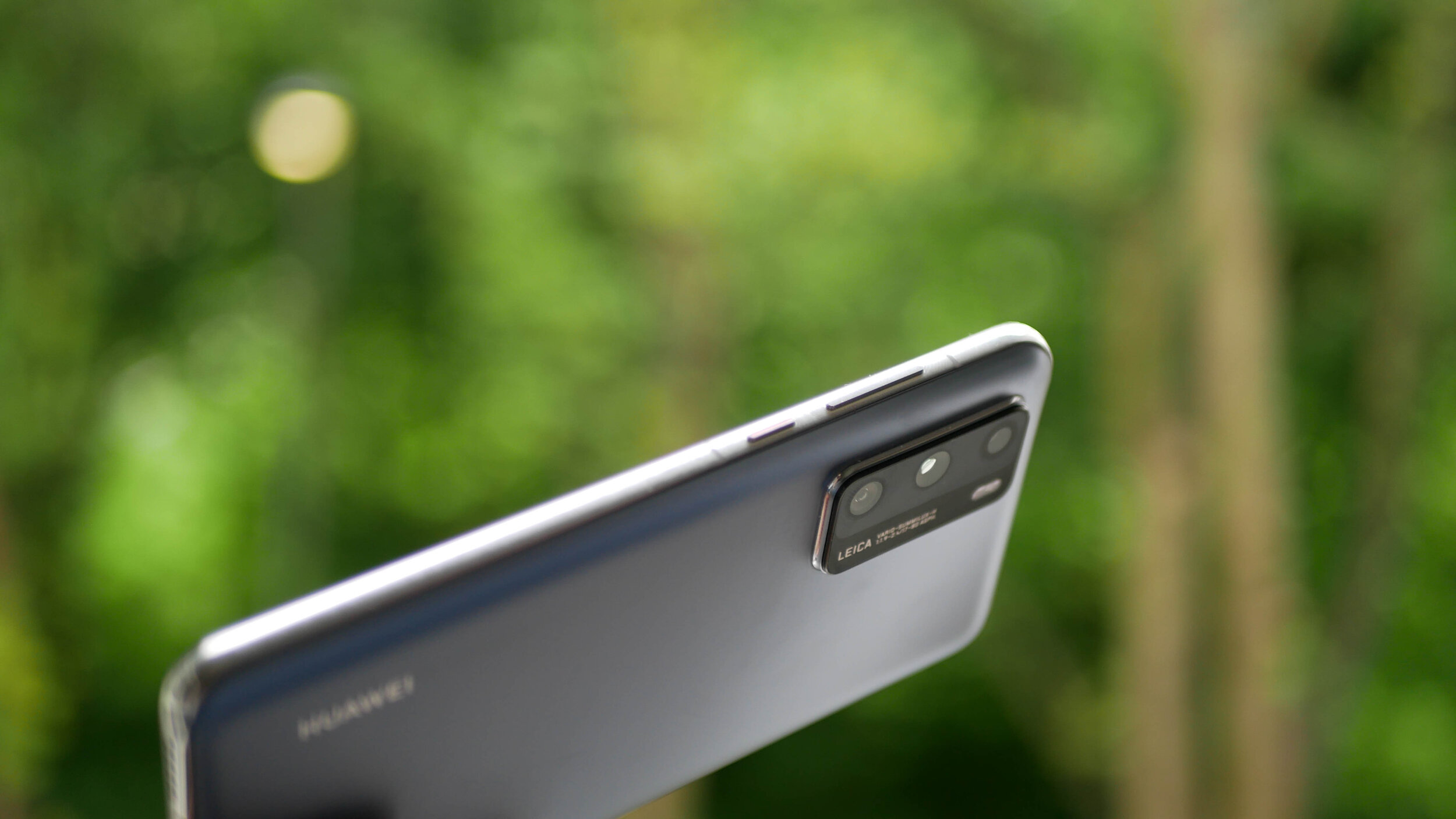
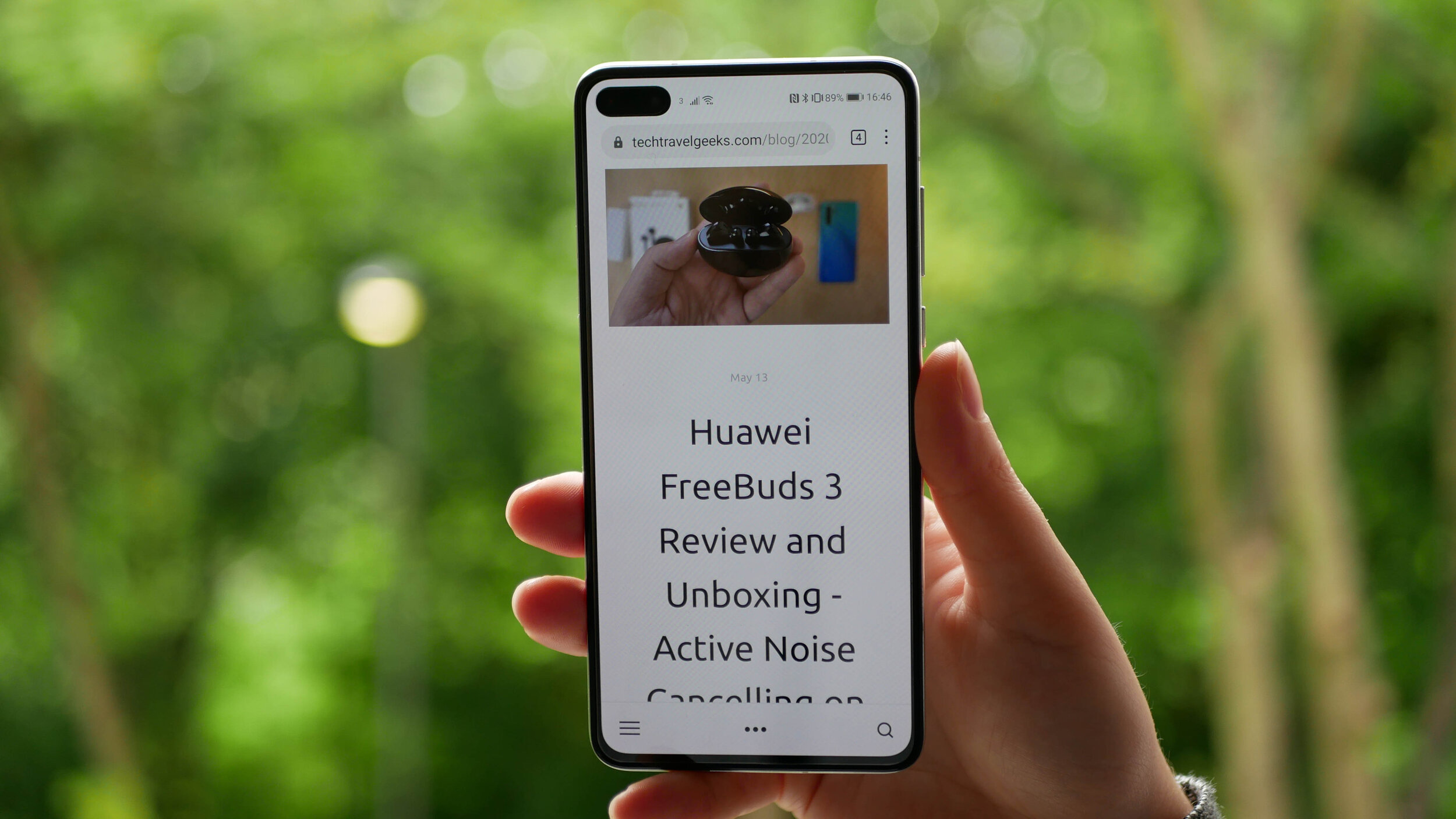
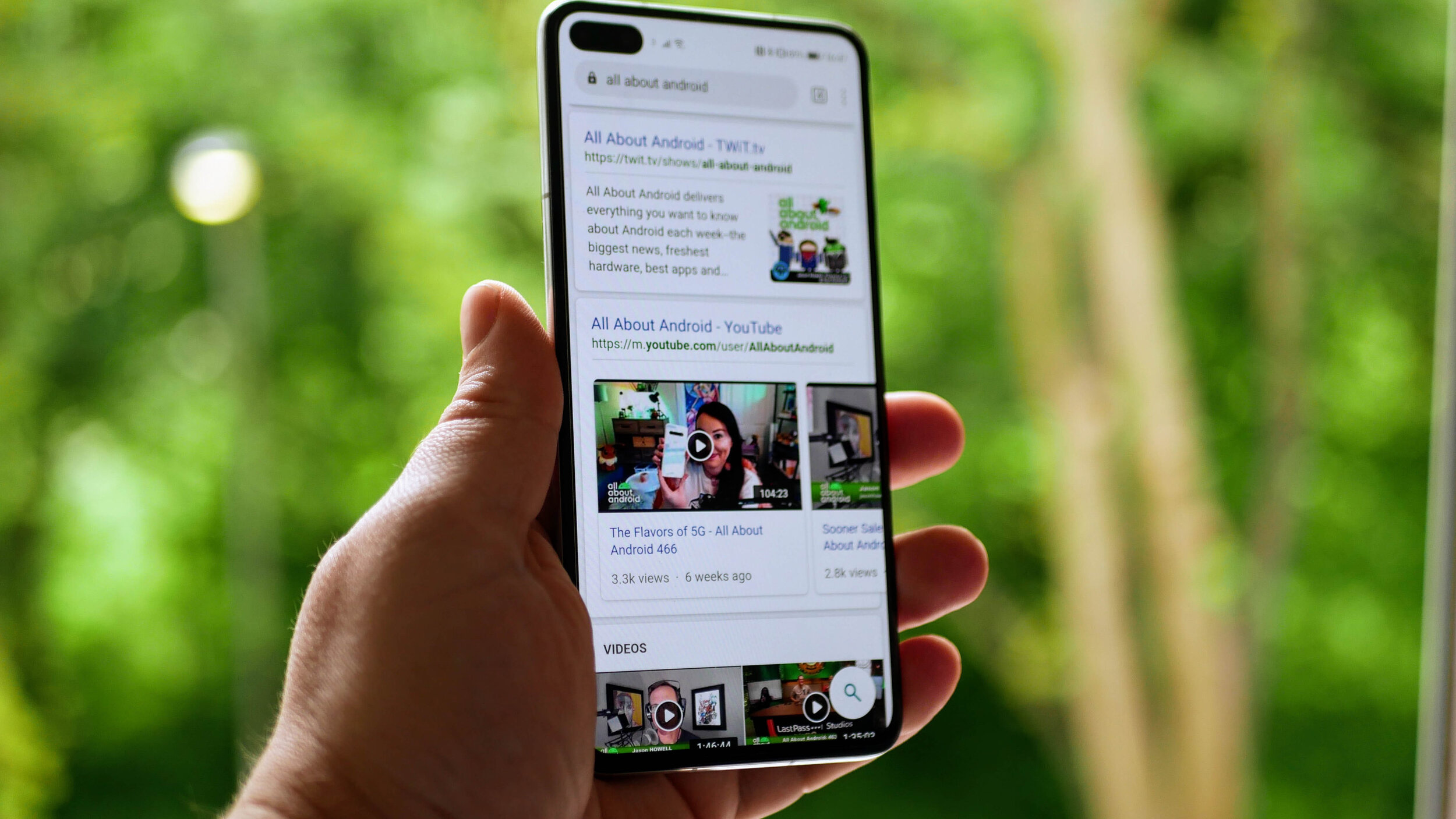
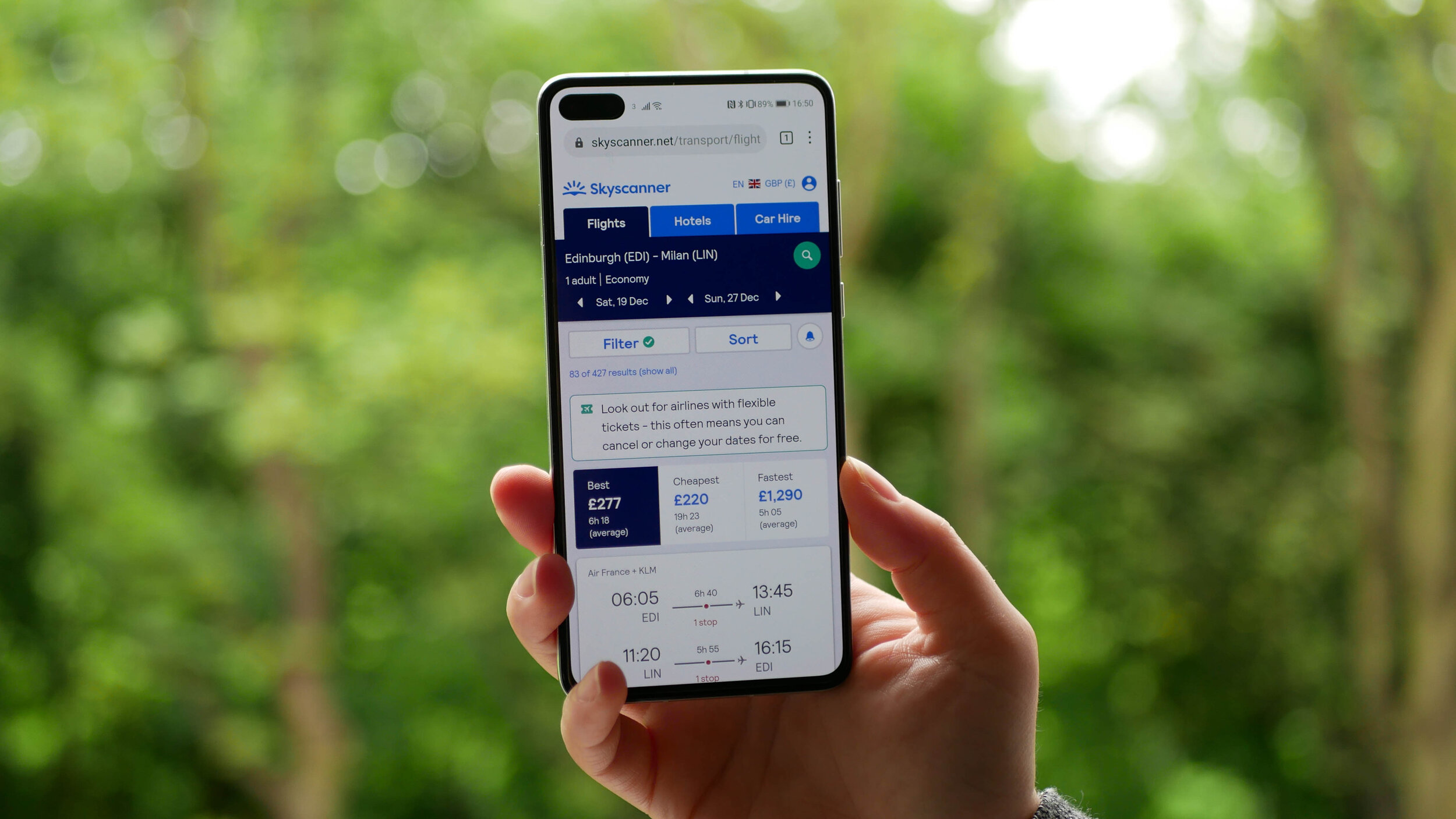
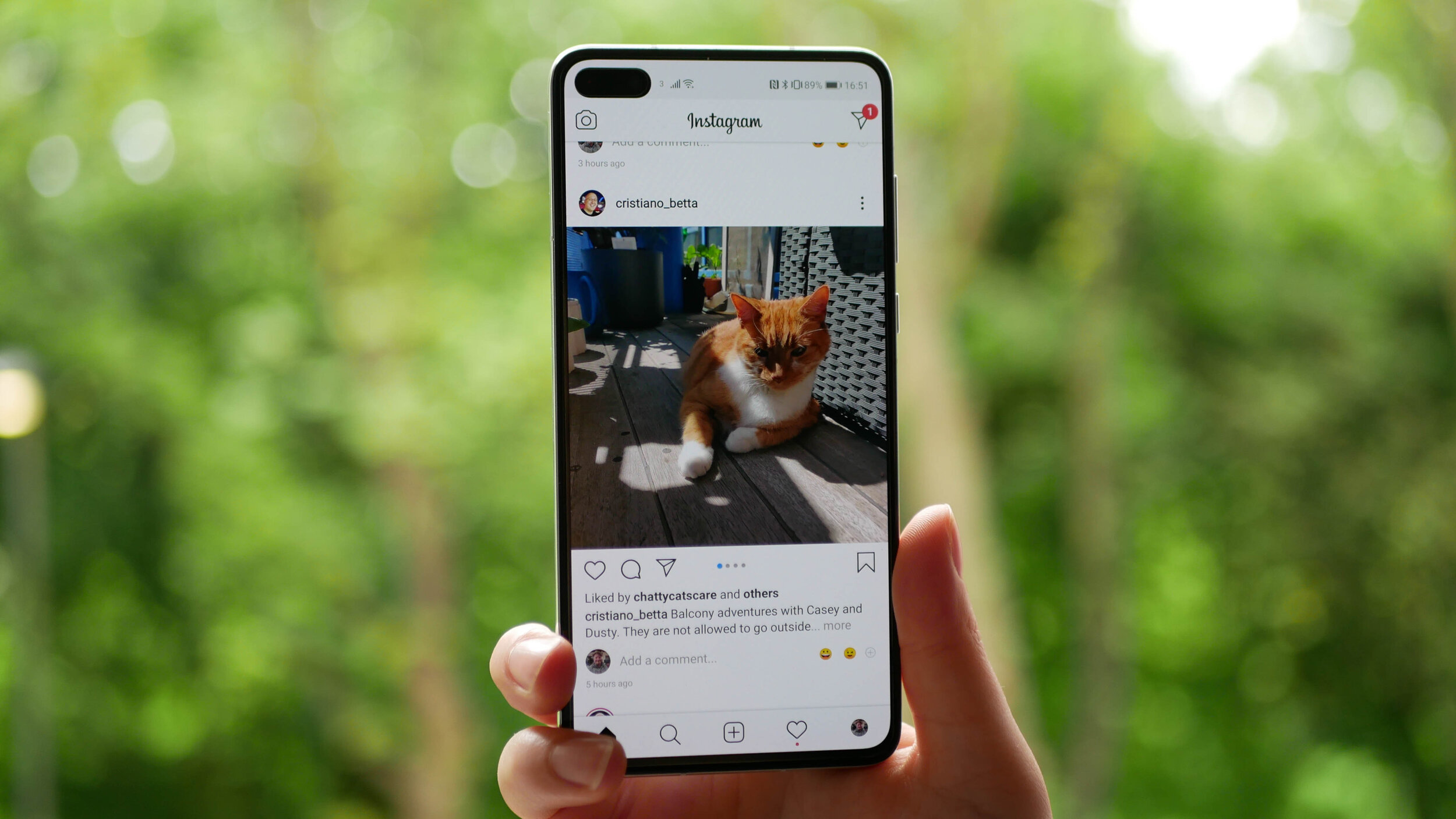
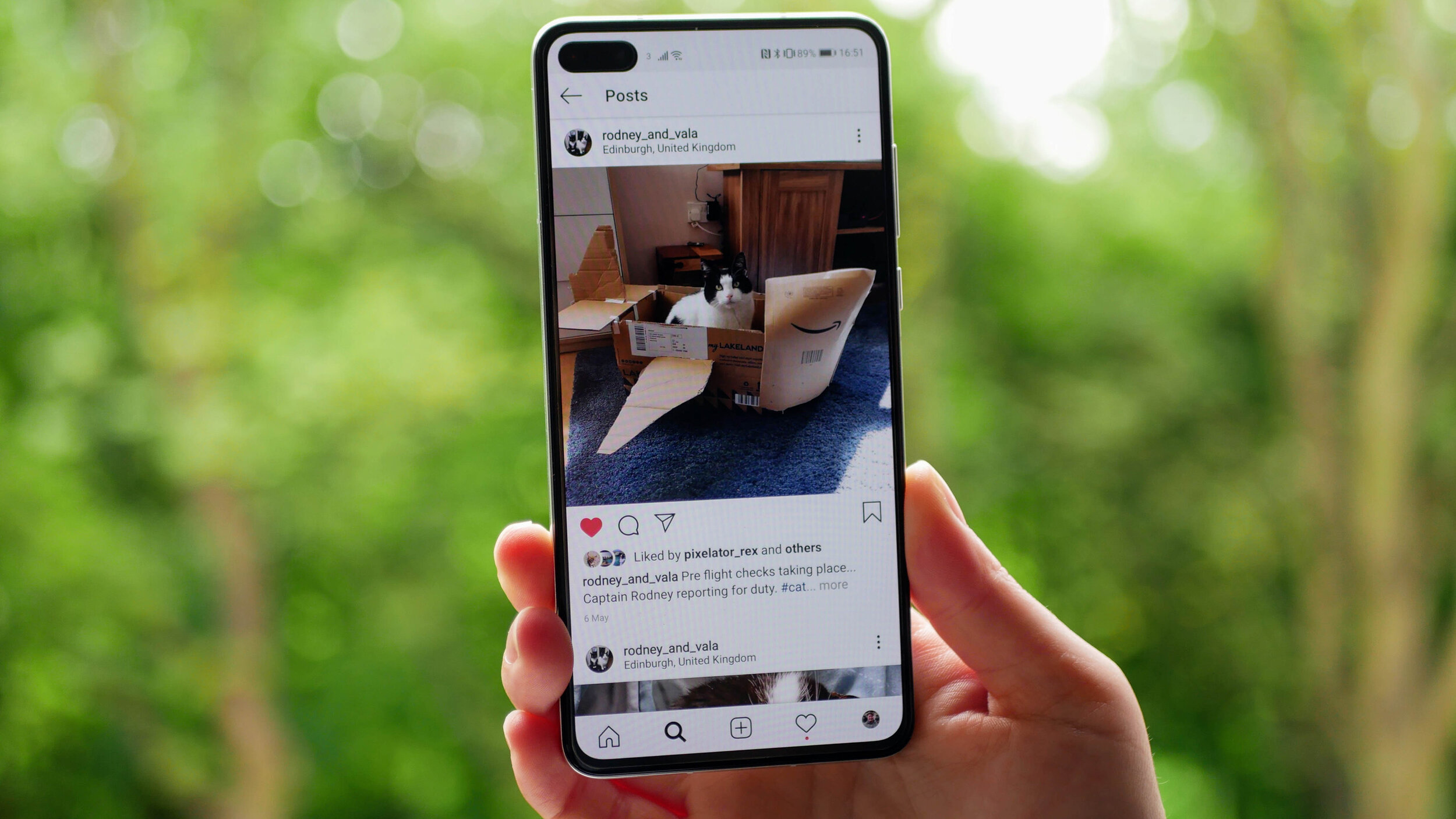
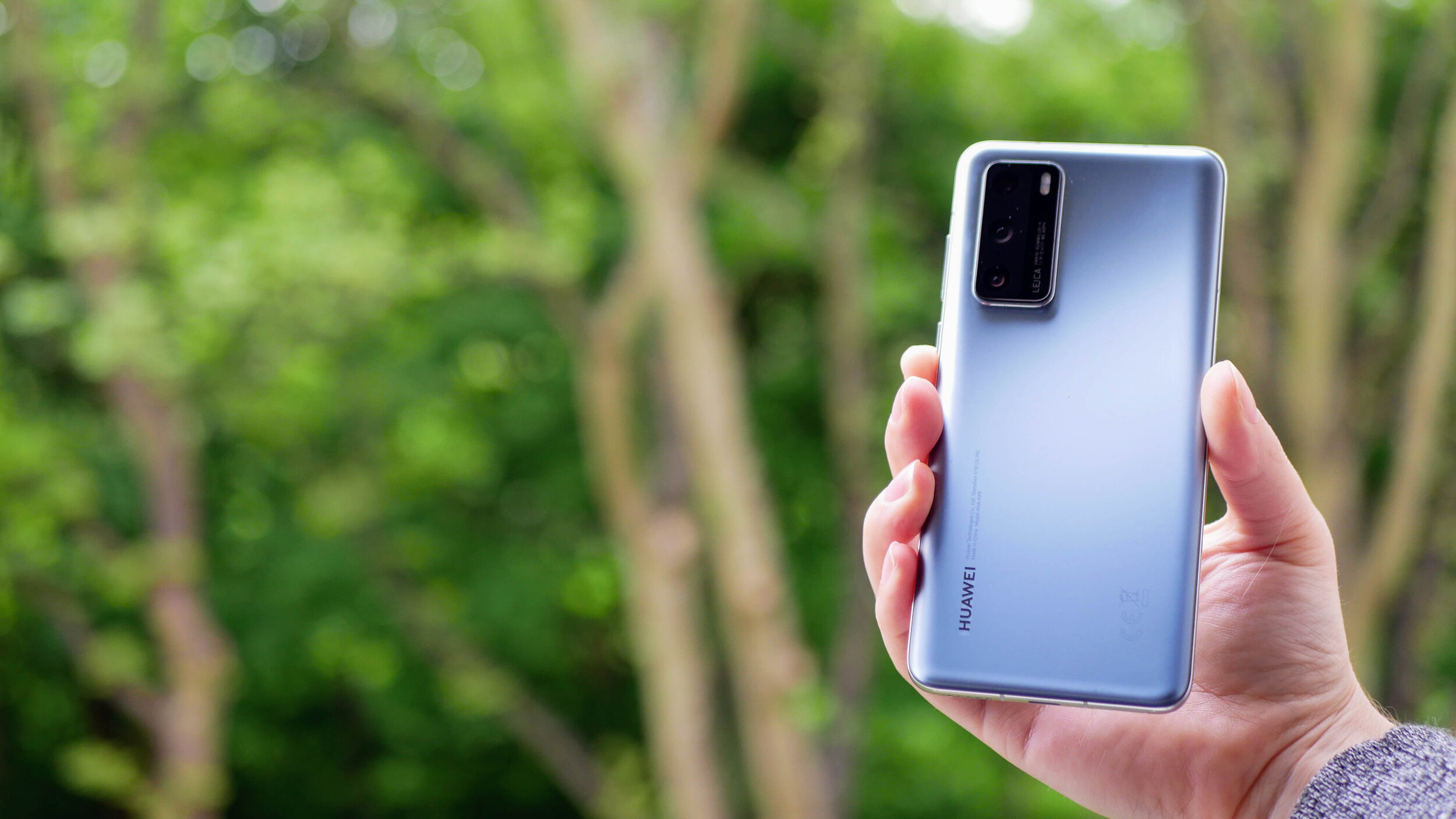
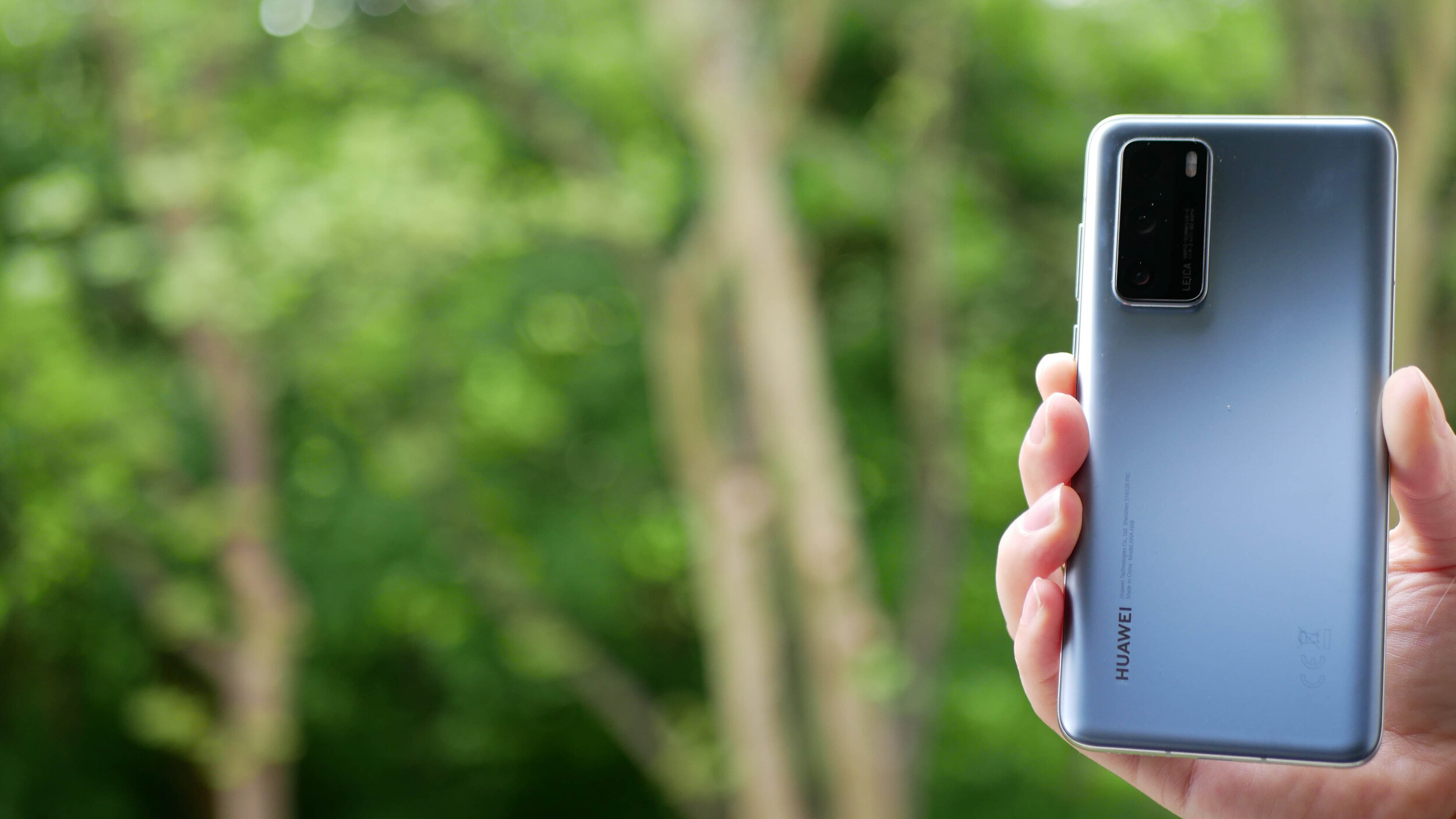
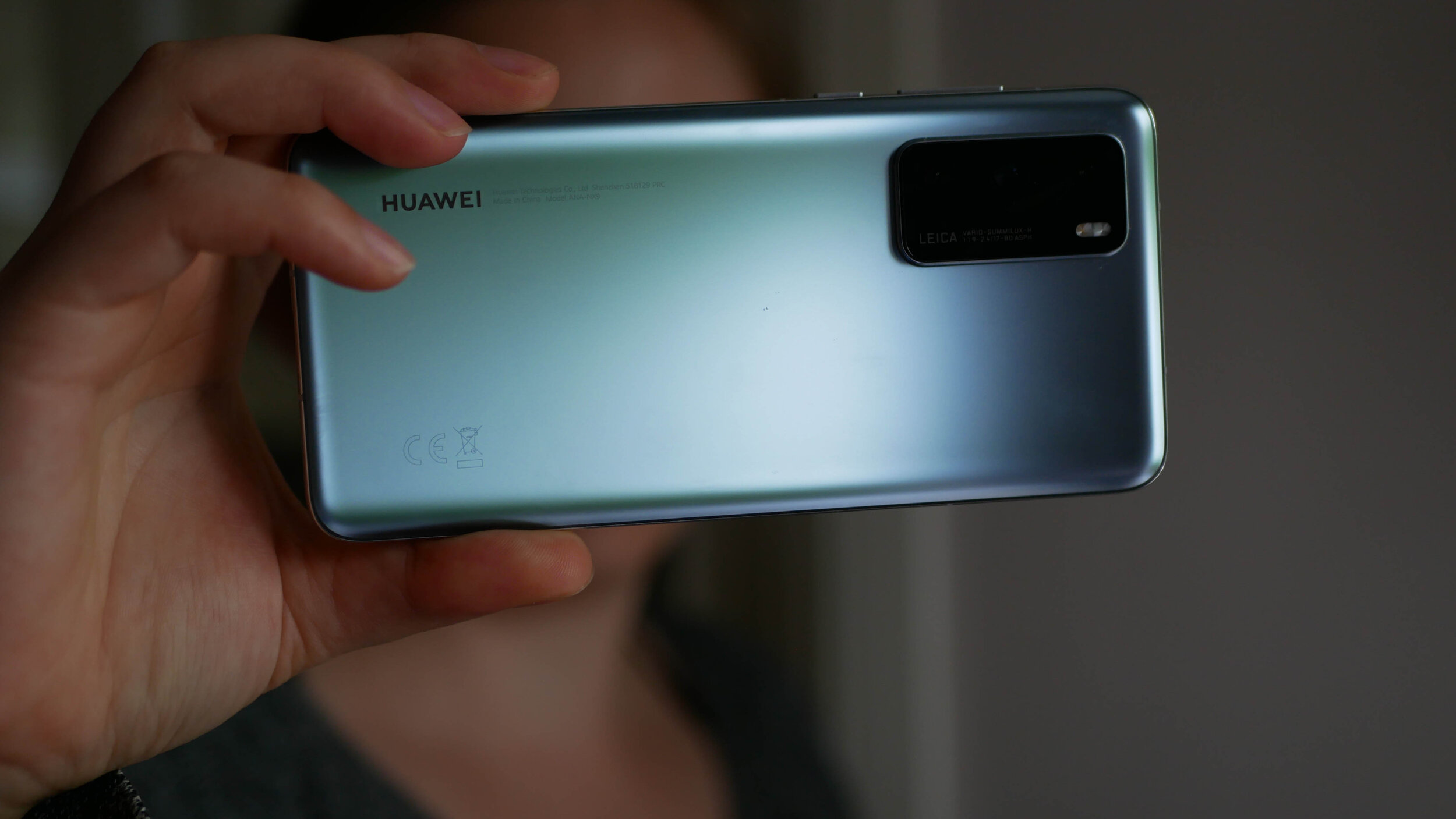
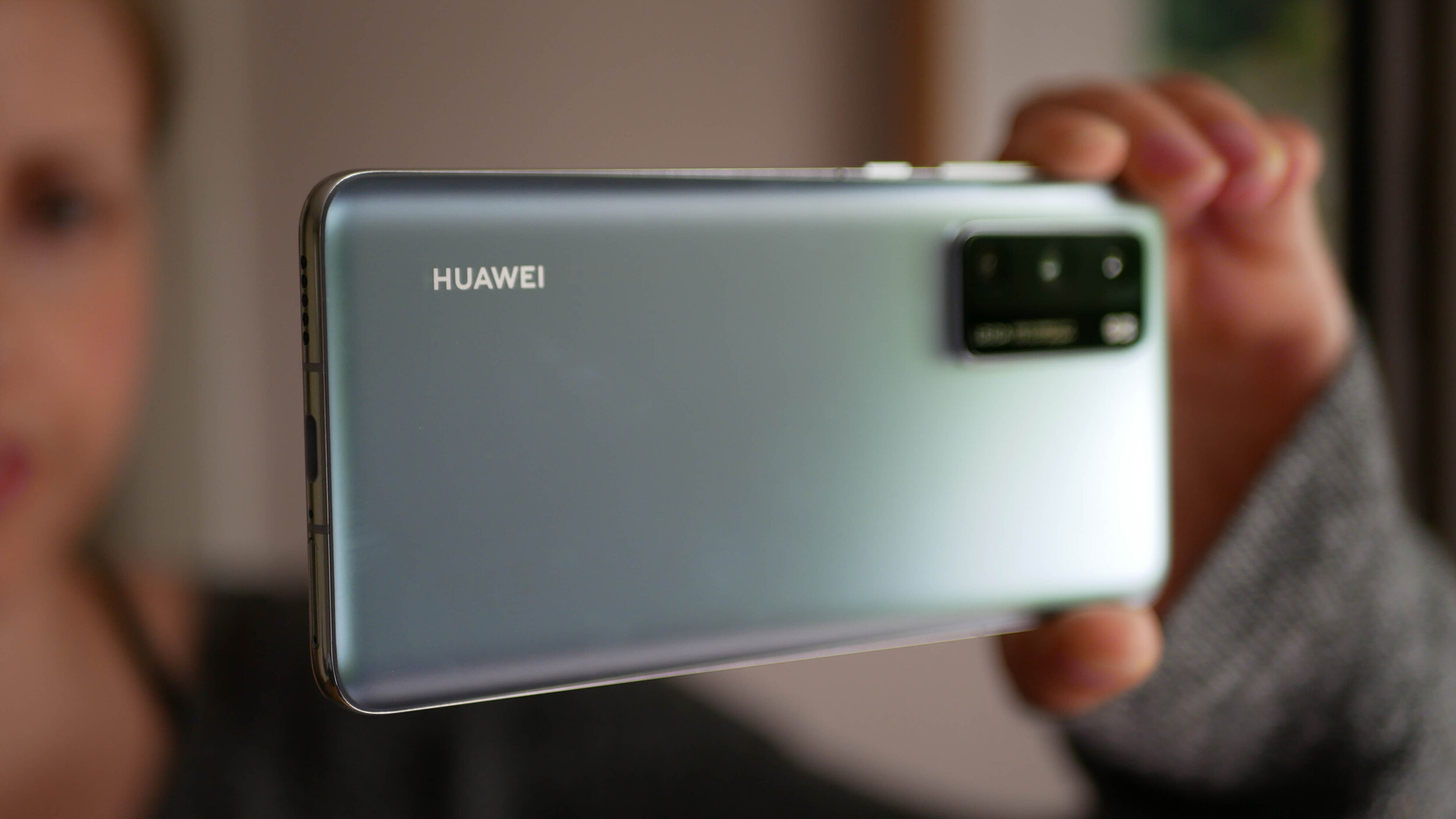
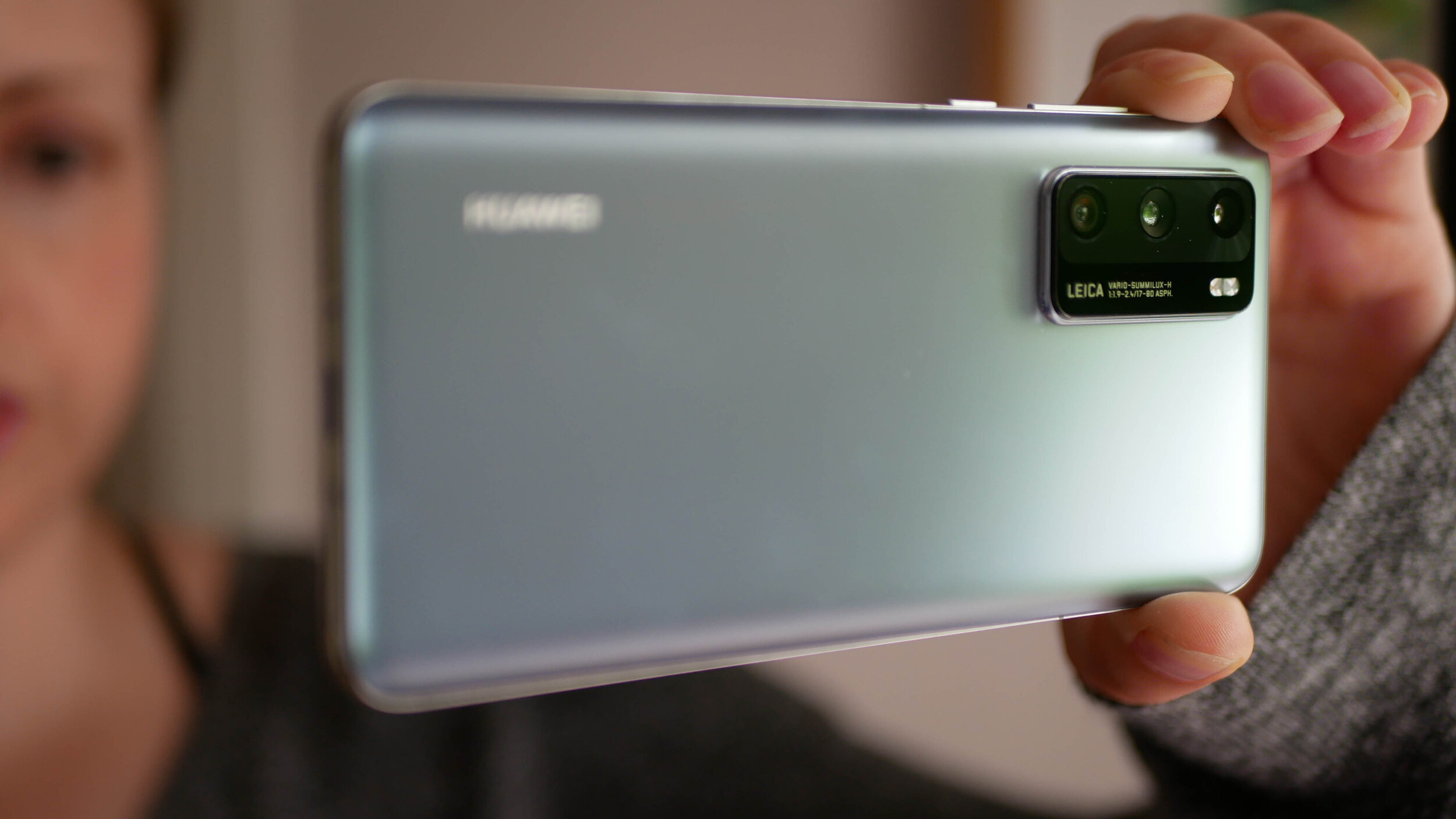
The gallery above is of the device and will be used in All About Android. Subscribe at TWiT.tv/aaa
As time goes by and we release more content, we will add it here.
Feel free to leave a comment if you have any feedback or questions.

Xiaomi Redmi Note 9S - All The Tech Travel Geeks Content
This is where you will find all the Tech Travel Geeks content we have created about the Xiaomi Redmi Note 9S.
The Xiaomi Redmi Note 9S is available to purchase on Amazon here: https://amzn.to/3bFaHB3
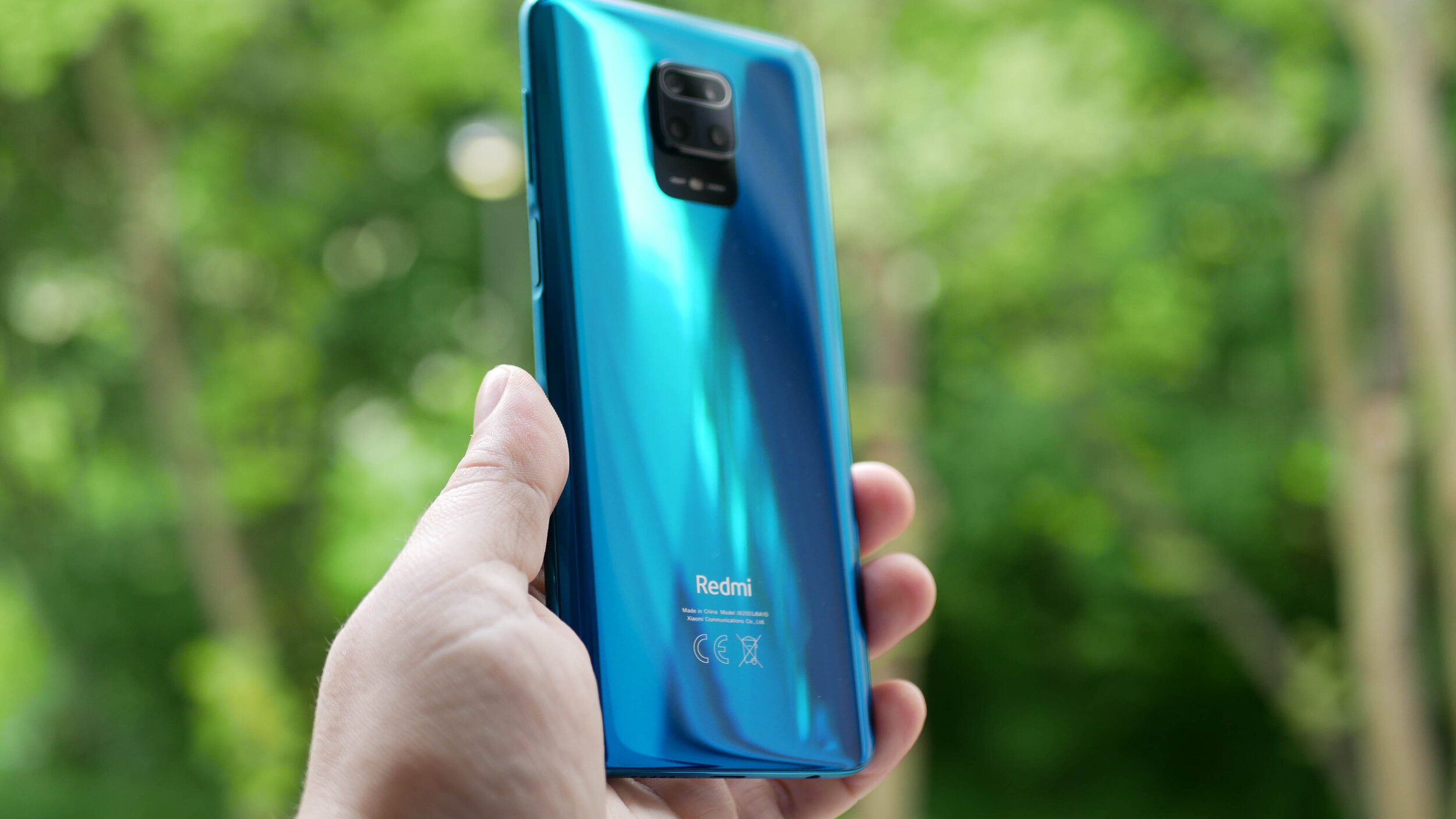
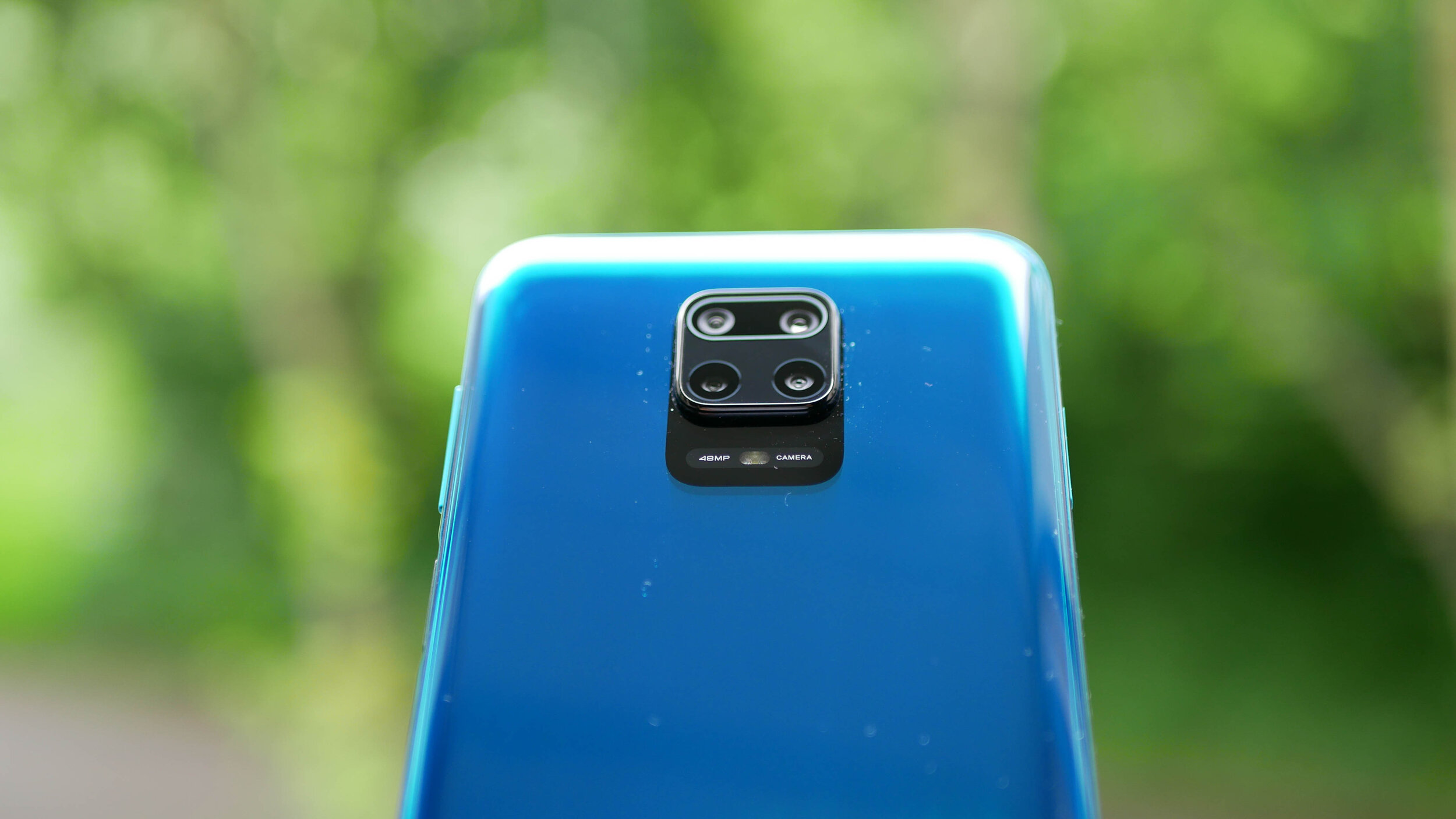
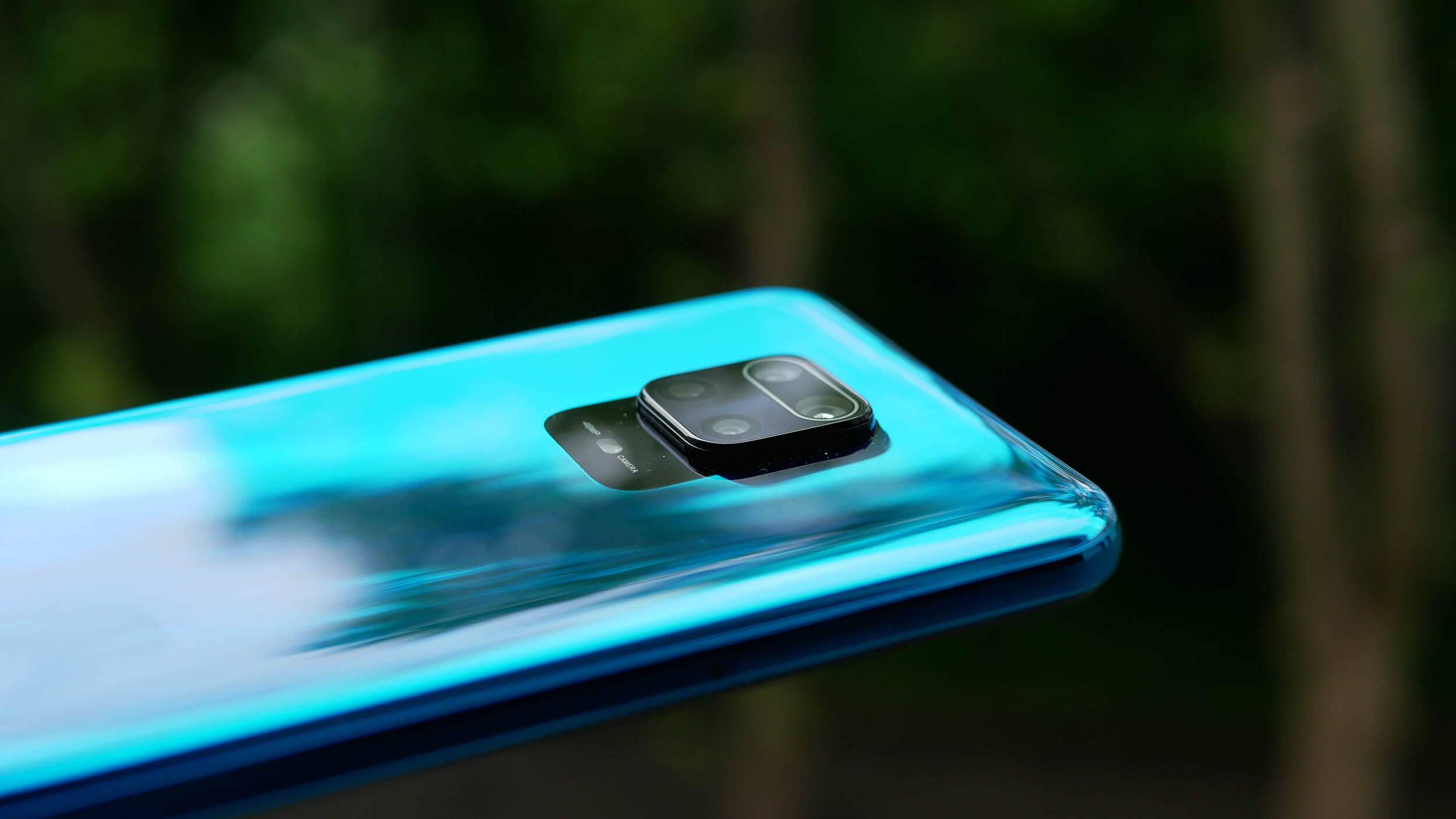
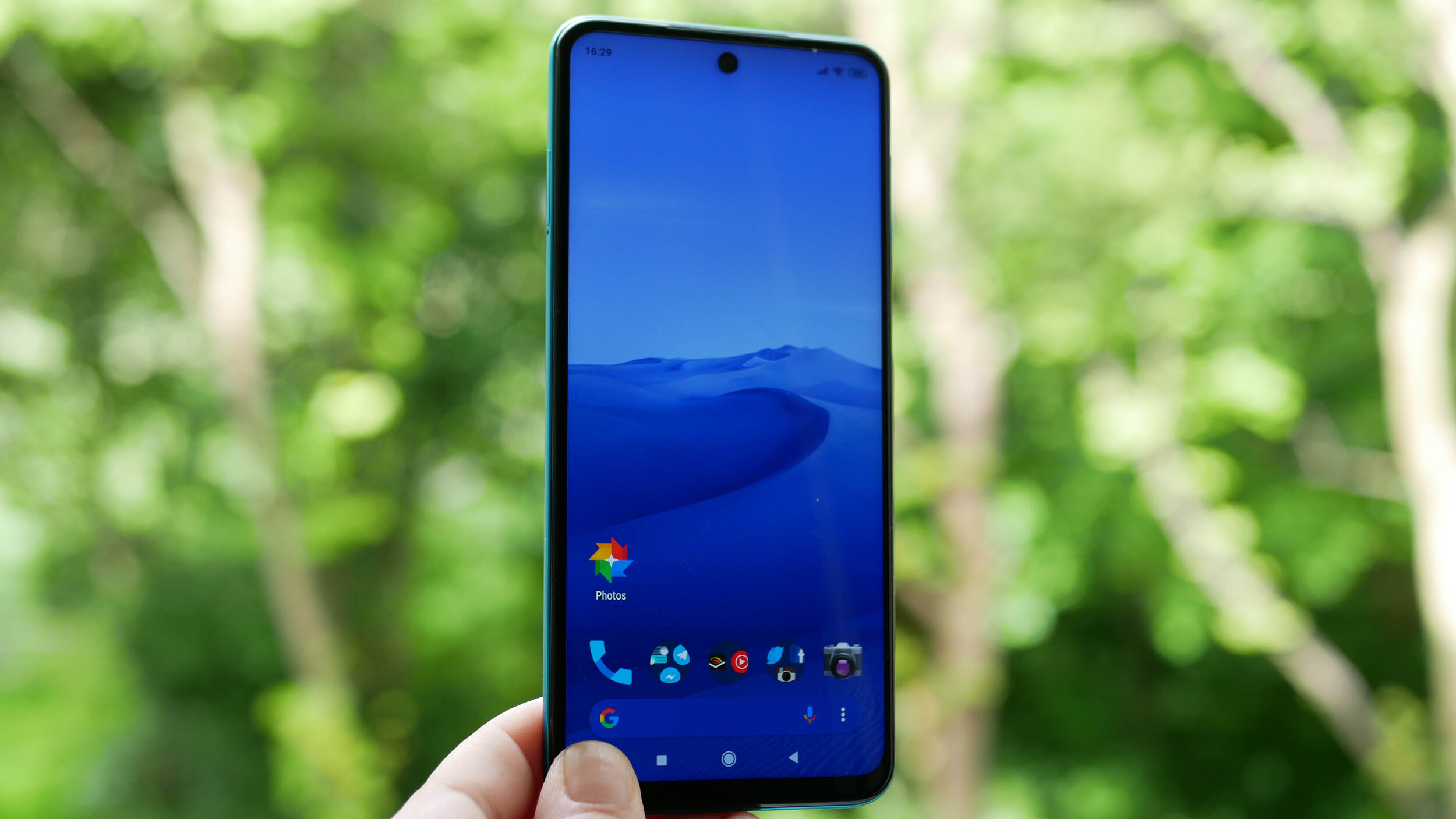
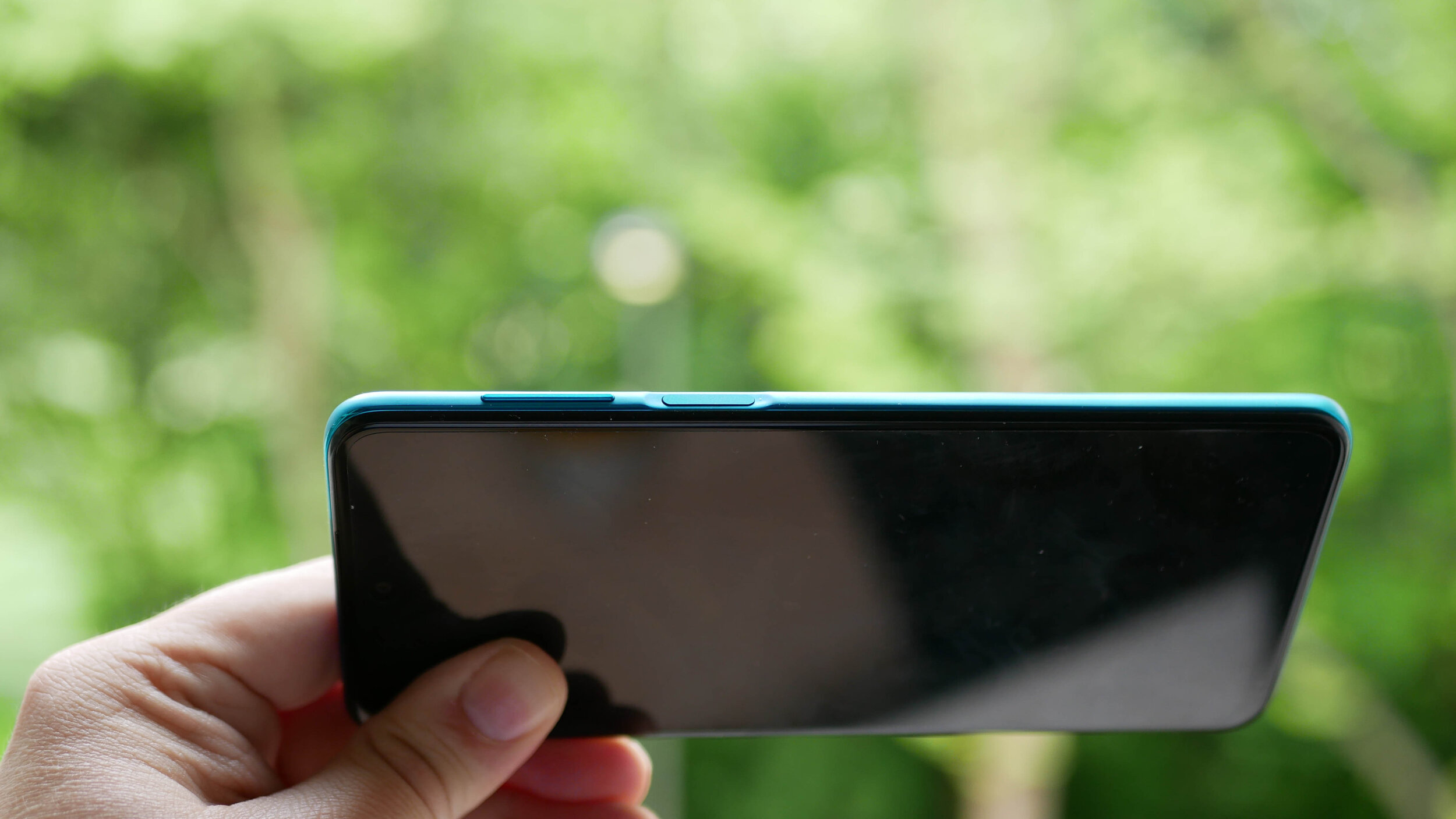
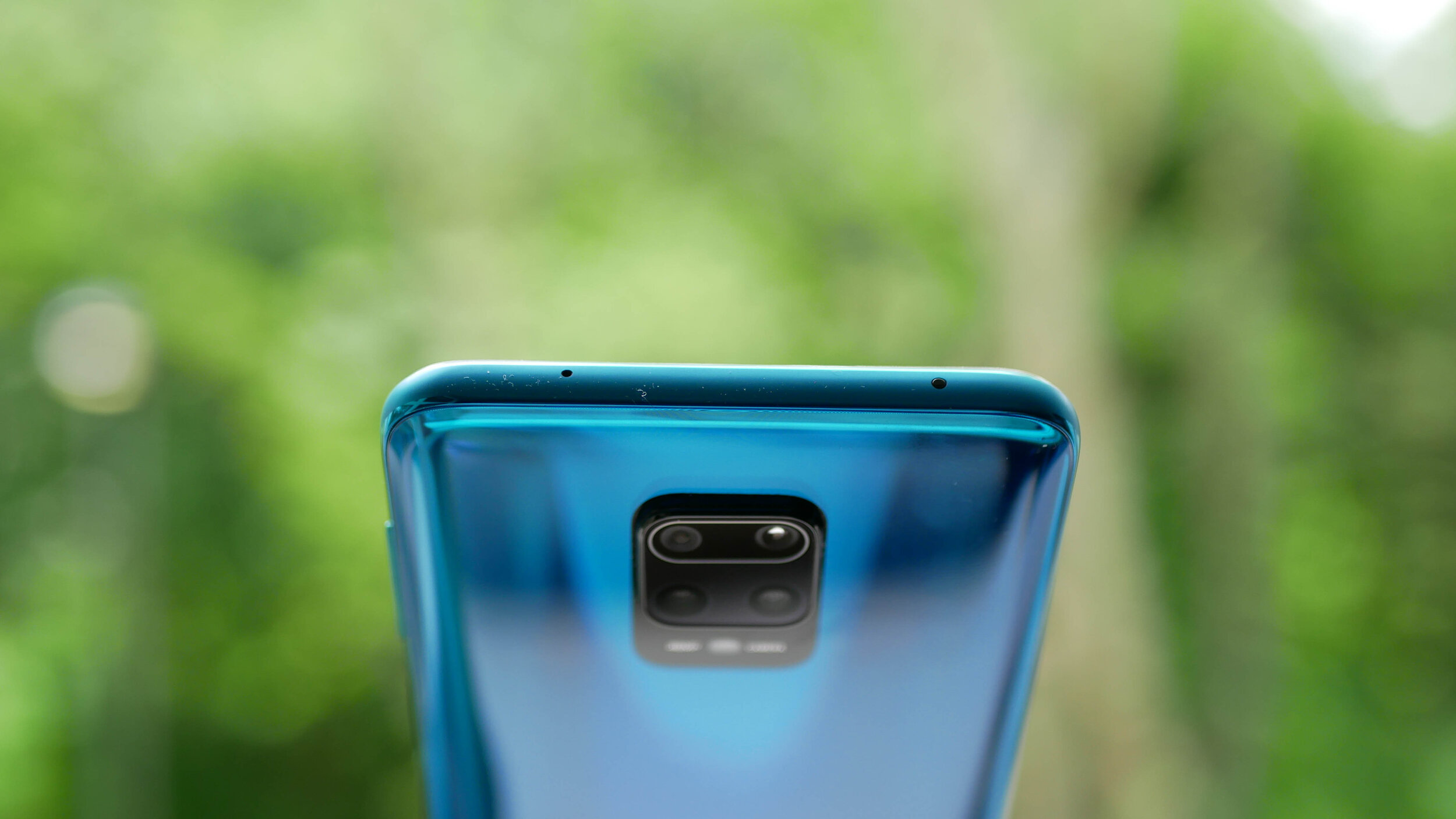
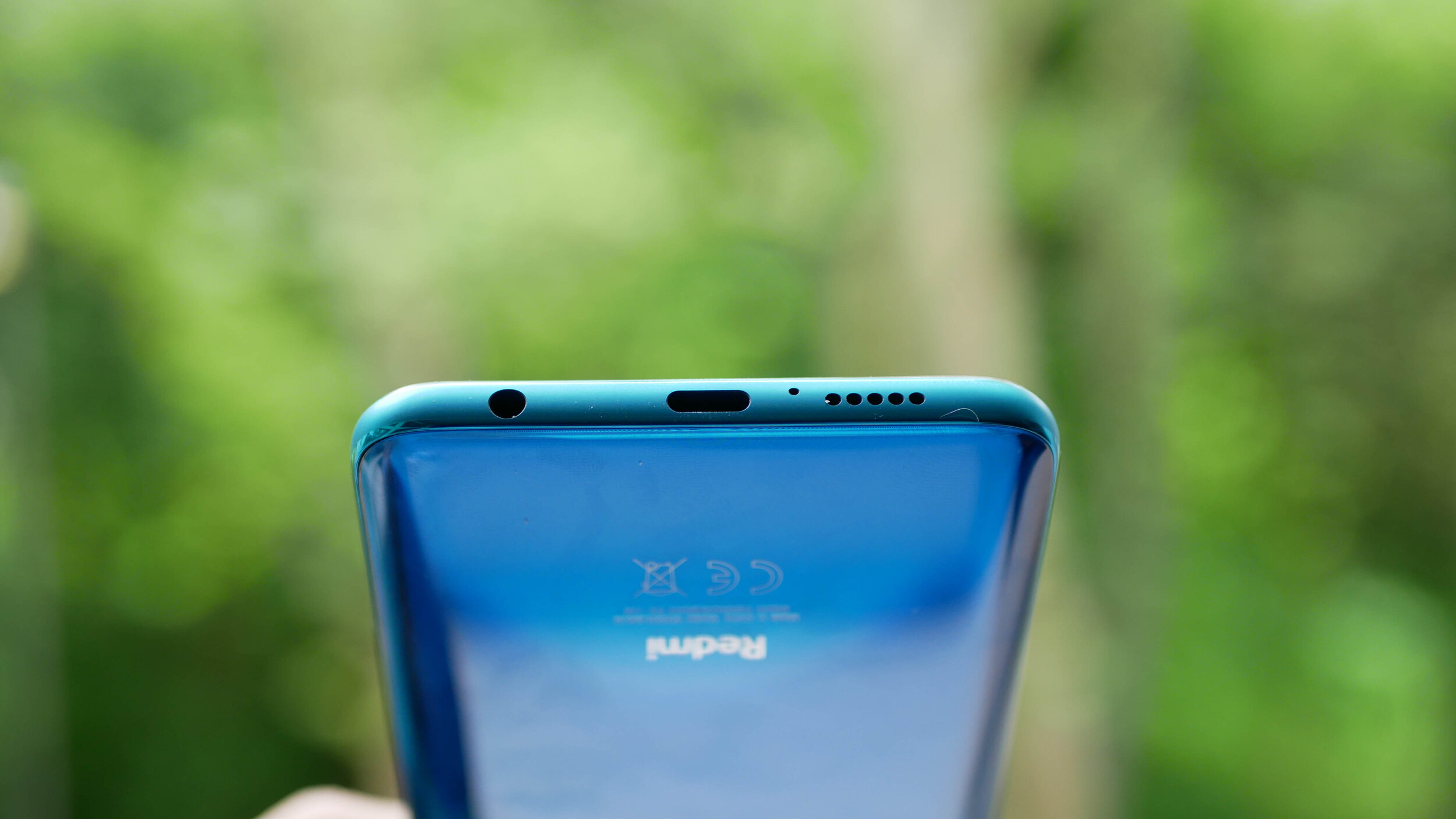
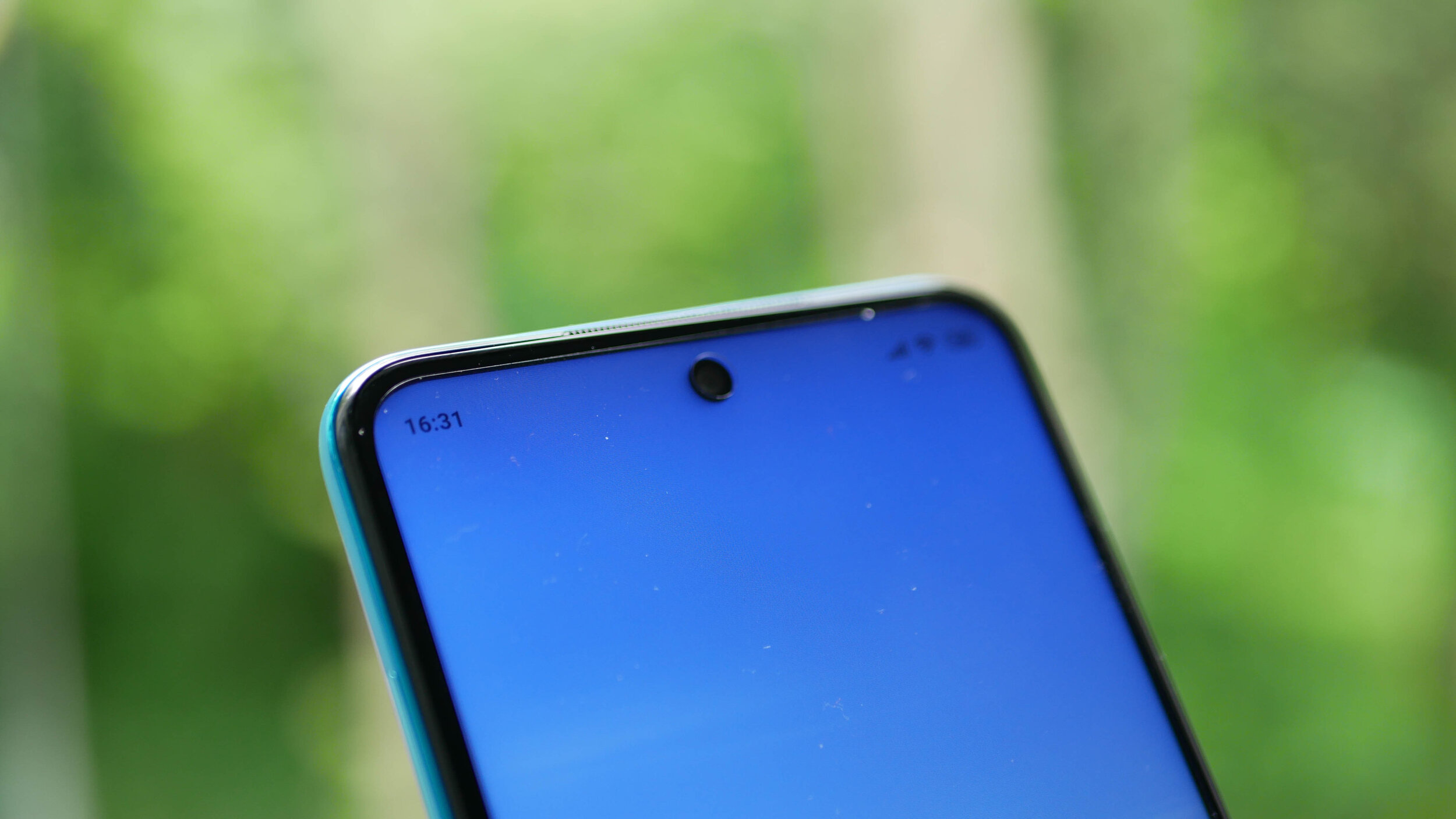
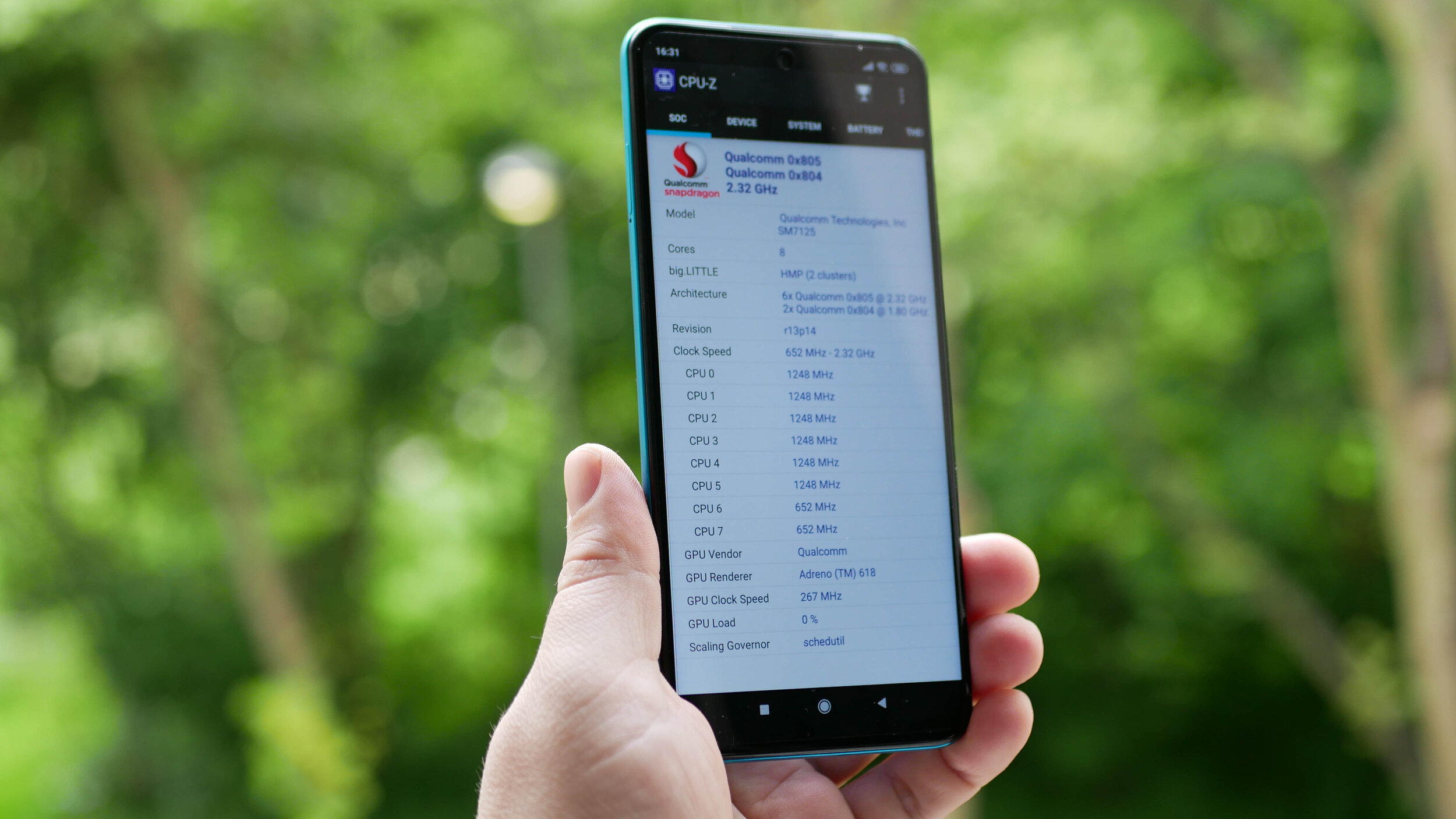
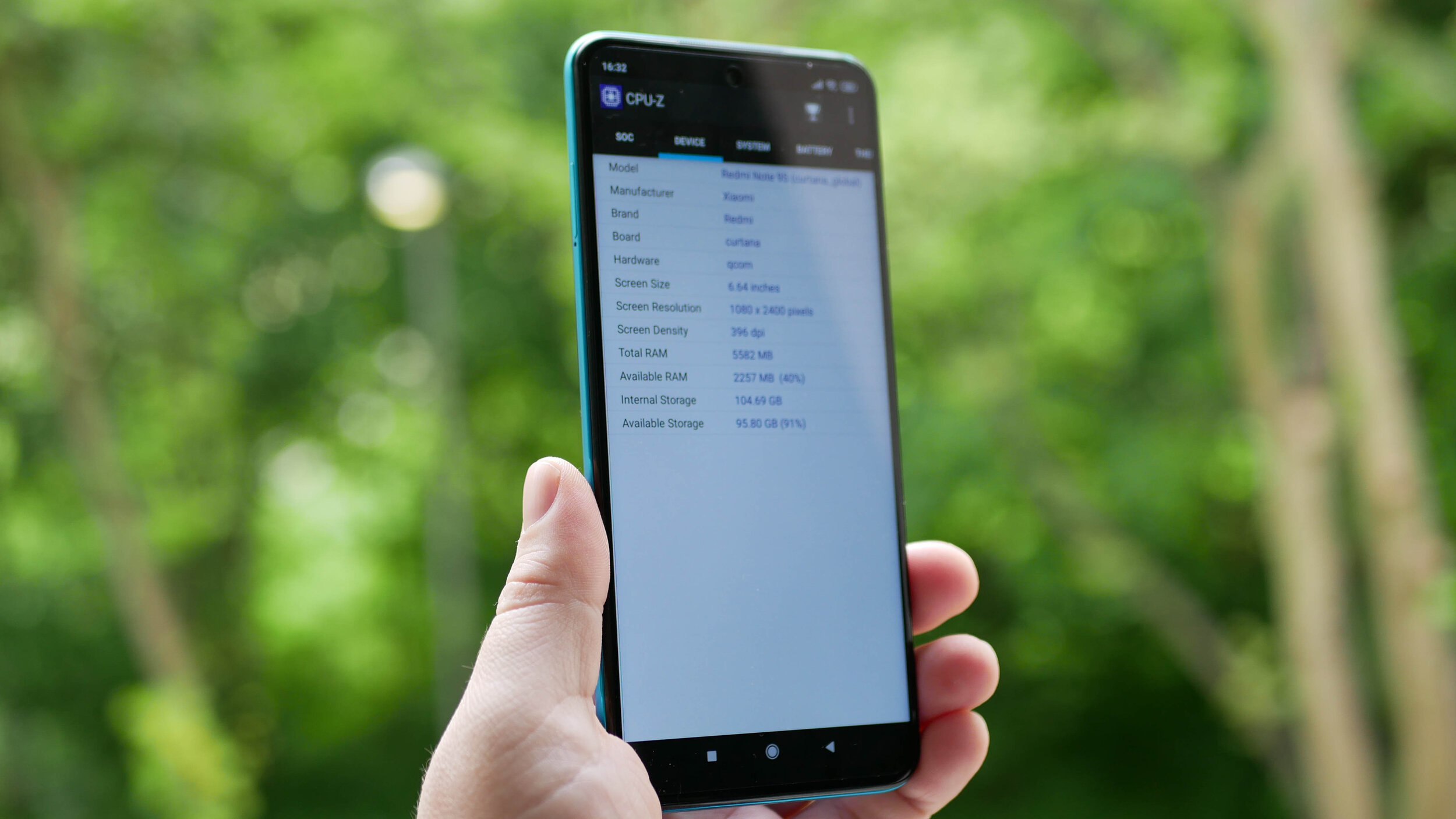
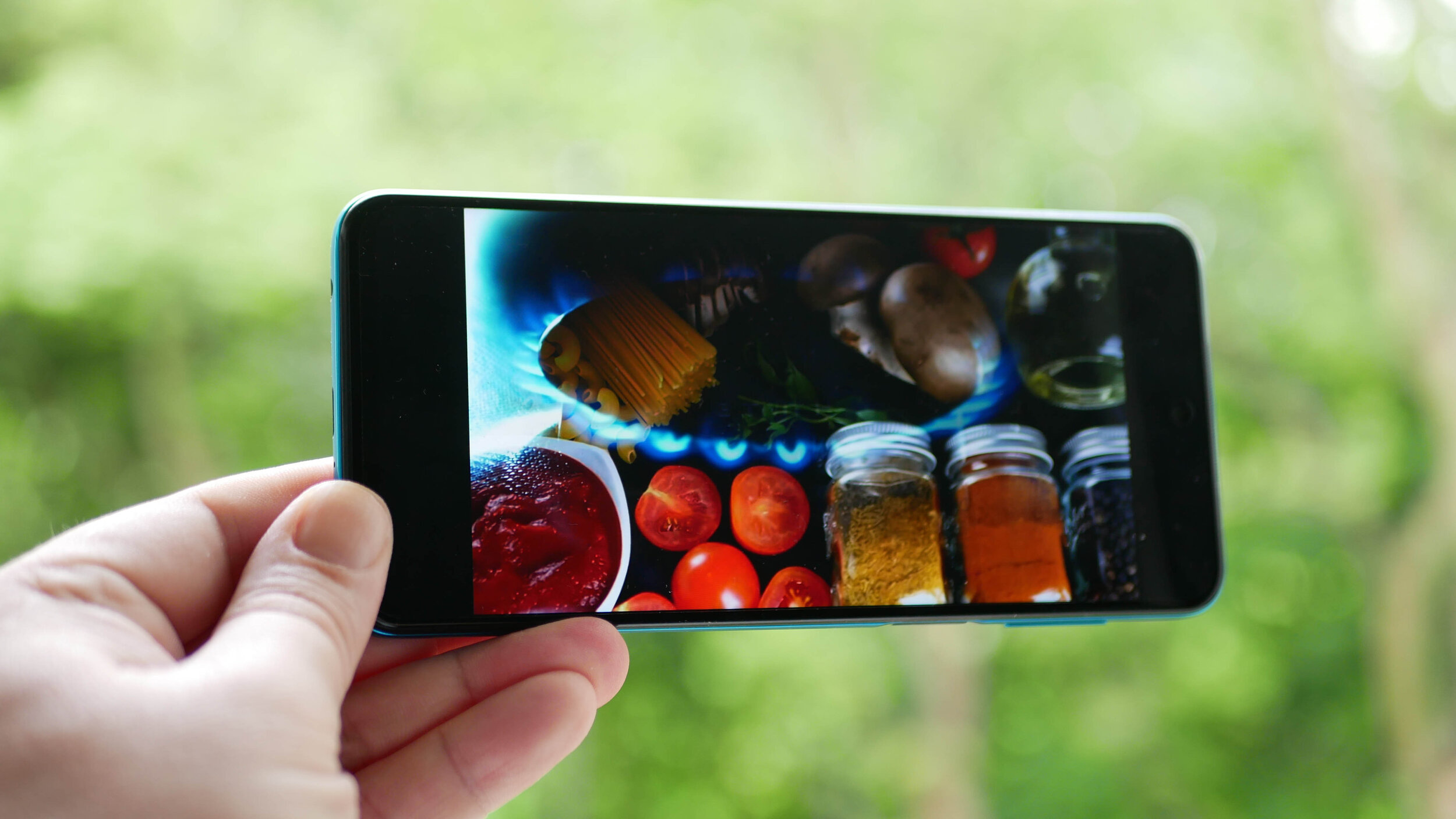
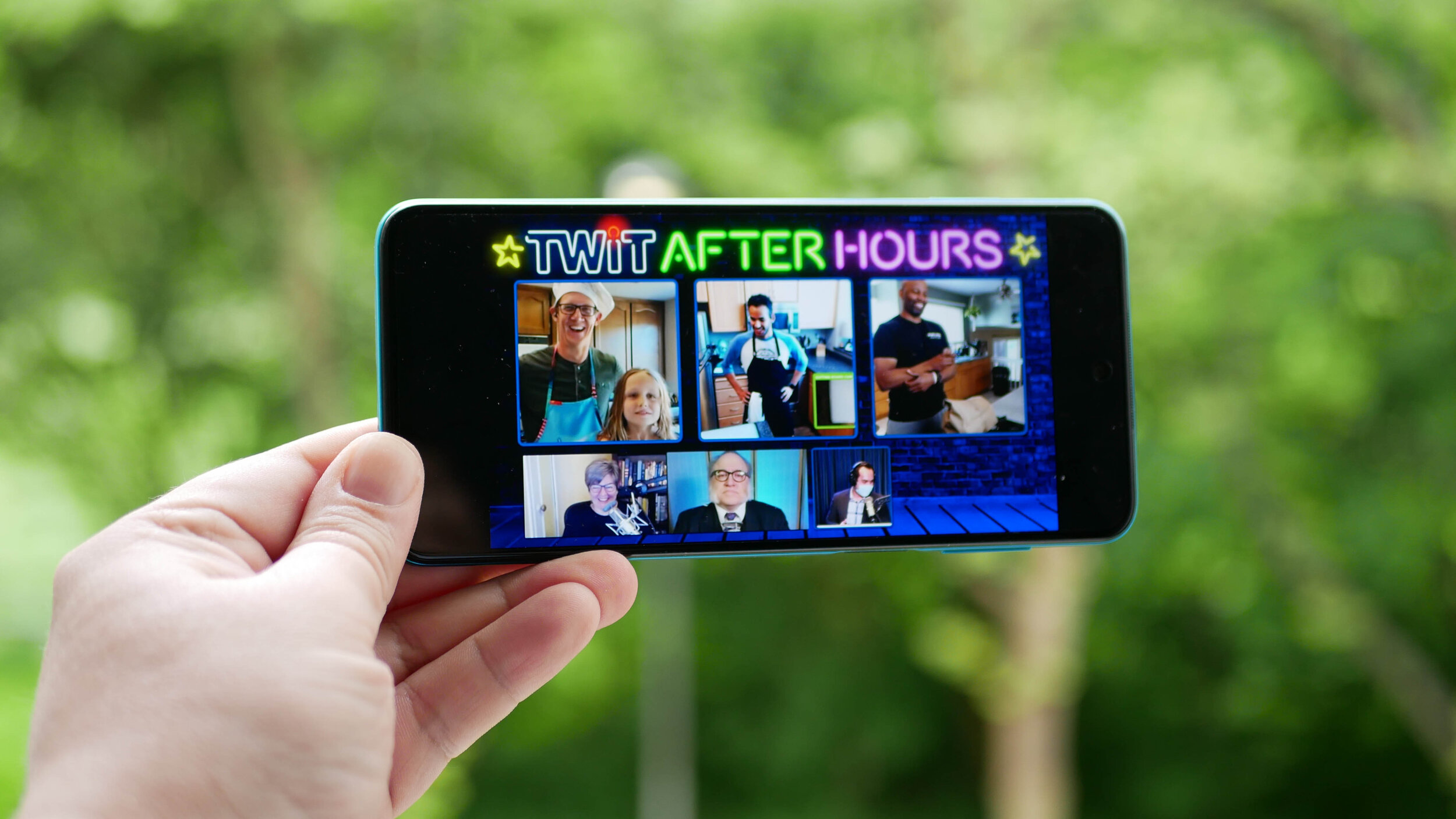
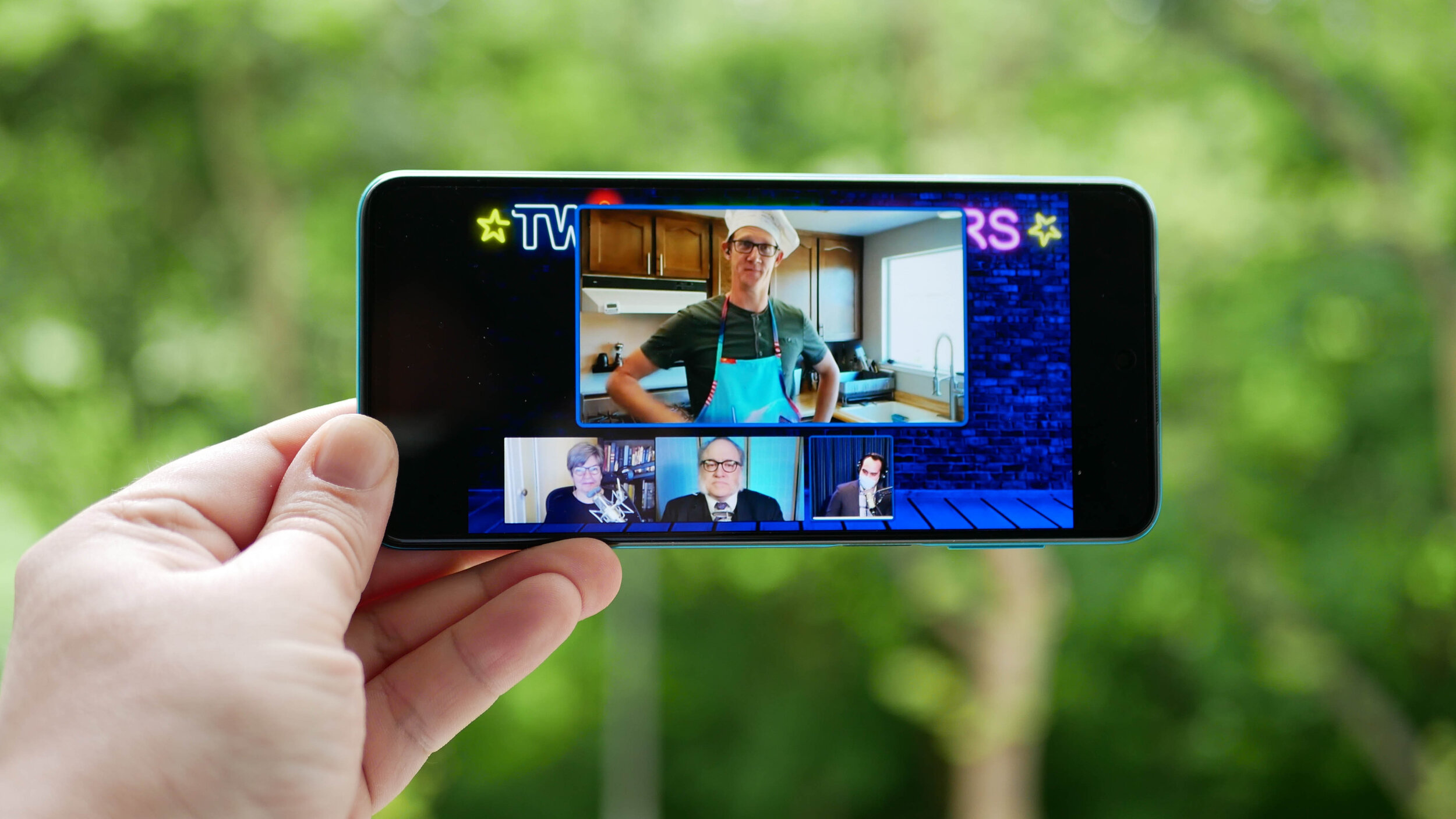
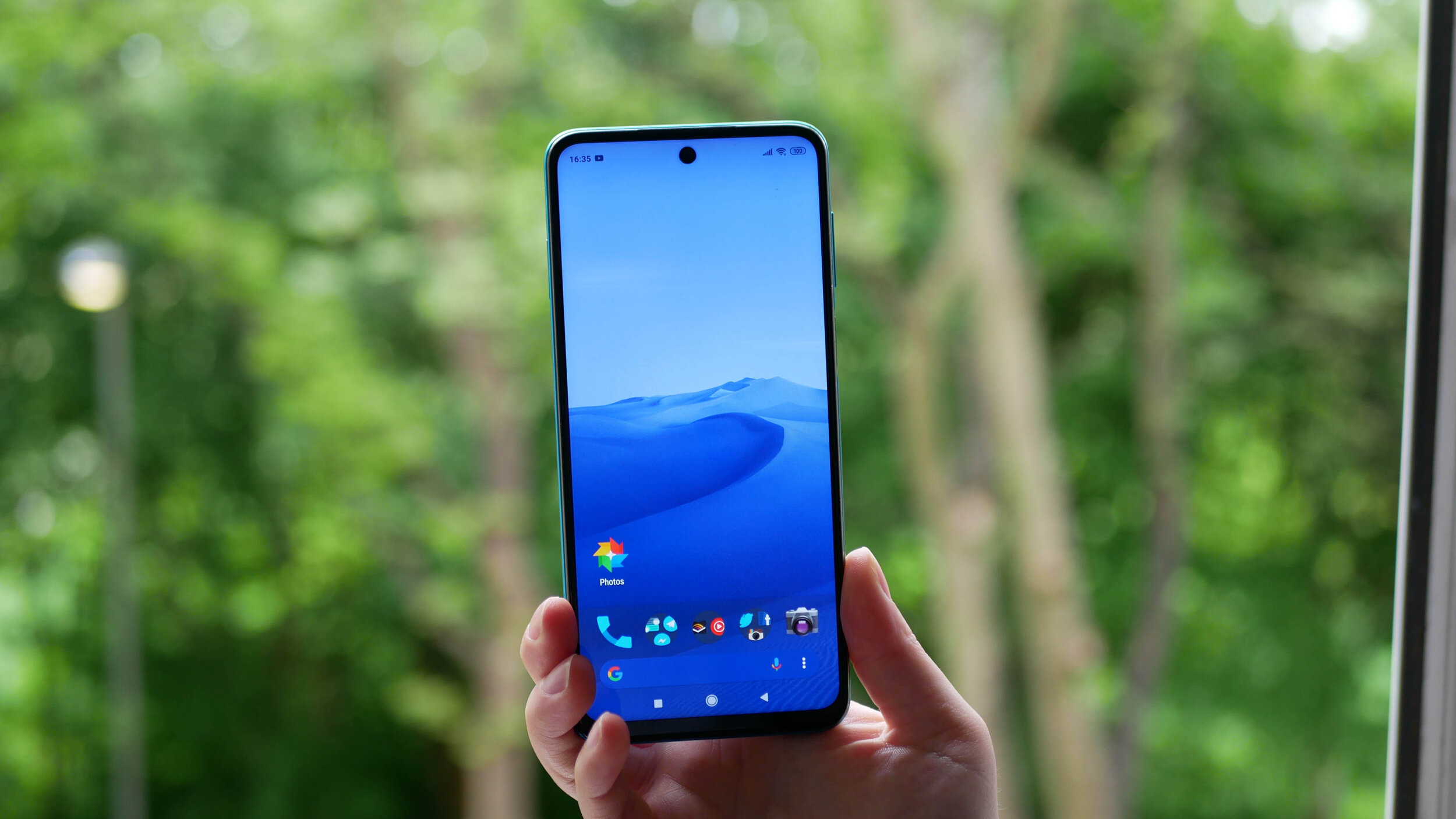
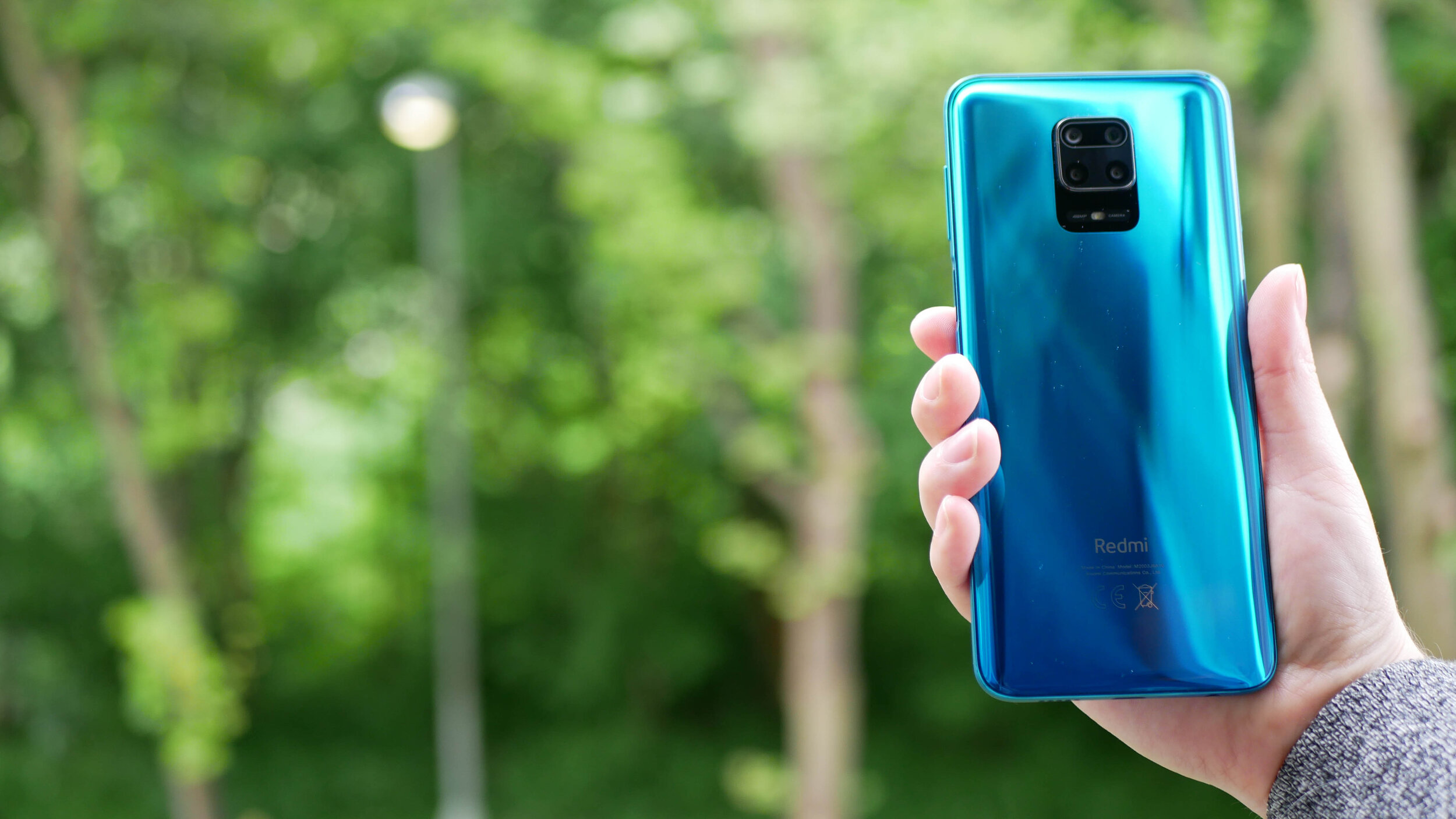
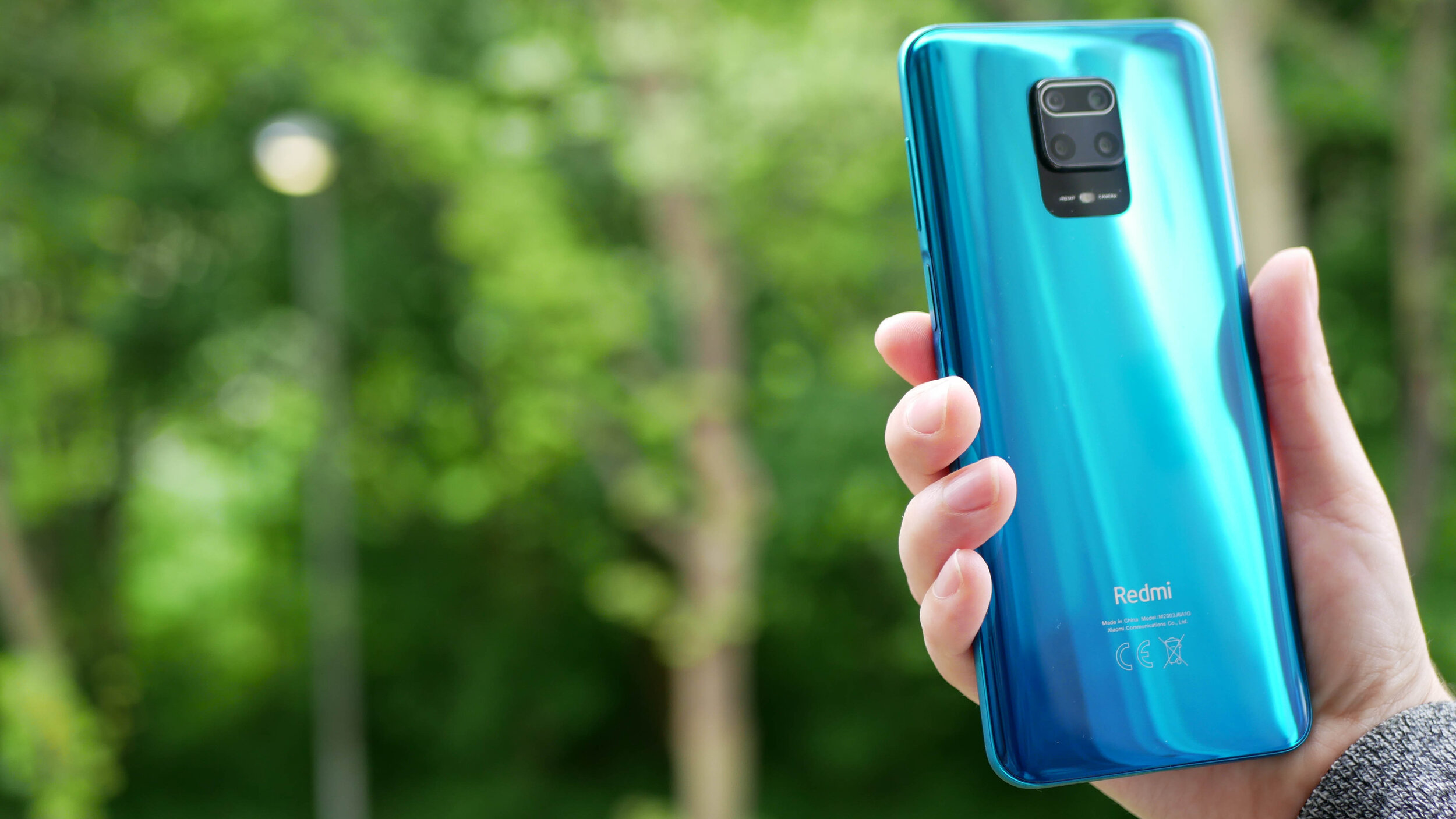
The gallery above is of the device and will be used in All About Android. Subscribe at TWiT.tv/aaa
As time goes by and we release more content, we will add it here.
Feel free to leave a comment if you have any feedback or questions.

Nokia 1.3 - All The Tech Travel Geeks Content
All the Tech Travel Geeks content about the Nokia 1.3.
This is where you will find all the Tech Travel Geeks content we have created about the Nokia 1.3.
The Nokia 1.3 is available to purchase on Amazon here: https://amzn.to/34OmKdb
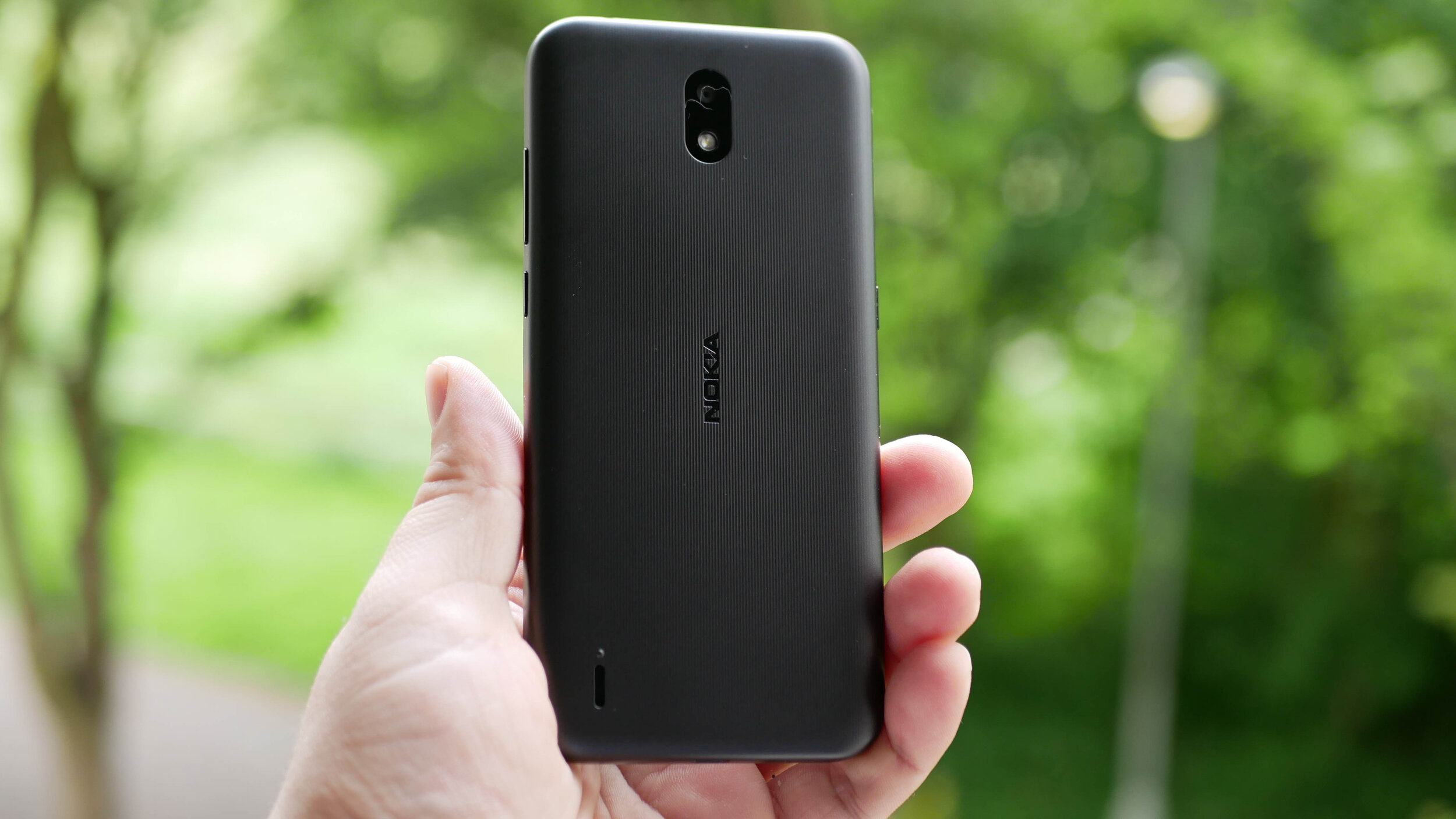
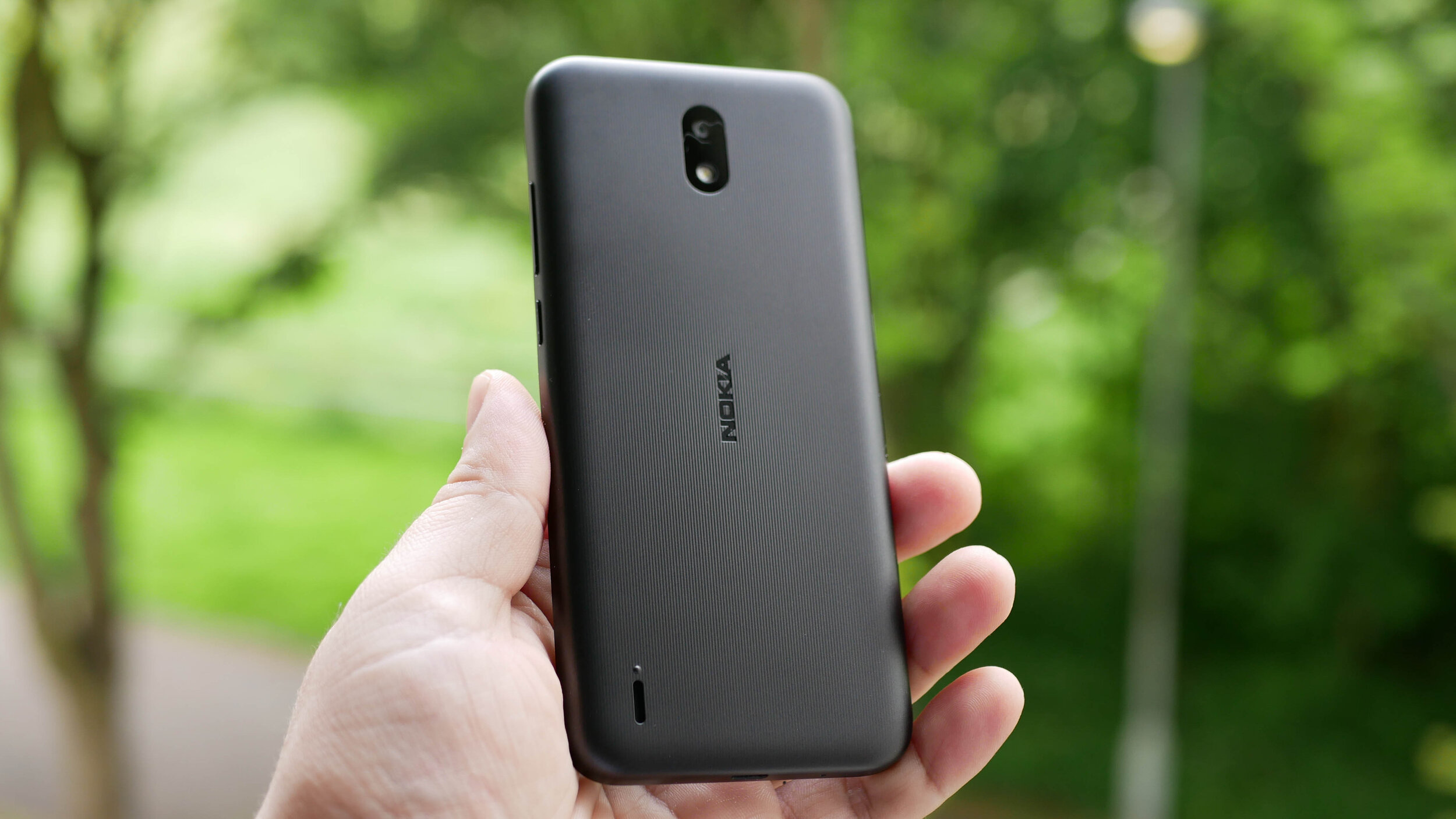
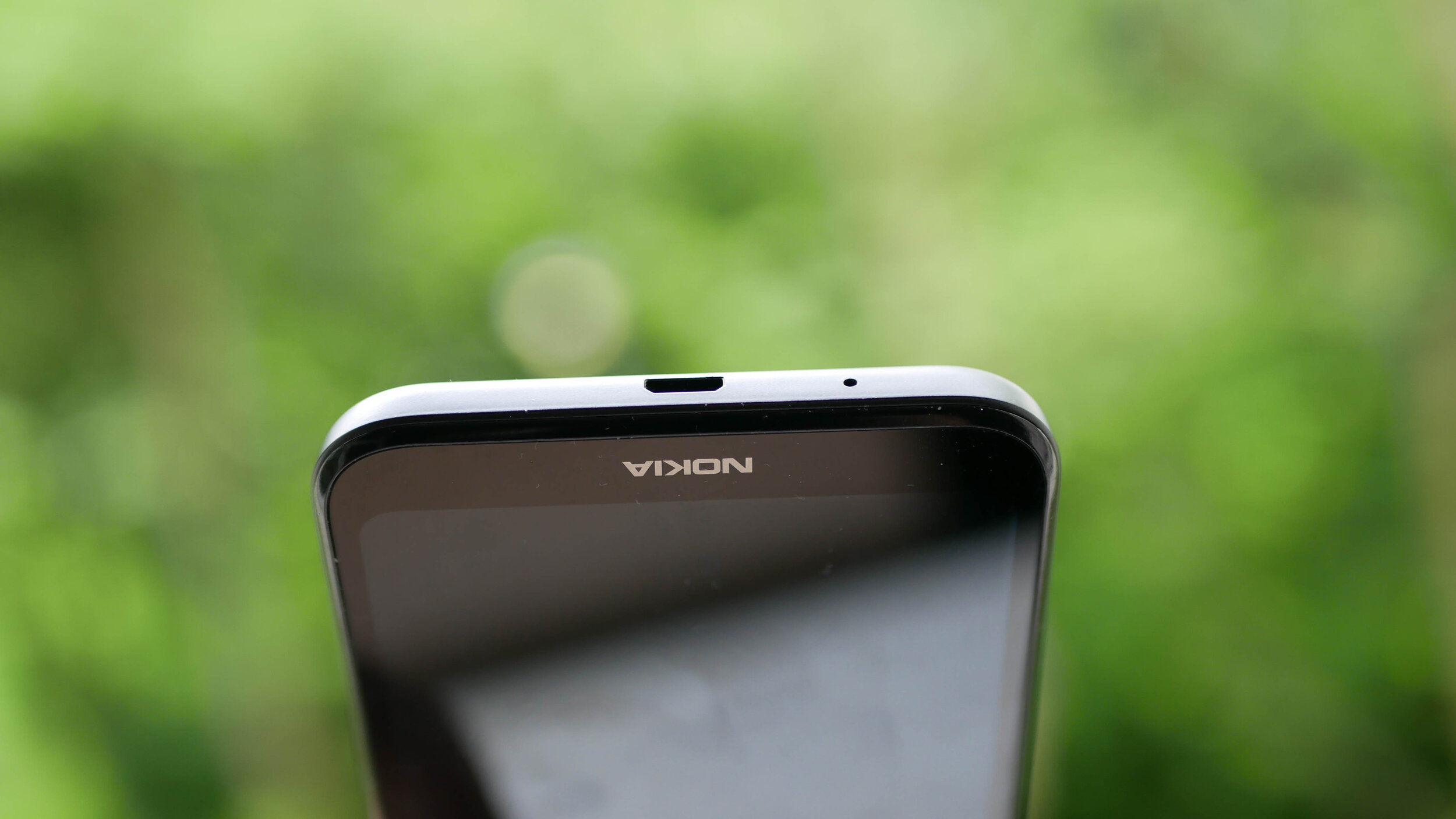
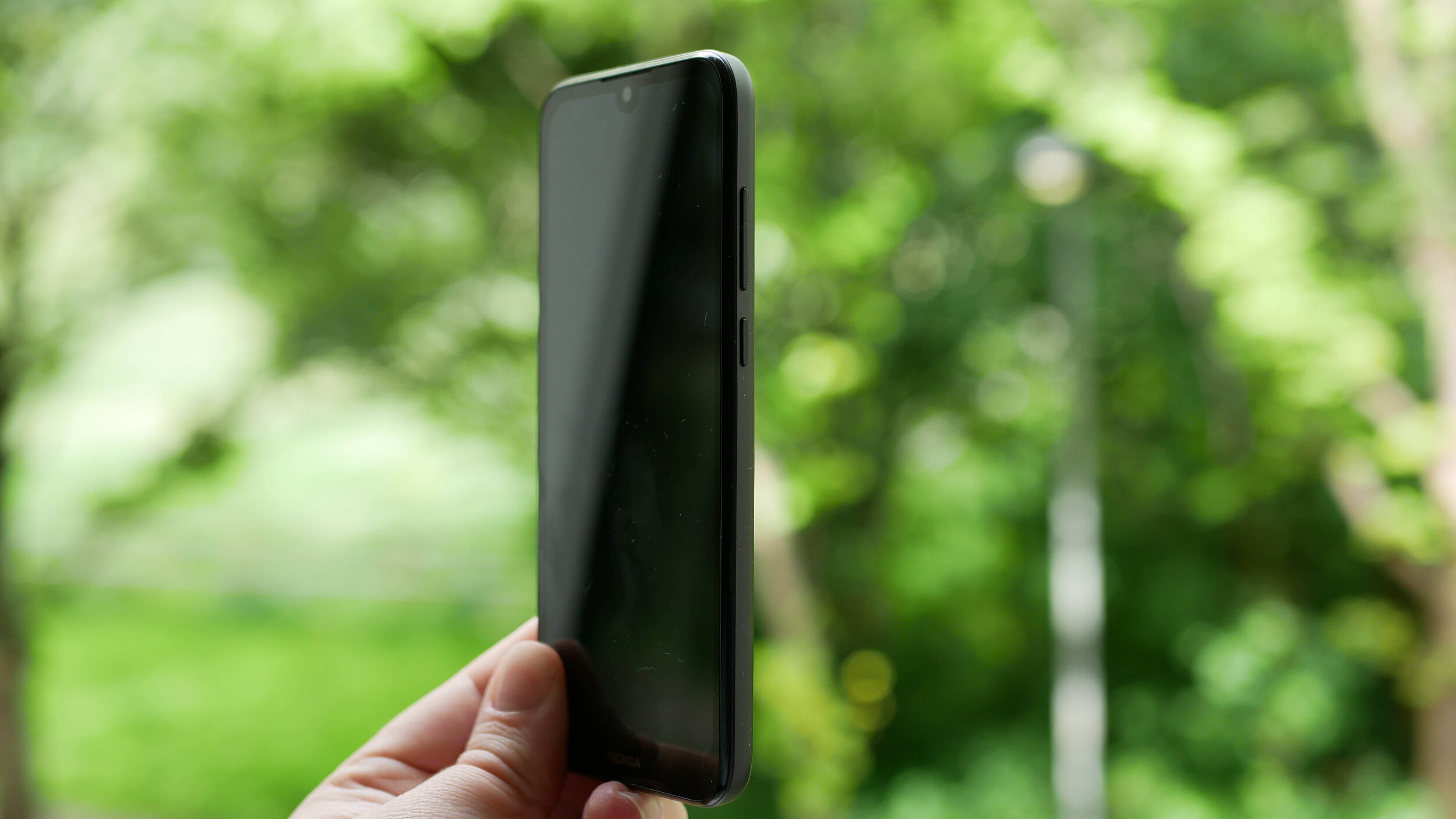
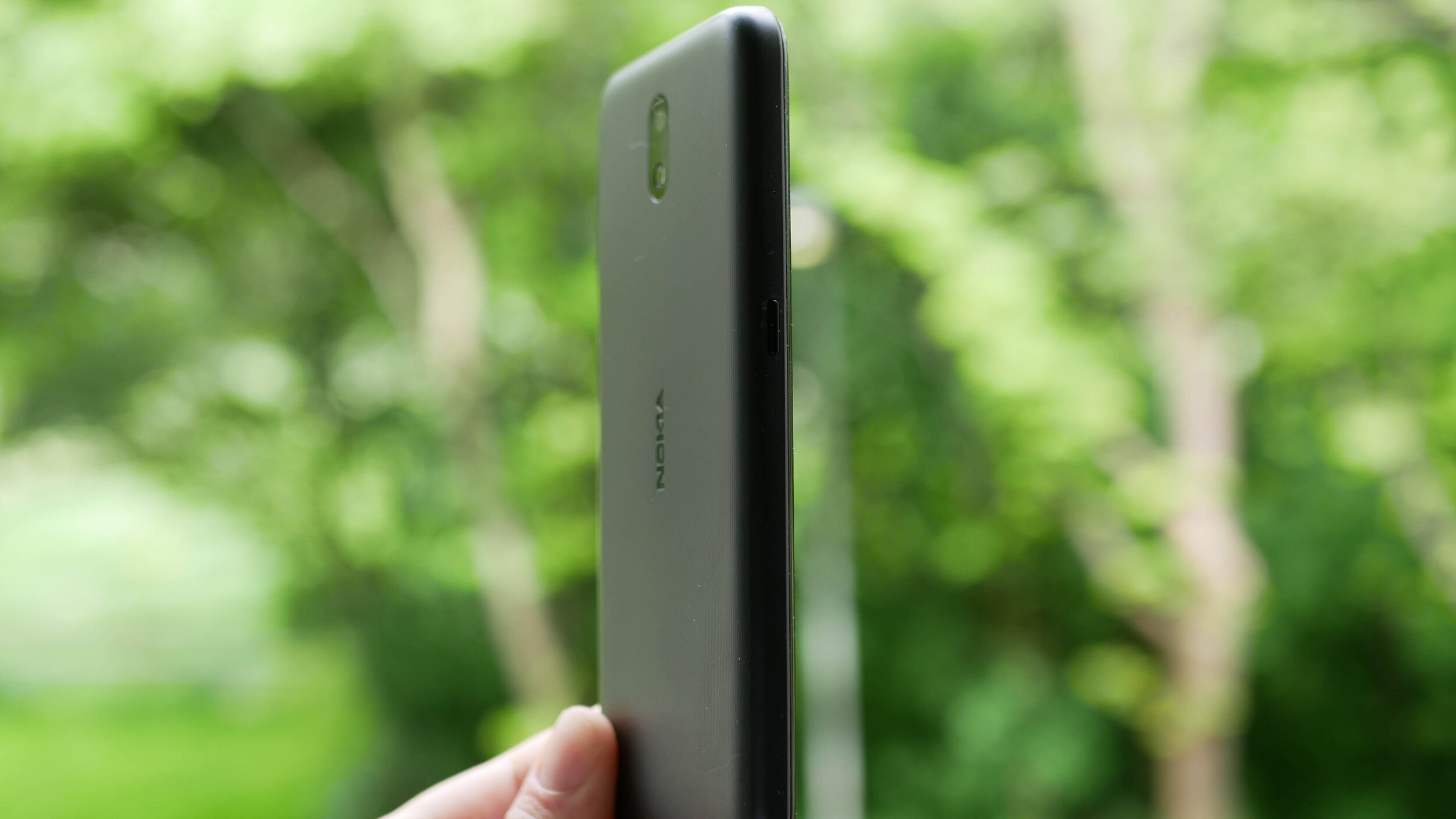
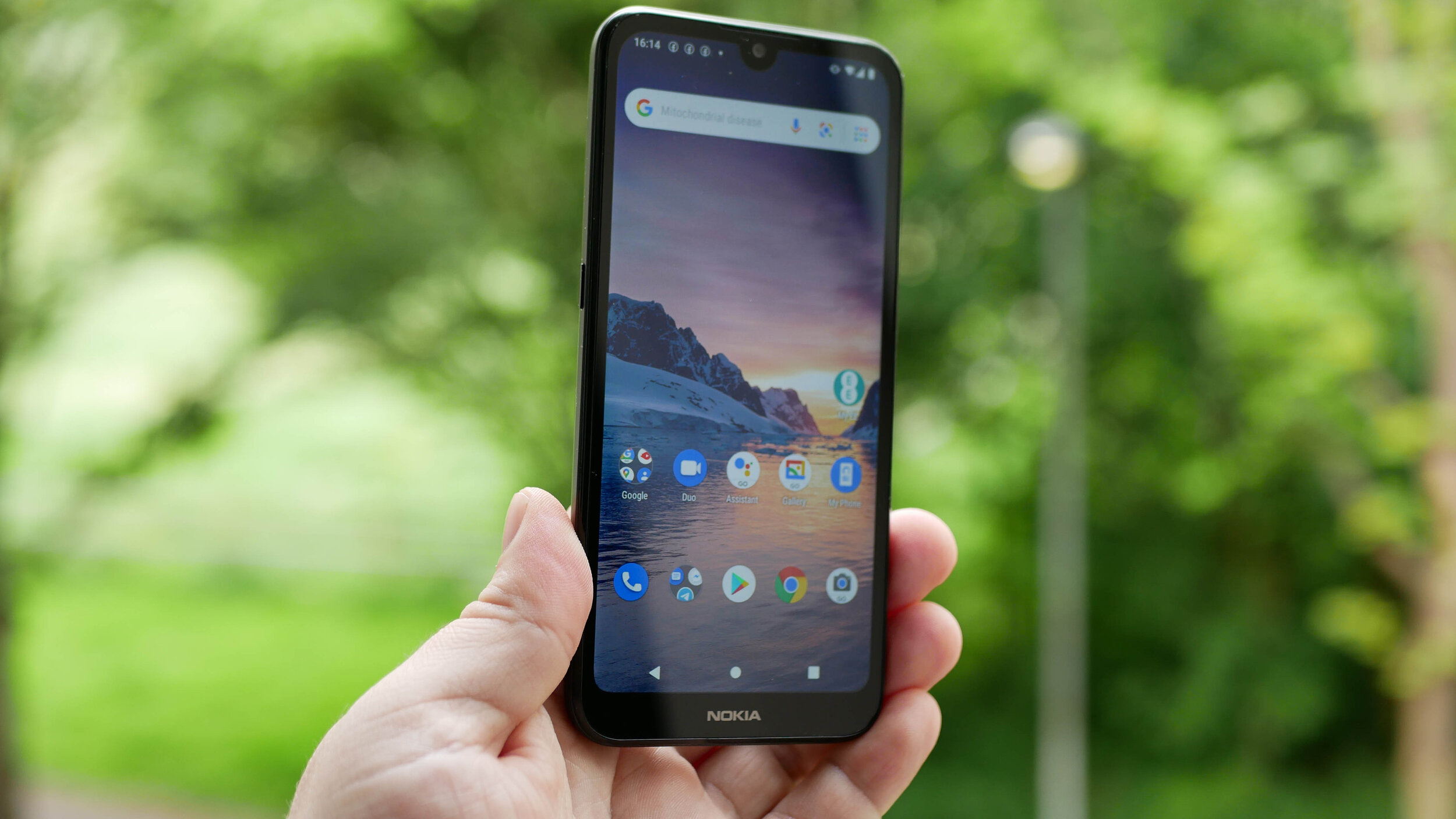
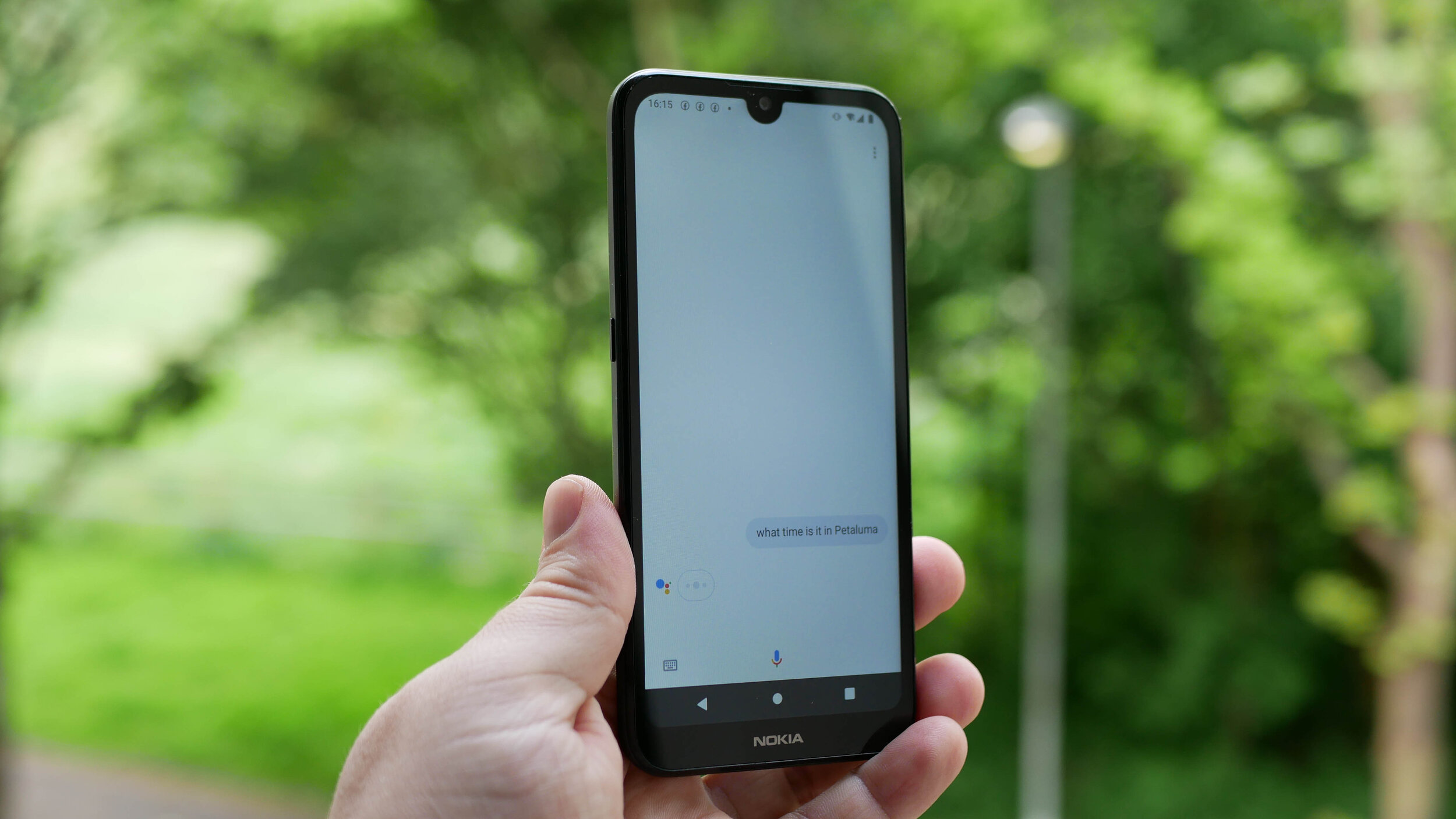
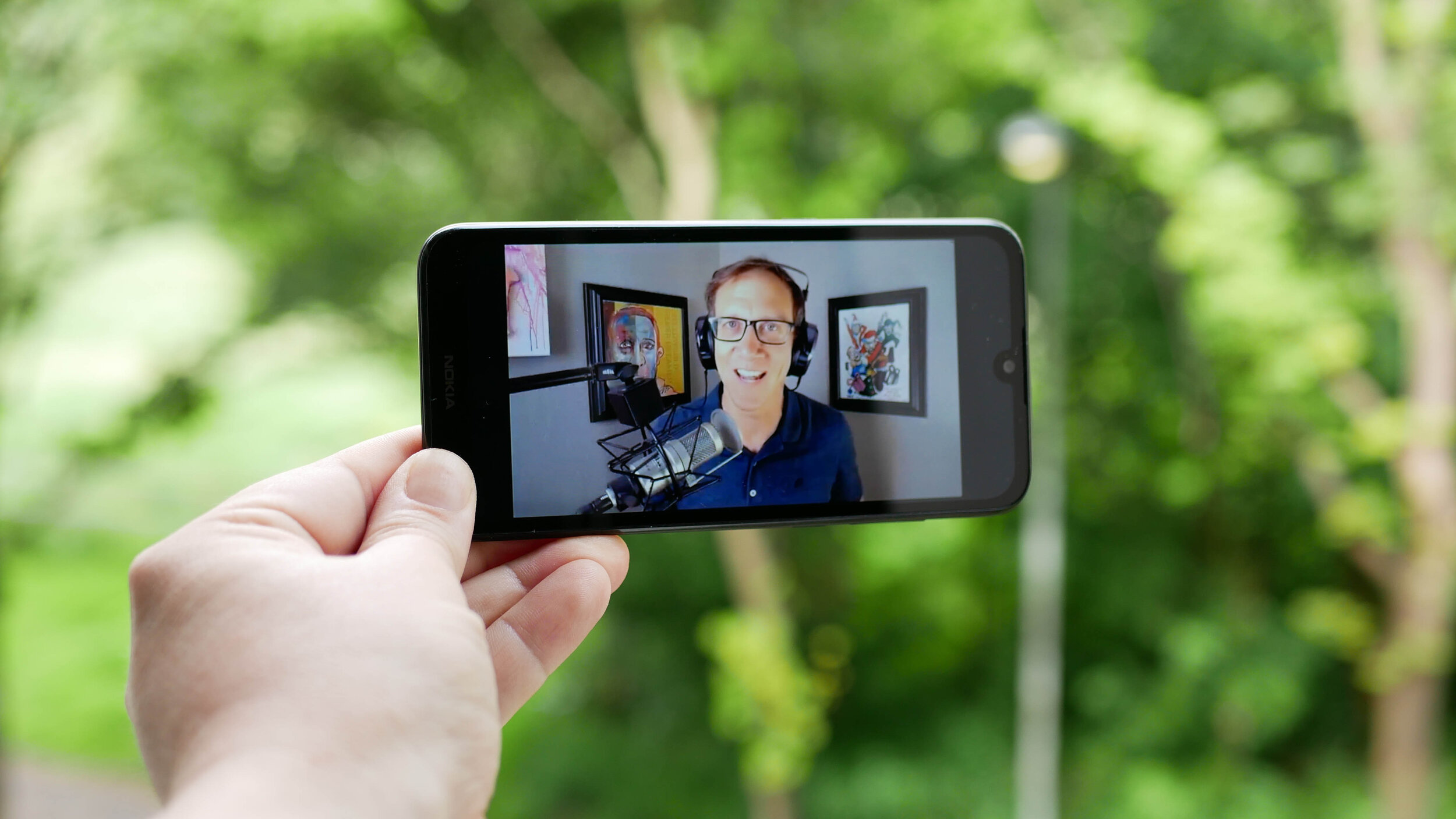
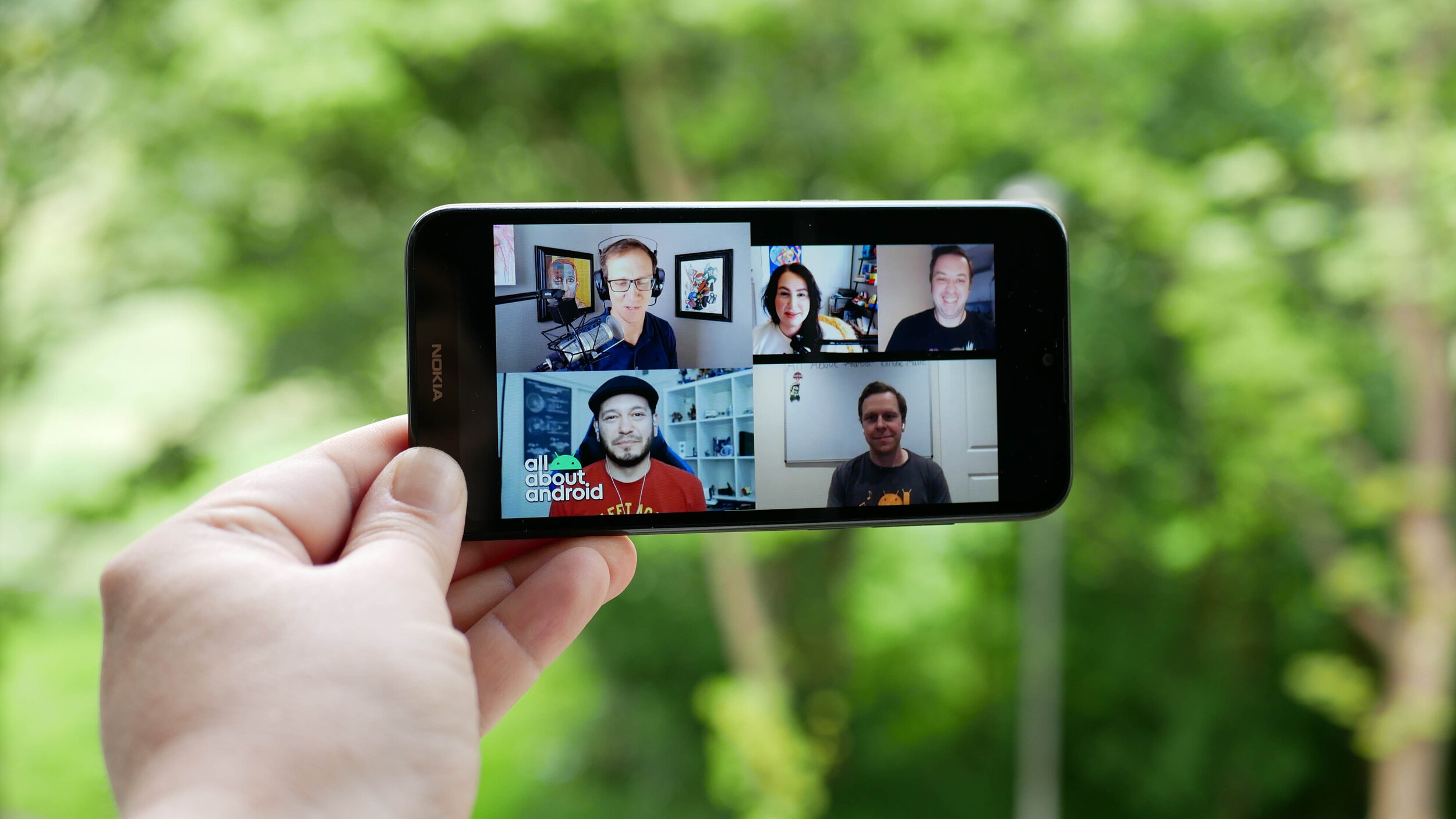
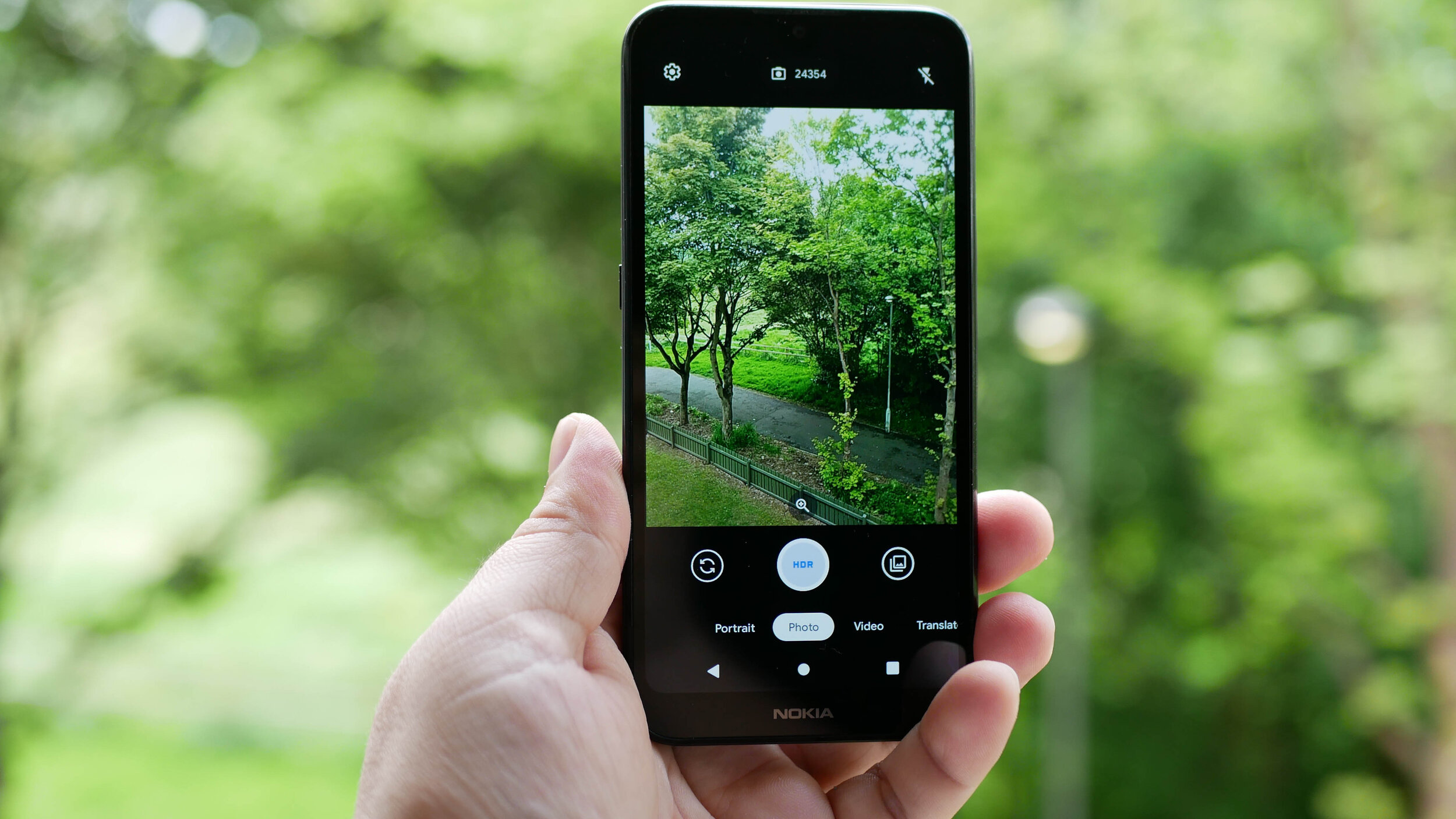
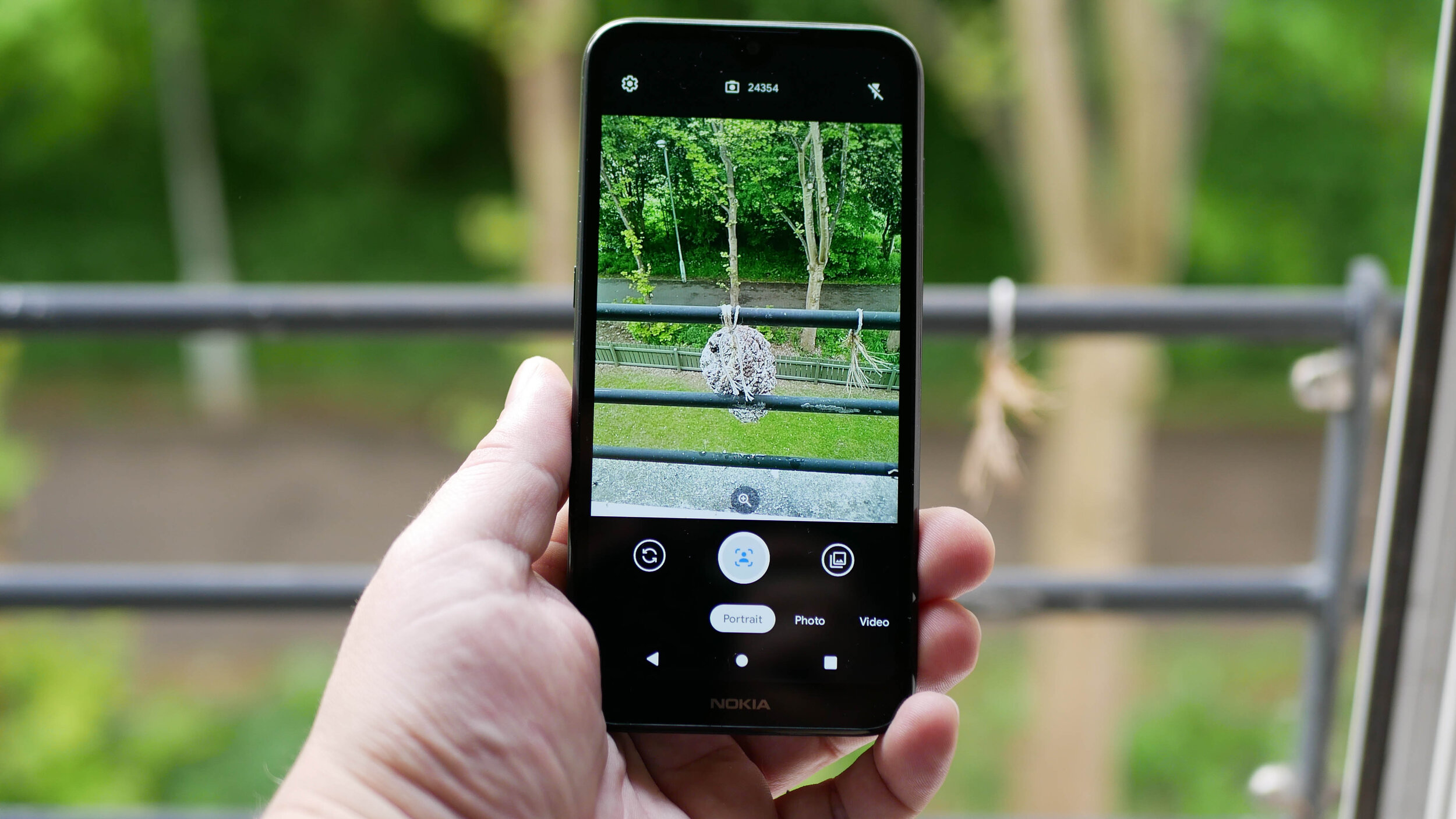
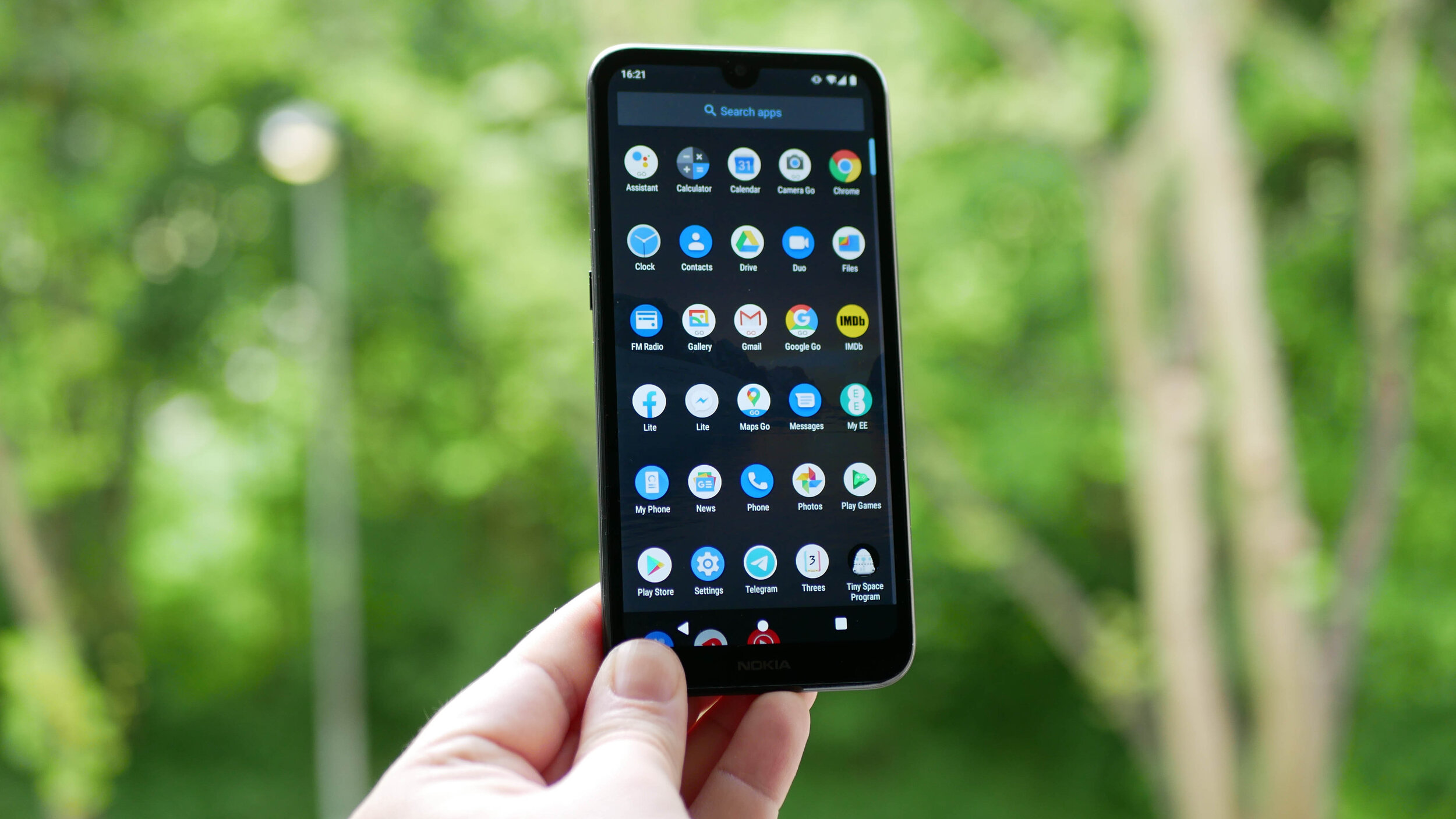
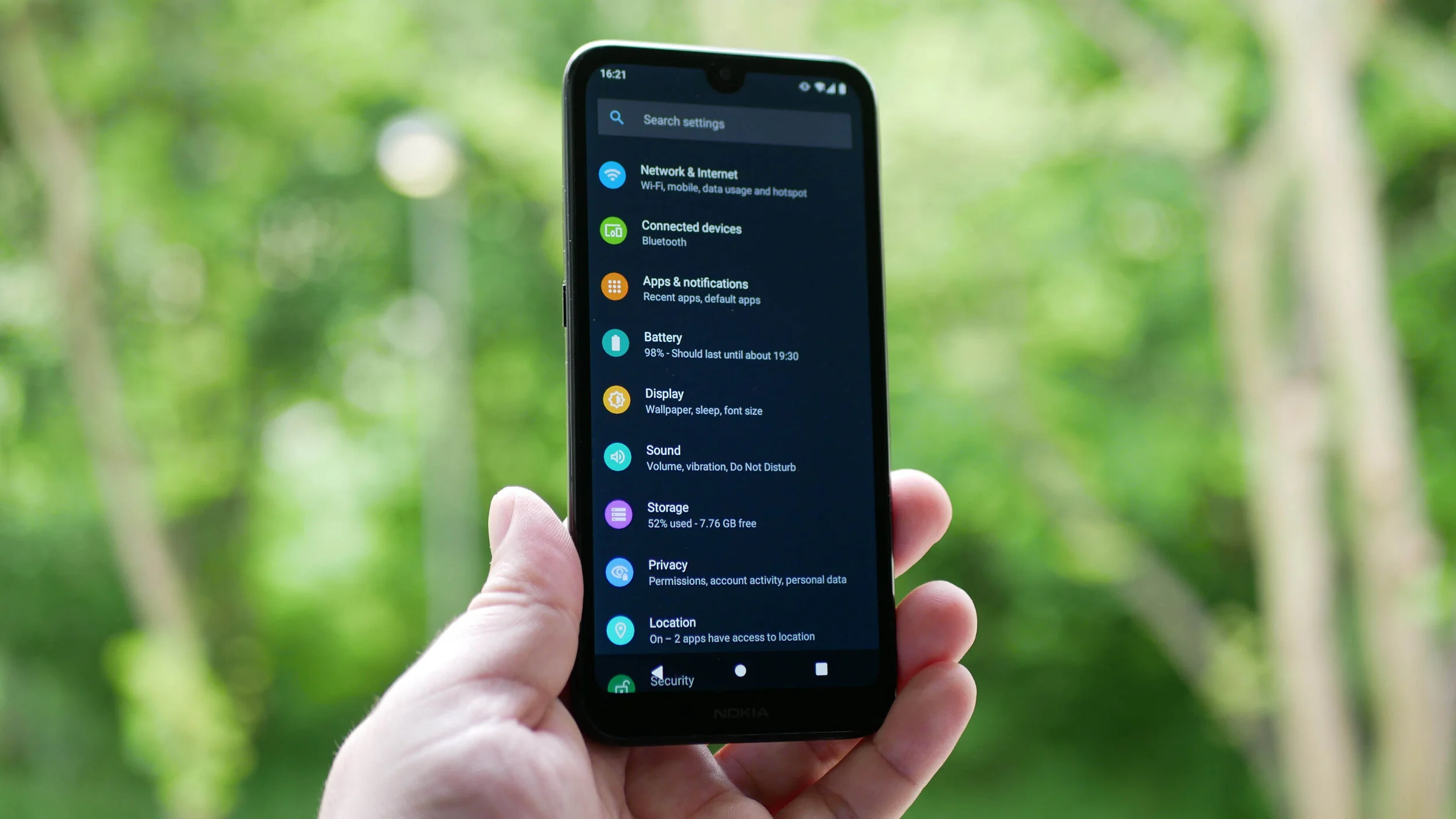
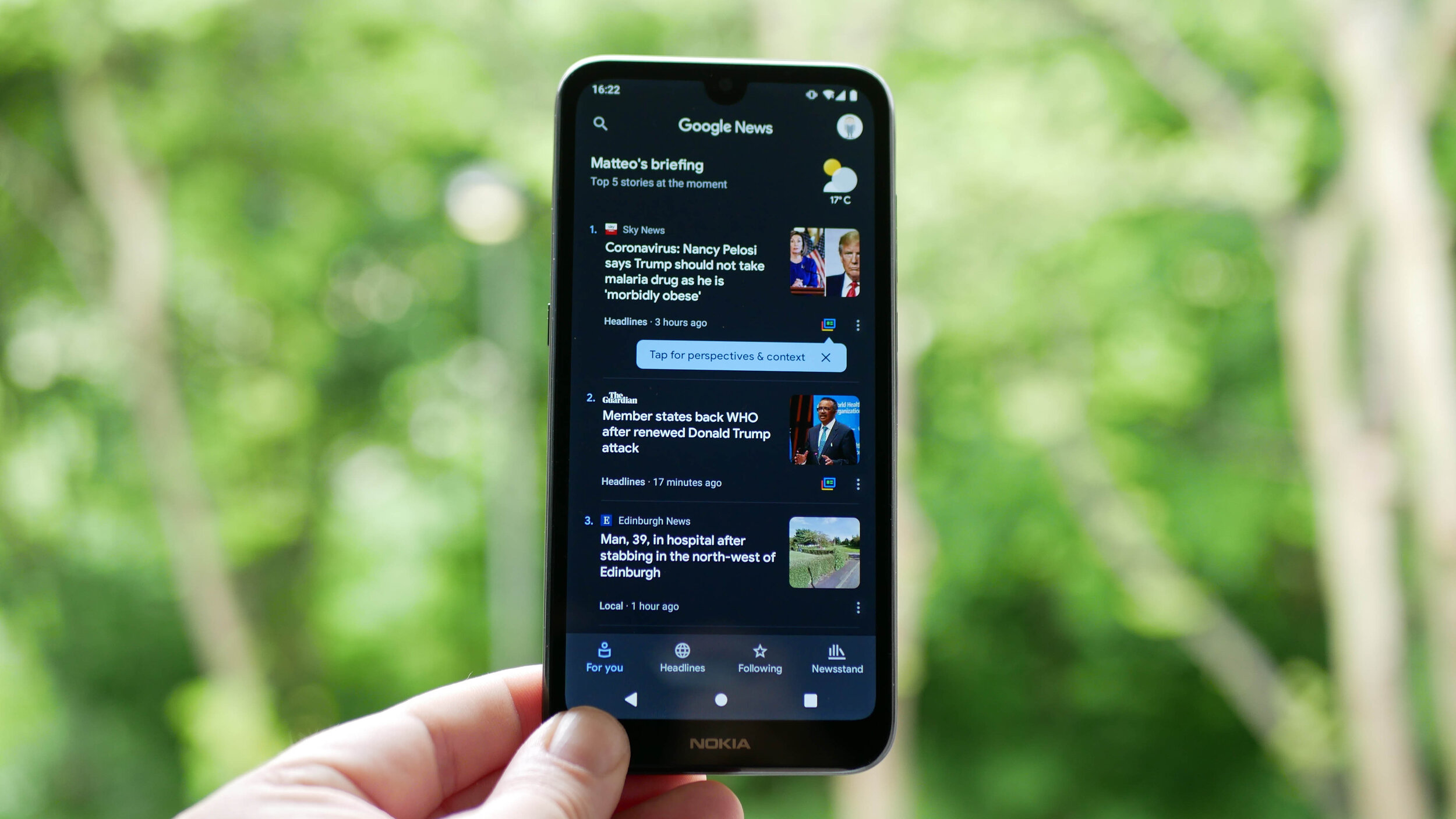
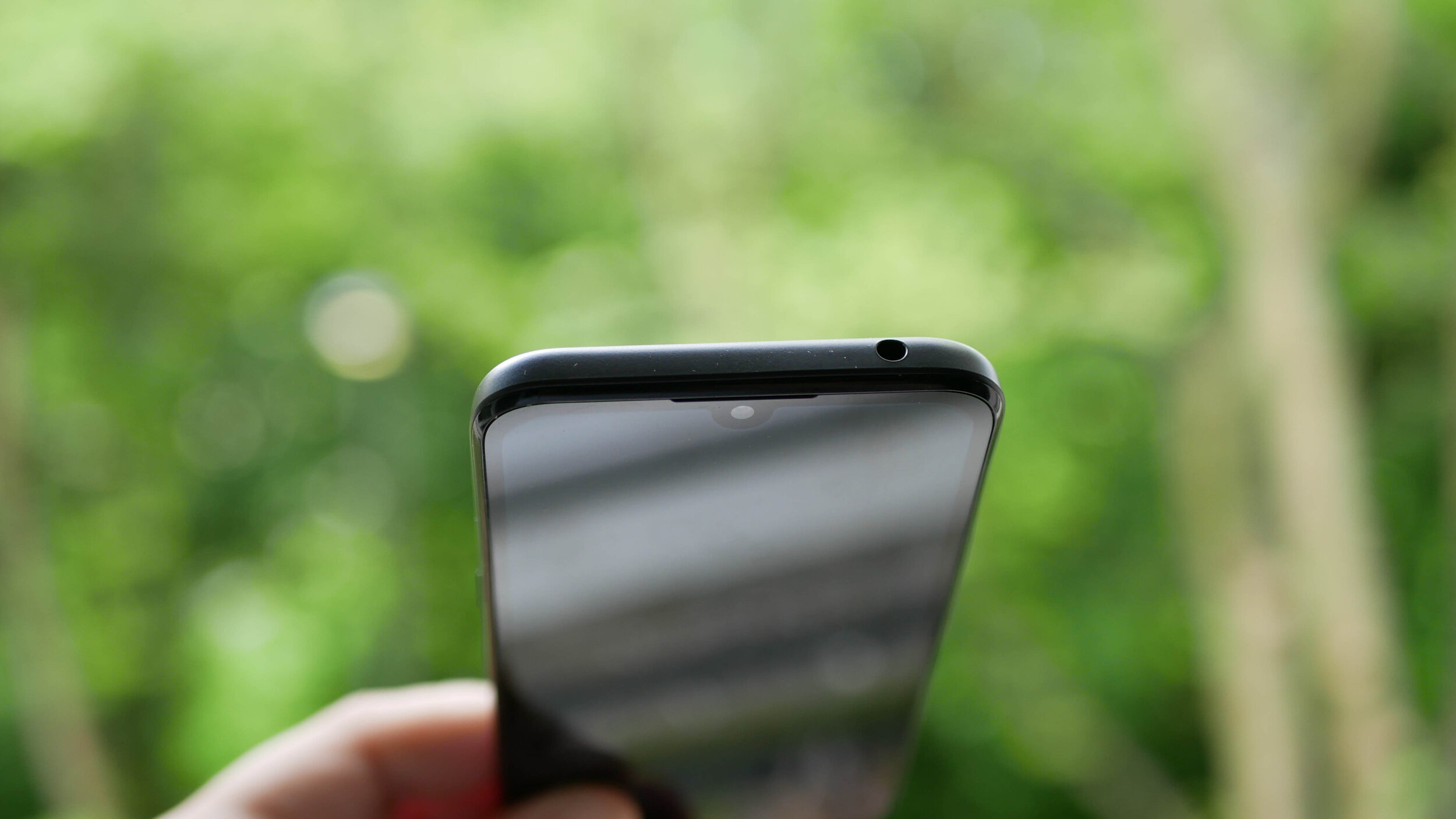
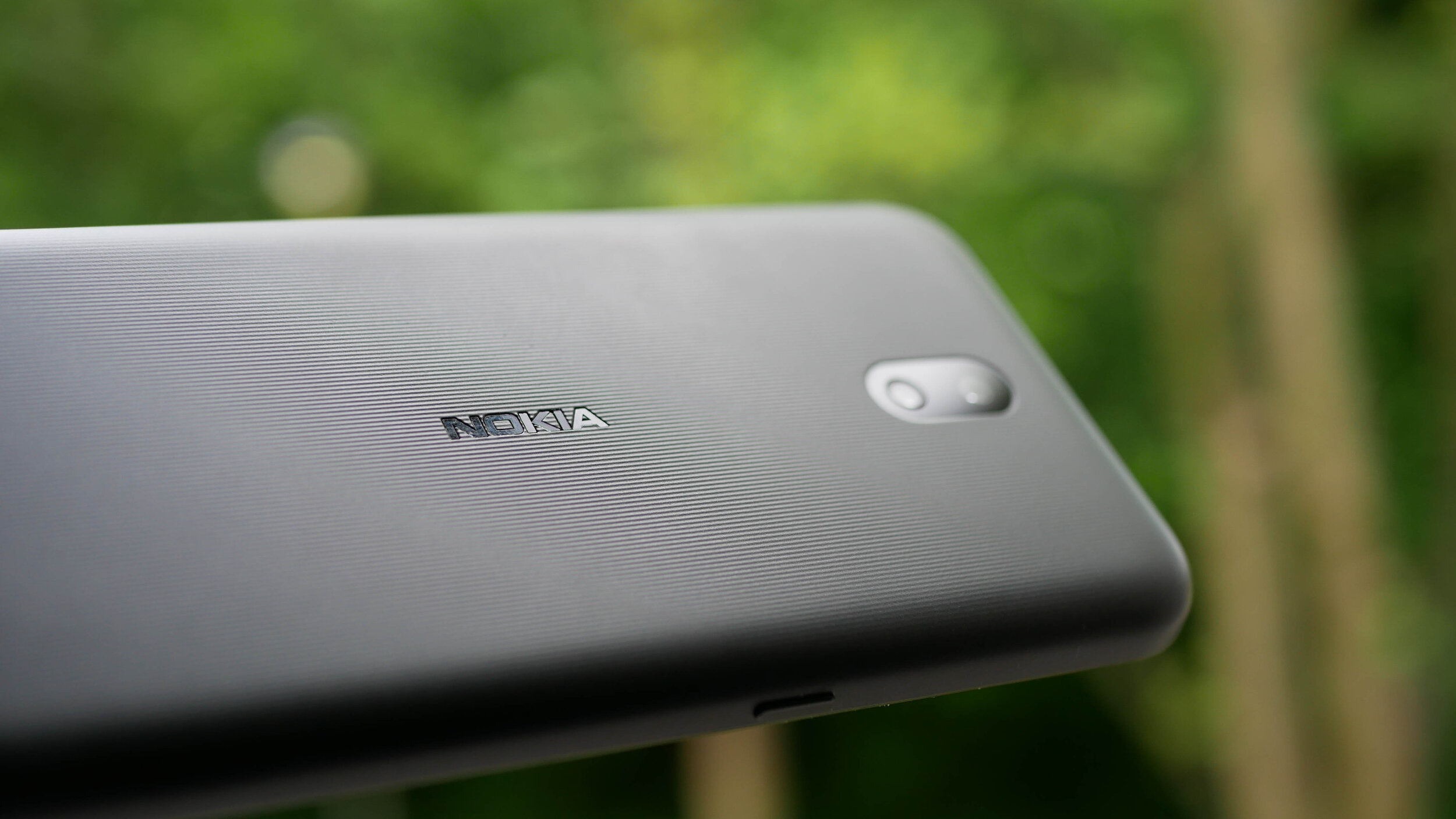
The gallery above is of the device and will be used in All About Android. Subscribe at TWiT.tv/aaa
As time goes by and we release more content, we will add it here.
Feel free to leave a comment if you have any feedback or questions.

Doogee S95 Pro Super - Rugged Modular Phone Review - IP69K Waterproof Heavy Duty Smartphone
The Tech Travel Geeks’ Lukasz reviews the Doogee S95 Pro rugged modular smartphone. Want to know what he thought about the build quality, performance, cameras and added modules? Watch the embedded video or read the blog post with sample photos and videos
On the Tech Travel Geeks Youtube channel we unboxed the Doogee S95 Pro a few months ago, and had also unboxed the device when we visited their offices in Shenzhen. I’ve been using the Dooogee S95 Pro on and off since then, but I moved my SIM card from the Huawei P30 Pro to it a few weeks ago to properly review it.
You can buy the Doogee S95 Pro Super kit on Amazon: https://amzn.to/2T0NQdt
Want to know what I thought about the build quality, performance, cameras and added modules? Watch the video below or continue reading to find out, and make sure to subscribe to Tech Travel Geeks for more content like this.
Build quality
Doogee S95 Pro rugged smartphone
First of all, the phone is built like a tank. It’s a proper rugged phone with IP68 and IP69K certificates, which means that it can survive “powerful high-temperature water jets”. That’s thanks to industry-leading rubber on the back, which can survive a lot - so much so that it passed the MIL-STD-810G military environmental tests, and that certification isn’t easy to get.
It’s also thanks to the fact that all the ports like USB, SIM and microSD card are securely covered from any external factors.
We took it further though and wanted to see how much it can survive. The phone managed to stay on while being frozen and survived getting “liberated” with a hammer, which is amazing.

Doogee S95 Pro frozen in ice
But then we decided to see if the phone can survive being driven over by a Tesla. The first attempt, on the grass, seemed to be successful, with just some scratches on the screen protector. Unfortunately, the second attempt, on concrete, affected the phone quite significantly - initially the camera app wouldn’t open, and then the screen stopped working properly, getting ghost touches. Removing the screen protector didn’t help solve the issue unfortunately.

Friendly reminder - don’t get your phone run over by a Tesla
So, is the S95 Pro super durable? Yes. Should you drive over it with a car? Here at Tech Travel Geeks, we’d advise against it.
Due to all of this ruggedness, the phone is obviously quite heavy, clocking in at 285 grams. For comparison, my Huawei P30 Pro weights 192 grams, but that’s the price you have to pay for the ruggedness. You’ll also most likely need two hands to operate it.
Screen

Doogee S95 Pro is great for watching some Netflix
The front of the device is a 6.3 inch 1080 by 2246 pixel Full HD screen, making it 395 pixels per inch. It’s an IPS screen, so an LCD rather than OLED. The quality is decent and fine if you want to watch some YouTube videos or even some Netflix on the go, but don’t expect the quality or refresh rates seen on OLED screens in current smartphones. Luckily, it’s still bright and good for daily use.
Performance

You can even play Fortnite on the Doogee S95 Pro!
What really positively surprised me was the performance. Having been mostly using phones with high-end chipsets, I was a bit worried about using a MediaTek chipset. However, the octa-core 12nm Helio P90 chipset impressed me personally. The software experience in the everyday usage was great and with no slowdowns. Everything was really smooth.
I wanted to test it to its fullest and tried throwing all the high end games at it, and I could barely make it sweat. All the recent racing games Asphalt 8 and Asphalt Xtreme were really smooth, and the latest Asphalt 9 was easily playable, with just a bit of a performance hit, but nothing impacting the gameplay. The same with Need for Speed: No Limits or Crazy Taxi Classic. I then tried first person shooters, and Dead Trigger worked really well, PUBG was mostly good, with some minor slowdowns. I was even able to play some Fortnite, with just some minor slowdowns. Only thing to note is that some games took a bit longer to load, despite 8GB of RAM, but you only need a bit of patience, that’s all. Overall, for such a device, it definitely exceeded my expectations.
Speaking of memory, the phone comes with 128GB of storage, and supports microSD cards in case you want to expand it even further.
Software

Doogee S95 Pro running Android 9
The S95 Pro uses Android 9 and hasn’t received a major update in the last 6 months. What’s more worrying, though, is the lack of security updates. As of writing on 8th May, my device is still stuck on January 2020 update. That’s not great unfortunately, so keep that in mind.
Doogee’s launcher is rather basic and doesn’t have an app drawer, so I installed Action Launcher instead, as I personally struggle without the app drawer. However, the overall software experience was all right.
Battery life

Doogee S95 Pro’s 5150mAh battery is great
Another area that’s quite impressive is the battery life, as expected in such a device. The phone comes with a 5150 milliamp hours battery and it will last you a day of constant usage without any problems, and even more if you don’t use your phone as much as I do. If you’re planning to go mountain biking or on a hike, you’ll be sure that your phone is safe AND that the battery won’t run out before the day ends.
When it comes to charging, you have two options. You can use a USB-C cable and plug it in. According to Doogee’s website, it offers 24W “turbo quick charge”. You can also use 10W wireless charging, which is great for a rugged phone like this. In general, you shouldn’t have any battery issues with this device.
Connectivity

Doogee S95 Pro offers global 3G and 4G connectivity
When it comes to connectivity, you should be able to use the phone globally on most 3G and 4G networks, which is great. It supports dual SIM cards, so you can either have a work and personal number, or get a cheap SIM card while travelling. What’s more, it supports NFC, so you’ll be able to make wireless payments using Google Pay or similar, which is becoming more and more important right now.
Cameras

Doogee S95 Pro offers three cameras on the back and one on the front
As someone who loves taking photos, there’s one area which would make it difficult for me to use this phone as my only phone, and that’s the camera. On paper, all looks good - there’s a 48MP main lens with the same sensor as the Xiaomi Mi 9T, an 8MP wide-angle lens and an additional 8MP sensor, as well as an LED flash on the back, and a 16MP front-facing camera.
I managed to take a few good photos with the main lens, before we had to stay home. Here’s a beach in North Berwick in Scotland, Placa de Catalunya in Barcelona and some monument in Barcelona, all looking good.



However, if you take the same photos on the wide angle camera, the colours shift towards red and the photos get darker, become pixelated and are unfortunately unusable.



Unfortunately, it’s the same with the zoom lens - here’s the Arc de Triomphe on the main camera, which looks good, but then the wide angle becomes dark and pixelated, and the 2x zoom looks like an oil painting, losing detail.

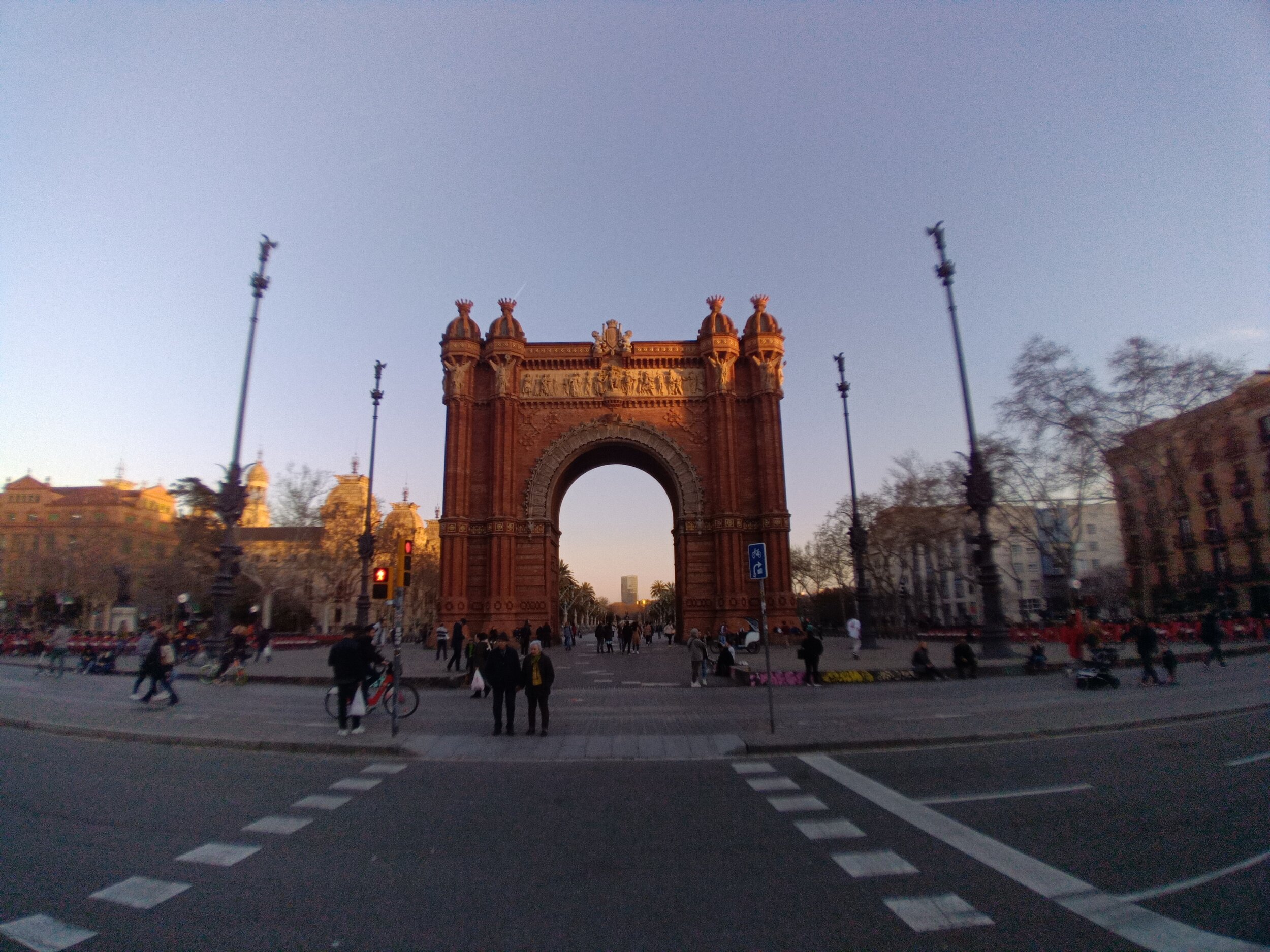

The night mode was actually quite good, as per the Sagrada Familia photos I took. Again, as long as you stick to the main lens.



Two of my favourite photos were of food in Barcelona - I really miss travelling now :)

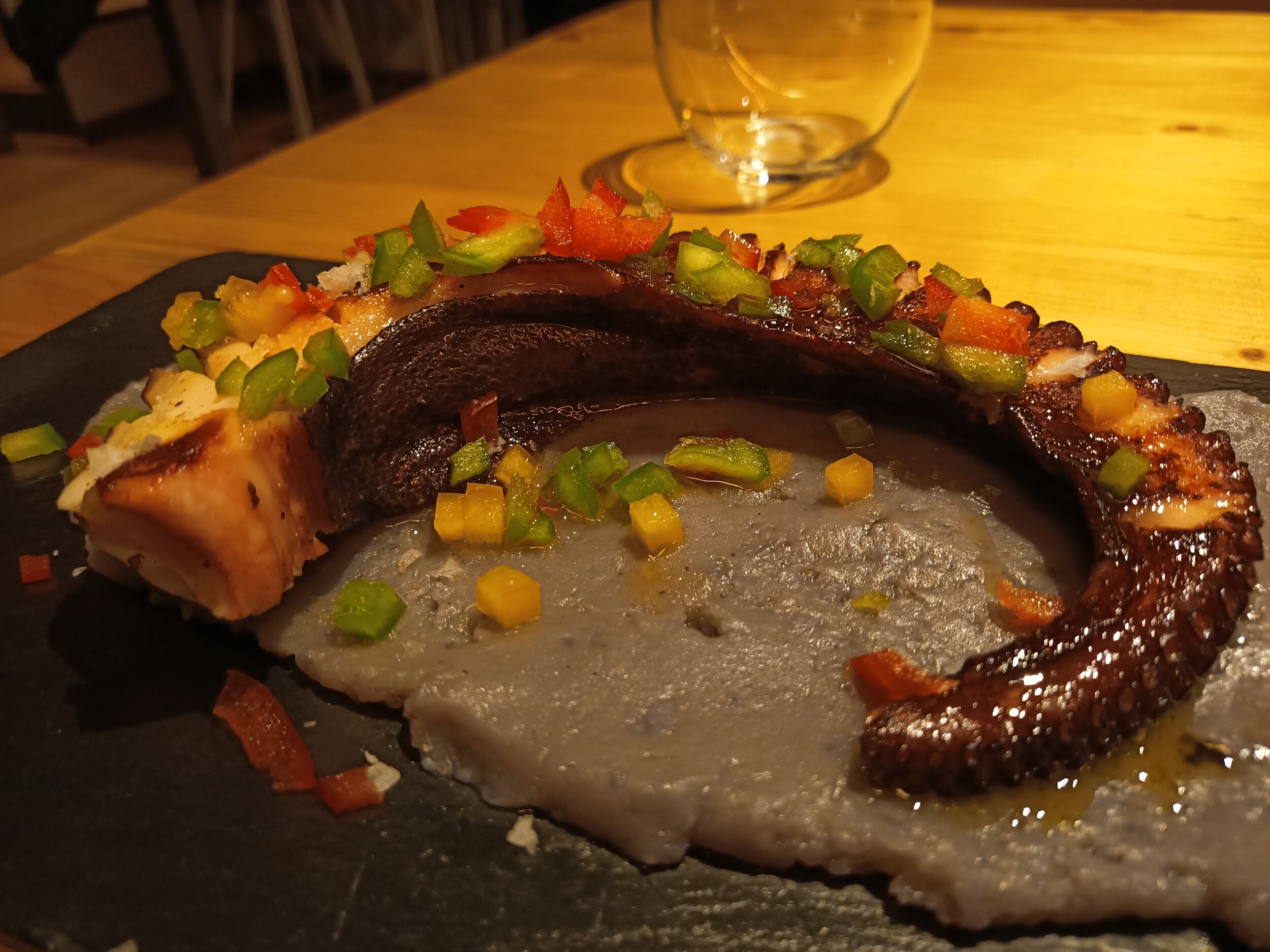
There’s also portrait mode and some shots are good, but it appears to be finding the middle of the image and blurs everything outside, so don’t use it on inanimate objects.



Selfies weren't great, but passable - oh, hi Matteo!



I also used the front facing camera for video calls with family with no issues, as well as to share some guitar practice with my teacher.
For video, you get 4K 30 frames per seconds, just be careful that it’s quite shaky, so I’d recommend stationary shots. The wide angle camera doesn’t work for video though, just main and 2x zoom. Luckily, the 2x video doesn’t seem to suffer from the same issue as photos - just look at this amazing guy in Barcelona!
Modules
Finally, let’s end on something very unique to the Doogee S95 Pro. If you look at the back, you can find a 16-pin connector. There are two optional modules which you can buy in addition to the phone and connect them to the device - a battery and speaker. Exciting stuff!

Doogee S95 Pro Super kit comes with the phone, a battery module and a speaker module
Let’s start with the battery. It attaches really easily, and it stays on really well. It has a cut out for cameras, so you can still use them while charging on the go. The battery has a capacity of 3500 milliamp hours, which means that it should charge around two thirds of the battery, or up to 10 hours. In our tests, we went from 20% to 70% in around 3 hours. I found the battery a really good idea, especially if you’re on the go and urgently need a top-up

Doogee S95 Pro battery module
The speaker module is a 6W one with two speakers, has a 2000 milliamp hour battery and should last up to 3 hours. You don’t need to connect to Bluetooth, it just works. The sound is great, it’s quite loud and can fill a room. My by far favourite function is the stand, which allows you to watch some YouTube or movies on the go without holding the phone.

Doogee S95 Pro speaker module with a stand
Summary
So, what are my thoughts about this phone? If you’re in the market for a rugged phone, this should be a great device for you. It has a great battery, surprisingly good performance, and if you go with the version with modules, the functionality of the phone will increase significantly. It can also survive almost anything. Just bear in mind that the cameras aren’t great and software updates are quite behind, so be cautious if those two things are important to you.

Thanks for watching this detailed Tech Travel Geeks review of the Doogee S95 Pro. If you enjoyed this video, make sure you leave us a like and a comment, and subscribe to our channel for more videos like this - click here to subscribe.
Check our Doogee S95 Pro unboxing videos:
Also, watch the Doogee S95 Pro comparison with the Doogee S68 Pro:

Huawei FreeBuds 3 Review and Unboxing - Active Noise Cancelling on the Go
The Tech Travel Geeks Chief Aperture Officer, Lukasz, unboxes and reviews the Huawei FreeBuds 3. These are the latest high-end earbuds from Huawei with active noise cancellation running on the new Kirin A1 chipset. We include the full video review as well.
We’re finally doing the proper Huawei FreeBuds 3 unboxing and review. Finally, because we saw the unveiling during the IFA in Berlin last year, and because we actually filmed an unboxing at an airport on our trip to China in early December. Unfortunately, the quality wasn’t that great, so we never released it. But how can we unbox something again? Well, I got a pair in Shenzhen, but I lost one of the earbuds on a trip to London, and I only got a new pair this week. Watch our unboxing and review video below, or continue reading.
Unboxing
Huawei FreeBuds 3 unboxing - black charging case
The box is similar to other Huawei boxes - make sure you check Matteo’s unboxing of the new Huawei P40 (click to watch it on YouTube). We can find that they offer “new intelligent sound” and the Kirin A1 chip - more on that later.
Sliding out the external sleeve, we find the actual box. Inside, we find the earbuds in the charging case - I went with black again, but you can also pick white or red. There’s a QR code to download the app, a USB-C charging cable for the case, as well as some instructions and the warranty.
The case, luckily, has two earbuds, so I’ll be able to get back to listening straight away.
Pairing and the app

Huawei AI Life App
All right, let’s pair it with the two devices I’m currently using - the Doogee S95 Pro - expect a review in the next few weeks on Tech Travel Geeks, and the Huawei P30 Pro. First, Doogee, since I have to do it from scratch. First, scan the barcode to download the Huawei AI app. Open the case and hold the button on the side for two seconds. Start scanning for new devices and you should see the the Freebuds 3. It only takes a moment to connect. In my case, I also had a new firmware update, just note that it takes a moment, in my case, around 3 minutes.
Pairing with the P30 Pro was even easier, since I already had the AI app installed, so a request to pair just popped up and I was all set.
The app is quite simple - you can check the battery status of each bud and the case, set the shortcuts for what happens if you double tap on each bud and set the noise cancelling levels. Make sure you play with this setting and adjust to your surroundings, as it makes quite a big difference.
Sound quality and noise cancellation
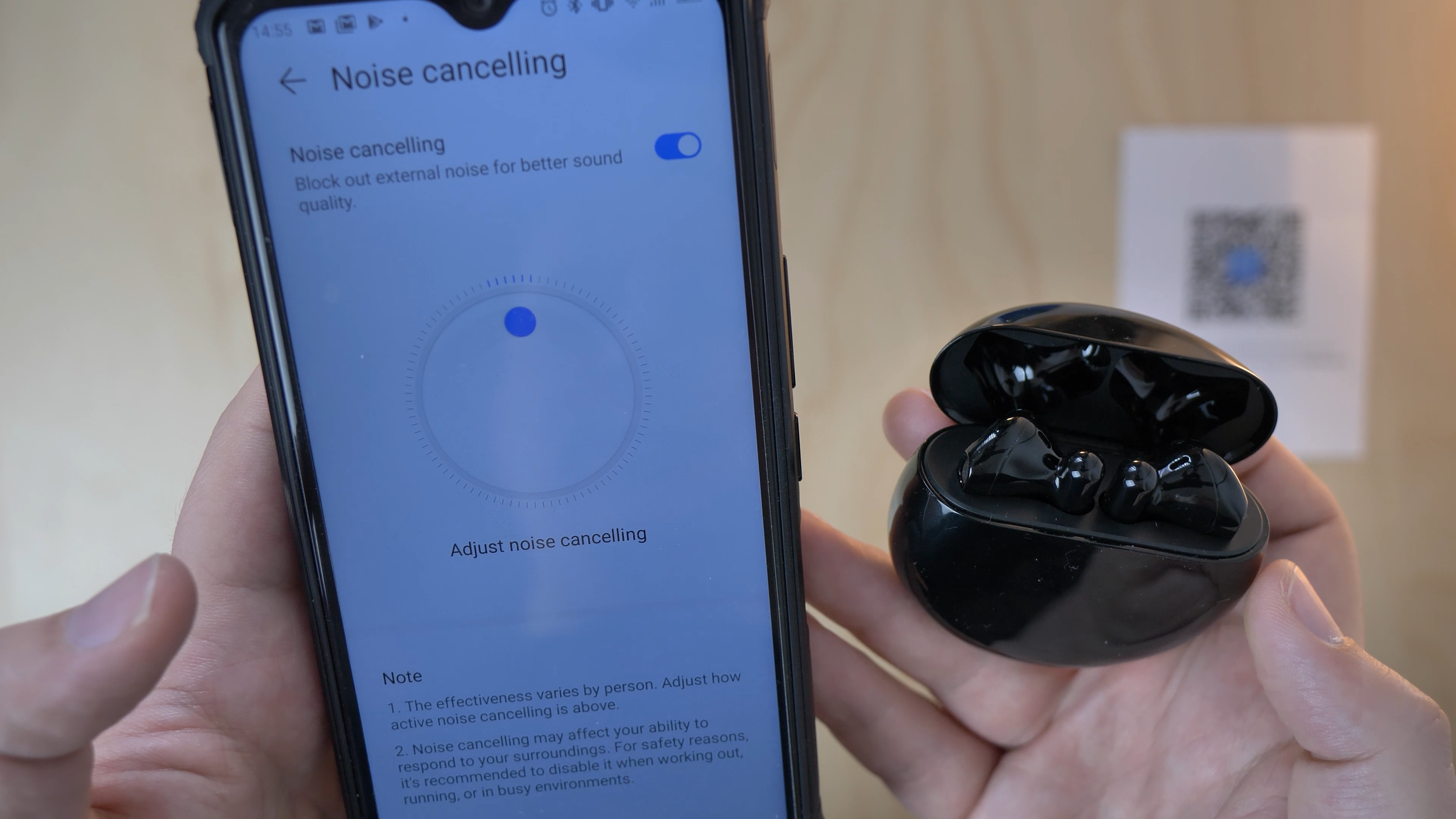
Huawei FreeBuds 3 noise cancellation setup in the AI Life app
Speaking of which: the Freebuds 3 are Huawei’s response to Apple’s AirPods, but with a major advantage - they’re the first earbuds with active noise cancelling. Thanks to their advanced Kirin A1 chipset, they’re able to cancel some noises coming from the outside. I actually used this feature on the 70,000 Tons of Metal cruise back in January and it helped balance the noise when I was too close to the stage a few times. Quite useful.
What about the sound quality? I really liked it, it’s nice and clean, and can go very bass-y, depending on the music you listen to. I’m mostly into heavier music, so I’ve been re-listening to the new Nightwish and Trivium albums and they sound great, especially the orchestral sounds. If you go from basic earbuds or just listening on your phone’s speaker, you’ll hear a lot of depth that you couldn’t hear before.
I’ve also been watching a lot of YouTube and some movies and shows, and I really liked the quality for that as well.
I also tested them during some calls with my family on WhatsApp and I was told that the microphone quality was all right. In a moment, you’ll hear a quick sample recording from the Freebuds 3 for your reference, compared to the Blue Yeti X microphone I recorded the rest of the audio with. You’ll notice that there’s some extra noise in the background, especially when I made any smallest movements, so don’t expect to use them to record any audio.
One thing I missed was an equalizer, to adjust the tone to your liking, like I can for example with my Sony XM2 headphones. However, you should be able to get a good sound from the default settings anyway.
Batteries and charging

Huawei FreeBuds 3 Batteries and Charging
The batteries are really good, they last up to 4 hours non-stop, and you can quickly top it up with the case in 30 minutes. As such, you shouldn’t have issues with keeping them charged, as long as you keep them in the case and recharge it from time to time.
The buds themselves get charged by the case, and the case can be charged either with a USB-C cable or through wireless charging. For that, you can use a wireless charger, or if your phone supports wireless reverse charging, you can use that instead. My P30 Pro supports it, and I’ve already used this feature many times, it’s really helpful when you’re out and about. Just make sure you put the case in the right spot of your phone.
Summary

Huawei FreeBuds 3 - my favourite earbuds right now
I got the buds on Amazon for £114 this time (click to find it on Amazon), which is a price decrease since it was released a few months ago. If you want to spend less and prefer a more in-ear cone build, you can wait a bit more to get the new Freebuds 3i, which will go on sale on 20th May for £89. They’ll also have active noise cancellation, but smaller sound drivers and it’s still to be confirmed if they have the Kirin A1 chipset.
As you can guess by now, I really enjoy the FreeBuds 3 - so much so that I bought them again after losing one of the buds. Well worth it if you like this specific kind of earbuds, highly recommended.
Thanks for watching, make sure you subscribe to our channel for more videos, thanks from the Tech Travel Geeks!

All About Android 460 - We Roll Like TCL
Matteo’s latest appearance on All About Android.
Last week while vacationing in California I took the time to visit our friends ta the TWiT Lastpass Studios in Petaluma to appear on one of my favourite shows: All About Android.
Though Flo and Ron were out this week (congratulations on the new arrival Flo!), it was a great pleasure to be on episode 460 of All About Android with Jason and Ant.
I showed off the Oppo Reno 2 which we recently reviewed on the Tech Travel Geeks YouTube Channel as well as a few Doogee devices we are working on content for.
I’m on my way to Barcelona at the moment with Lukasz. We’ll be covering the Honor event from there and recording a fresh episode of the Tech Travel Geeks Podcast from what is not MWC week…

Samsung Galaxy Tab A + S-Pen - A Hidden Gem?
Android Tablets seem to be dead in the west. Even the most ardent androidians seem to have an iPad. Apple is constantly pushing its iPad lineup as a “laptop replacement”. But that still hasnt stop stagnantion of sales. They are slowly creeping into the enterprise sector, but this is often in addition to a “company” laptop. So not really a replacement then.
A lot of us tech nerds are often looking out for the “perfect” device. Whether it is a phone, tablet, laptop, pc etc etc. My own journey for the perfect laptop and the best value work laptop have been discussed here in detail.
I am one of those guys that really likes stylus input. Its why I have had a couple of Galaxy Notes and a Lenovo Miix convertible devices (basically a Microsoft Surface clone). I find these very useful for my work. (This was before my Redmi Note 8T)
Now I would love to have an Android Tablet with that kind of functionality. Android tablets have generally dwindled in the West and apart from a few Samsung and Huawei devices, and are predominantly for content consumption. The Amazon Fire Tablets are another good example. The Windows tablet/convertibles are very good for productively, but suffer from the limitations of Windows 10 in tablet-only form
However, in other markets, especially in India and SE Asia, Android Tablets are still doing well. These are price sensitive markets, and often these may be the main computing platform for many. A quick look around Google and eBay shows that there are many other tablets out there that arent easily available in the UK. My cousins in India and the Middle East seem to have a much wider range with different funcitonality. One such relative told me of a Samsung Galaxy Tab A which included an S-Pen. This was available in both 8in and 9.7in form factors. That too at good prices.

After the theft of my Note 9 (have i mentioned that before?) I thought “why not?” I think I might have uncovered a hidden gem that works great for productivity and as an on-the-go content consumption device.
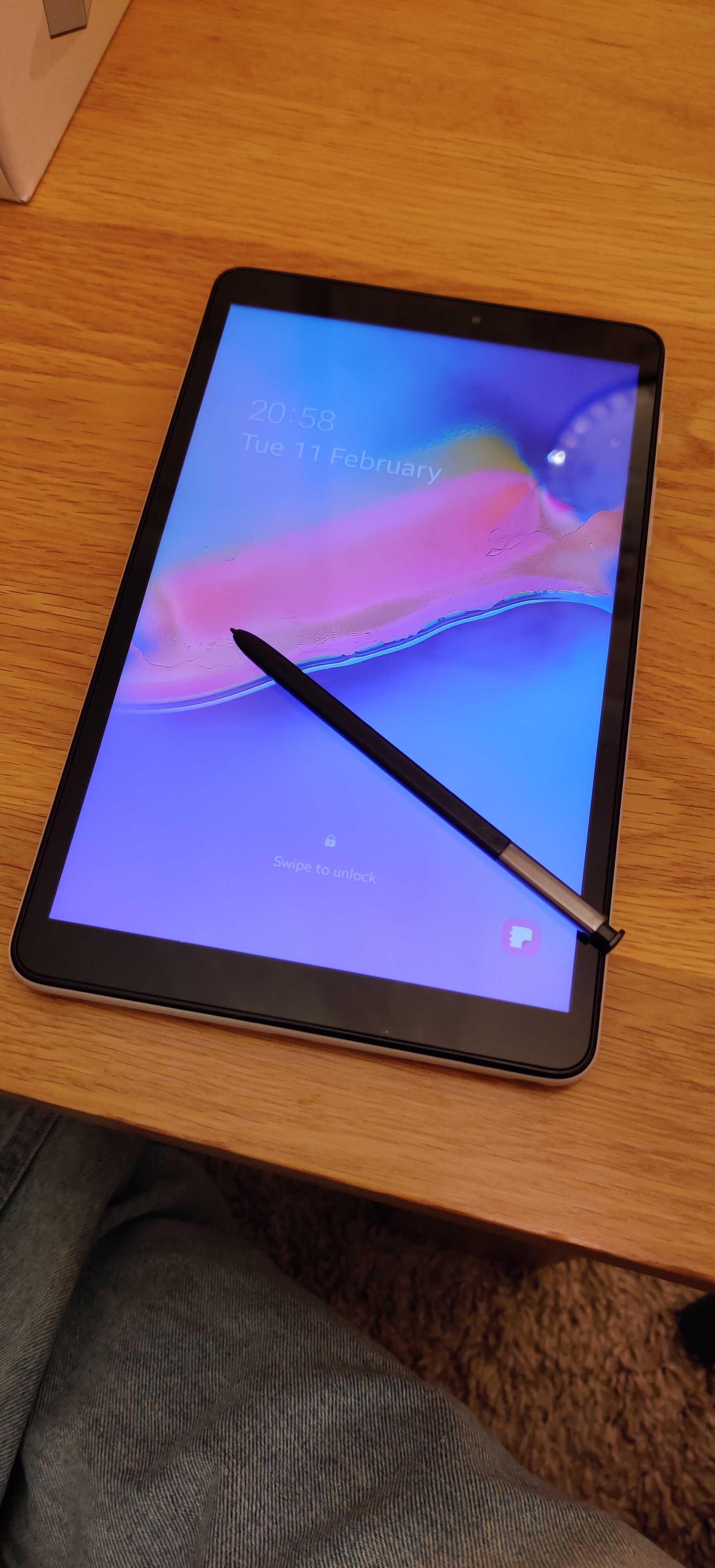
So ordered the device, and it came pretty speedily from overseas. I went for the 8in model (as I already had a Samsung Galaxy Tab S2 9.7in somewhere). On unboxing, its clearly made with polycarbonate materials, there isnt evena suggestion of premium here. But thats ok, at the price point, its perfectly reasonable, and if you want to subject to constant on-the-go use, well then plastic is going to be more durable then metal slabs or glass sandwiches.
The aesthetics of the device kind of what the love-child of a Nexus 7 and iPad Mini would be. Its tall with a 16.10 ratio, which makes it like a big phone. But then in landscape its a widescreen 1080p resolution. A good choice i thought.
A full spec sheet is below.
Exynos 7885 Octa Core
Android 9 + One UI
Internal Storage 32GB + MicroSD
RAM 3GB
S-Pen (non-Bluetooth)
DIsplay LCD TFT 1920x1200
USB - C Chanrging
3.5mm (Courage) Headphone jack
Mono downward speaker
8MP rear camere/5MP selfie camera
Non-removable 4200mA battery.
So the specs arent going to set the world alight….but then this doesnt need to.
A wise man allegedly said that “the right tool, is the tool that gets the job done”.
I go.to a lot conferences and courses as part of my work. I also am doing some theology classes (another one of my non-medical interests). My Lenovo Miiix seemed to be “ok” ant handling stylus input and making notes/taking pictures of slides etc. But it was heavy, slow, kept having wifi issues. No deal-breakers, but just sub-optimal.
But when I had bought my Note 9 (did i mention it was stolen?), it was like a revelation. Samsung have really optimised Android for a more productive (if bloated) experience. It was just so much easier and convenient. If only the screen was bigger and i still had all those features.
Thats were this Tab A + S Pen comes in. Its form factor, durability and price means I can throw it in my bag without worry. It has good battery life, the stylus input is great especially using OneNote or the Samsung Notes apps. I have the full library of Android apps to choose from and if i want on a train its easy to watch something on Netflix etc.
If i want to type something out, it has still small enough to type on for a device of this size without the need of a separate keyboard.
The cameras arent great, but then the only thing id use it for is to scan documents. The sound is also a bit meh، but the headphone jack helps.
“But its just a big phone!” I hear you cry (or was that the neighbours?)
Well if you havent noticed, phones are getting bigger and bigger. A decade ago the HTC HD2 was 4.3in. The OG Note was a massive 5.3in. The latest S20 Ultra has a 6.8in display. The Note 10 has a 6.7in display. Both of these are much much much more expensive.
For my needs, this form factor, small tablet/phablet/big phone, whatever you want to call it works for me.
Im just disappointed that you have to go so much out of your way to get a device like this.
The Doctor recommends

Redmi Note 8T Review - The Actual Review
Majid actually gets round to reviewing the Redmi Note 8T after his long introduction.
Ok, with all that preamble and context out of the way, why did I choose the Xiaomi Redmi Note 8T? At TechTravelGeeks.com we are no stranger to Xiaomi, the Chinese smartphone and consumer electronics brand. You can check out our videos of the Xiaomi Mi 9T on the Tech Travel Geeks YouTube Channel.
Frankly, the decision all came down to the price and the device’s value proposition. As stated in the my introduction, I needed something inexpensive, but also with reasonable grunt and a promise of some updates. Put these 3 ingredients together into your mixing bowl and Xiaomi is one of the first brands that comes to mind (Honourable mentions to Huawei/Honor & Moto G in this segment).
So, having been burnt recently by eBay (did I mention something about a stolen Note 9…) and because I have the benefits of Amazon Prime, i headed to Amazon.
What I saw on Jeff’s site was astonishing: a phone with a quad camera, waterdrop FHD+ display, 4GB RAM, 64GB storage (plus Microsd expansion), dual SIM, Snapdragon 665 (which is roughly on par with the 835 or the 710) for close to £150 ($200). Dubious? Check it out on Amazon here: https://amzn.to/38b9LTR
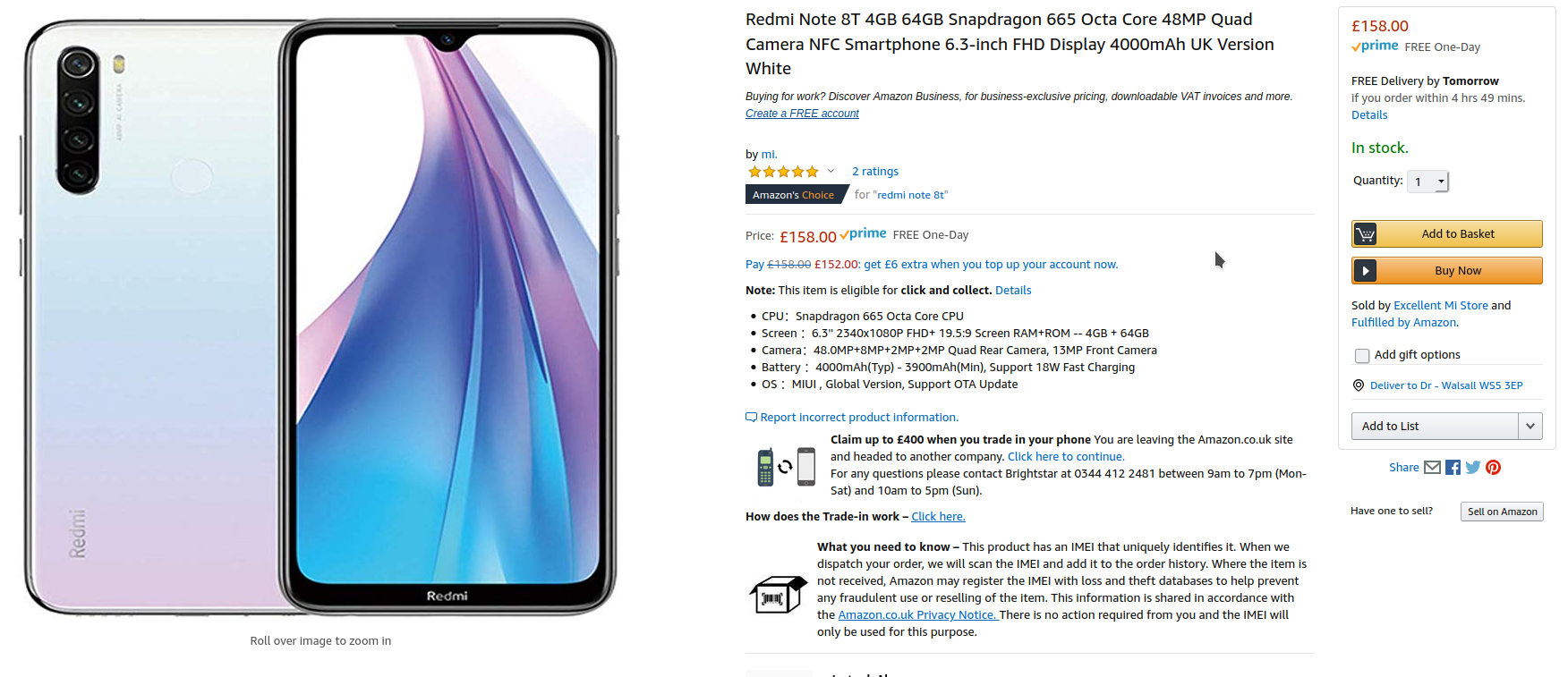
Subsequent research found that this was the T model with the extra RAM and base storage. A standard Note 8 with 3GB/32GB is available for about £140, and a Pro version with a 64MP Camera and 6GB RAM 128/256gb of storage can be had at just around £200 (depending on storage).
I am sorry but this to me is just silly. This amount of computing power at this price? I did a little bit of digging around in the reviews and apparently the 3GB version is a bit under-powered. But that didn’t change anything. I ended up clicking the “Buy Now” button.
But we all know that specs don’t tell the full story. Samsung have for many years had top-of-the-line specs but stuttery performance. LG sometimes bring great innovation, but are largely ignored. Even the Google Pixels have a tendency to slow down over time. iPhones have tended to offer better experiences than their specs may suggest. I’m not even going to go into synthetic benchmarks, they may have a role in comparisons of chipsets (like when I was trying to figure out what kind of performance to expect from the 665) . But in the end real-life performance is what counts.
HARDWARE
The Note 8T is a veritable sight to behold. Yes its the usual glass sandwich, but it feels really well built, lovely to hold. In the white finish that i have, frankly it felt like an iPhone 11 (which is £600 more expensive). It just oozes quality. I’ve asked unsuspecting friends and family how much they think it costs and most reply between £400 and £500.
There is a 6.3 inch FHD IPS LCD display. Its a pretty good display, good viewing angles and colour reproduction. Sometime you get a bit of LCD back-light glare and it wont beat the AMOLED screens out there, but it’s still really good for content consumption via YouTube or Netflix. I’ve been using a curved screen (my OnePlus 7 Pro) and I actually found it refreshing to go back to a flat screen. I think curved screens may start going out of fashion as they can cause distortion at certain viewing angles though no doubt they are more immersive.
The back has one of my favourite features, a rear mounted fingerprint scanner. I love the ergonomics of these and whilst the in-display tech may be cool, it’s just functionally not as good
The bottom has 3.5mm jack, or as Matteo would call it a Courage Port, and a USB-C charging port. There is a down facing speaker which is a bit tinny and lacks base, but is perfectly fine for my uses.
On the side is the dual SIM tray, which can house 2 nano-sims + Micro SD card. This makes it extremely versatile. NFC is also on-board for all your contactless needs.
SOFTWARE
Out of the Box the device runs MIUI 10 on top of Android 9 Pie. However on first boot, the device updates to MIUI 11. MIUI has a reputation for being an iOS clone, and I can see why, no app drawer and similar shortcuts folders, even the colour palette in the settings. But I must say this iteration has definitely got a look and feel of its own and doesnt feel like some rip-off.
I thought this iOS-ness would annoy me. Which it often does. The lack of an app drawer, as found on other Android devices is annoying. Yes, i know I can get a third party launcher. But I’m actually going to stick with it for as long as I can. It works well, incorporates a lot of the gesture navigation from Android 10, Split-Screen is better than “stock” and it is heavily customisable with a dedicated theme store. I am annoyed that there are a lot of pre-installed apps which I can’t hide or disable. Bear in mind my use case though.
This is a device I am using specifically for work. I am not going to have the 300+ apps on it as I do on my OnePlus 7 Pro. Its gonna have some Office, Email, Messaging and specific medical apps. This means even with a bit of folder chicanery, i can have a single homescreen. Lets see how long this lasts. There is a degree of duplication of apps (Mi Browser + Chrome, Mi Cloud + Google Drive) but that’s not unexpected. Whilst i dont expect to be able to uninstall the Mi apps, the fact that the Google services were system apps was surprising as I thought European rules had stopped them doing so.
There’s a stack of data management and battery management tools to keep your device running smoothly and as it was “out of the box”. It’s a very granular system and means that you can fully control what each app is doing or can do with your battery and precious data. Stop background data, stop cellular data and more – it’s all there and it’s very easy to understand. You can even decide how the notch looks/behaves!
There is the odd bit of “weirdness”, bluetooth not connecting properly or the Wifi Hotspot being a bit hit-and-miss. Nothing too serious, and it is somethhing that i’ve noticed with XIaomi and MIUI devices before. I’m assuming its software related. Not a deal-breaker though.
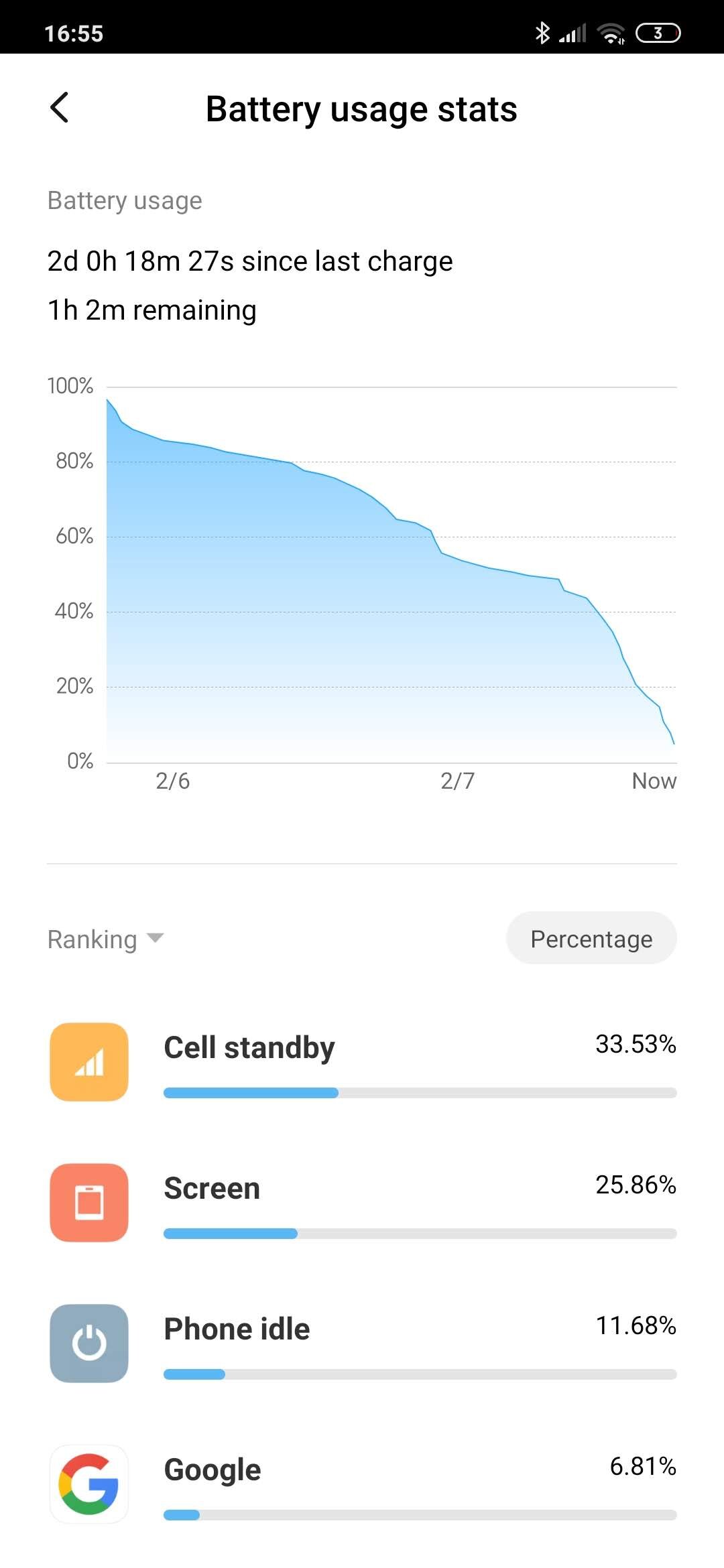
PERFORMANCE
I was very happy with the performance. The Snapdragon 665 is verry similar to the 835 of a few years ago. I had no slowdowns, at times there were minute stutters, but I have a feeling this is more to do with miui then anything. The RAM management is aggressive, but since I’m running a relatively small number of apps it wasnt an issue for me. Video playback and Sound quality were good. I think proper AAA gaming might be a bit of a push, but it wouldnt have any problem with most titles.
BATTERY
The Note 8T come with 4000mA battery, and with an 18W Fast-charger. There are reviews out there talking of 2 day battery-life. MIUI does have a raft of power-management tools and I actually think this is achievable. Now, I have to qualify this by saying that this is a second device therefore doesn’t get as much use as my primary device. But the fact remains that 24+ hrs after I took it off the charger it still has 55% battery-life left means this is a bloody champ. Very Impressed. It finally died over two days later
CAMERA
The device has an AI enhanced quad camera system, with a 48MP main lens, with an 8MP wide-angle lens, and a 2MP Macro lens, AND another 2MP depth sensor. All of this means its actually a damn good camera. HDR is switched off by default (for some reason) but all the photos come out very reasonable indeed. There is some degradation of quality in low-light situations, and the Night Mode doesnt do much to enhance night shots. But still good nonetheless. The 13MP front sensor is reasonable at selfies too, with a dedicated portrait mode
Anyway, here are some samples
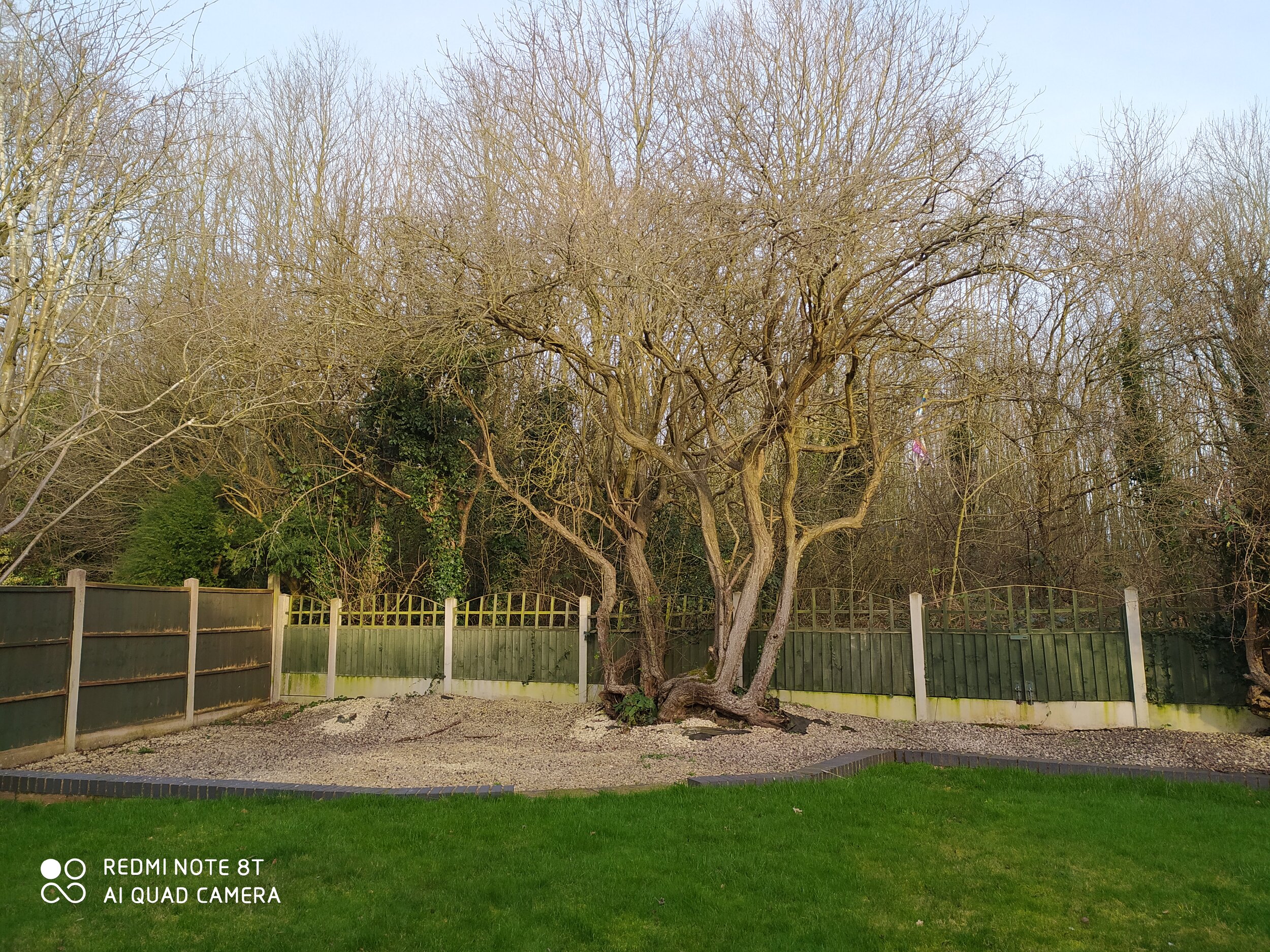
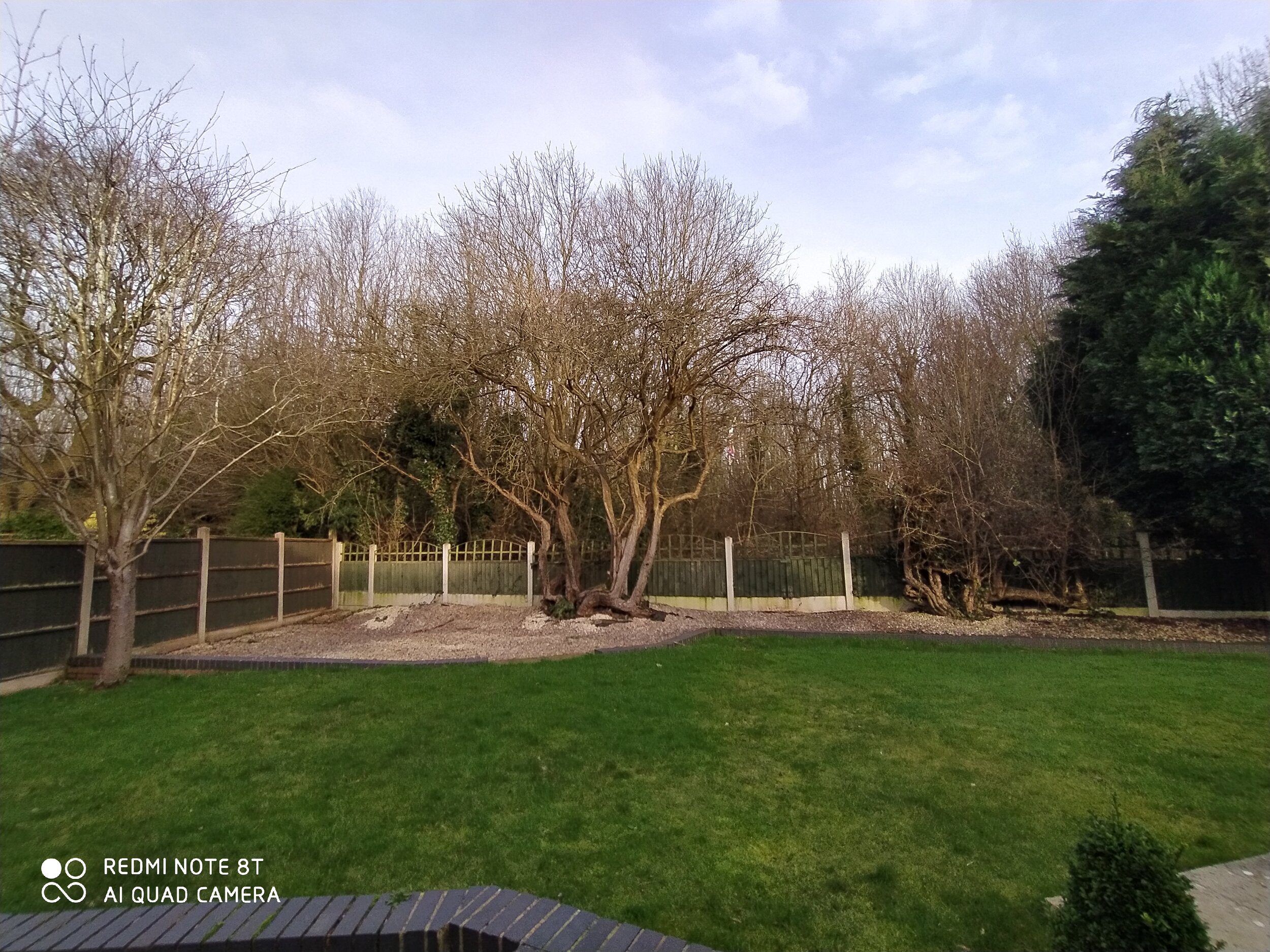
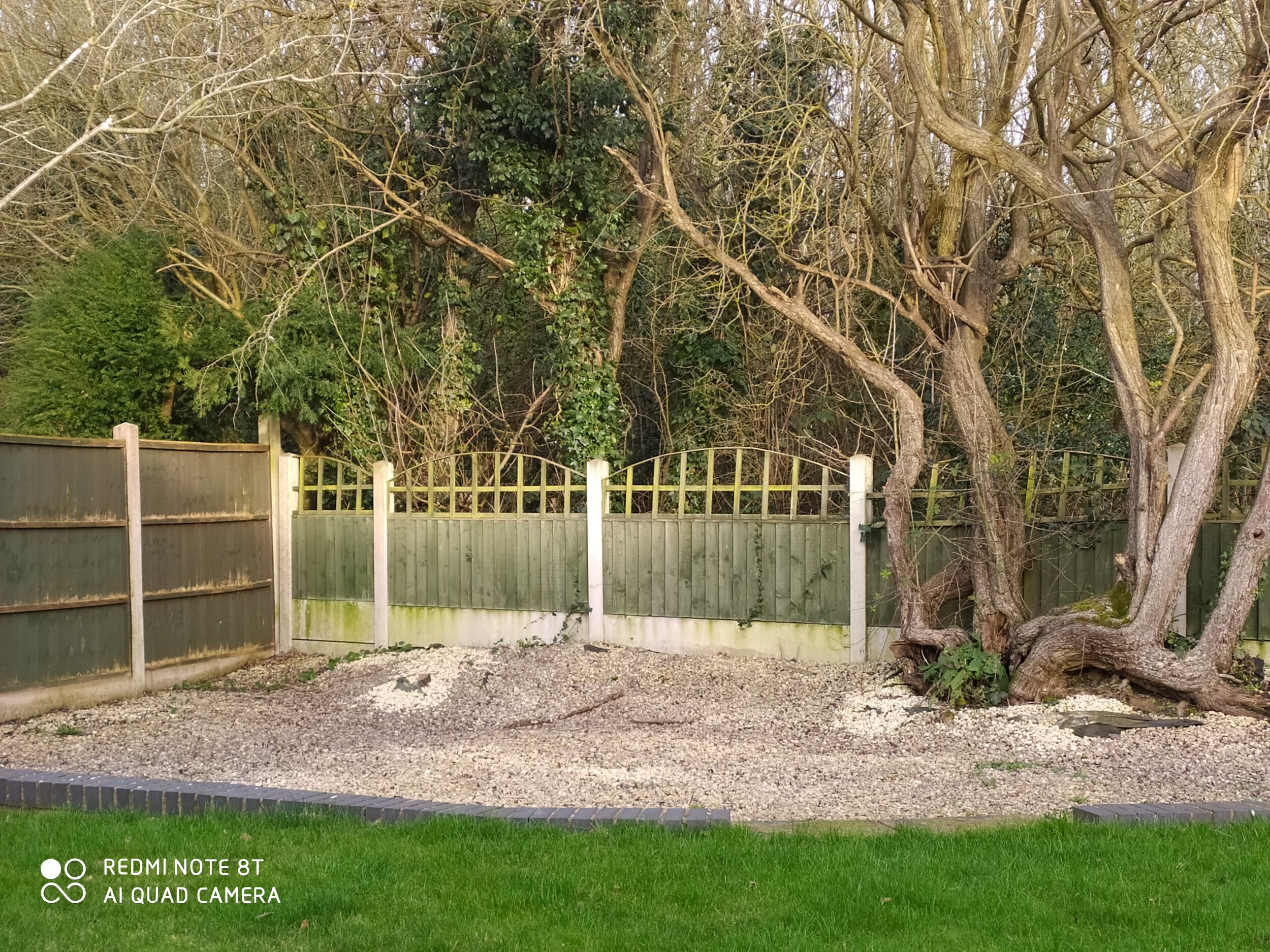


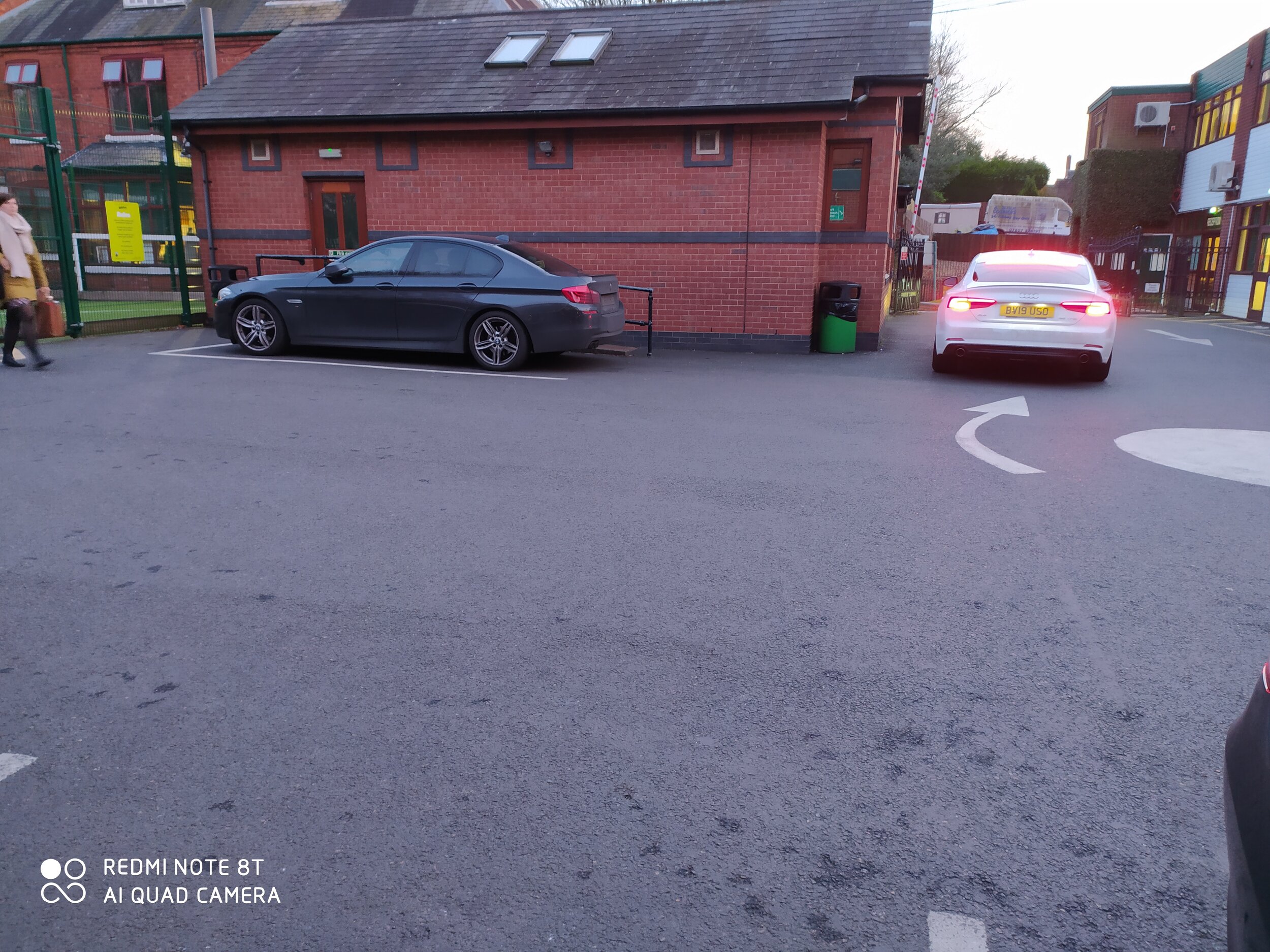
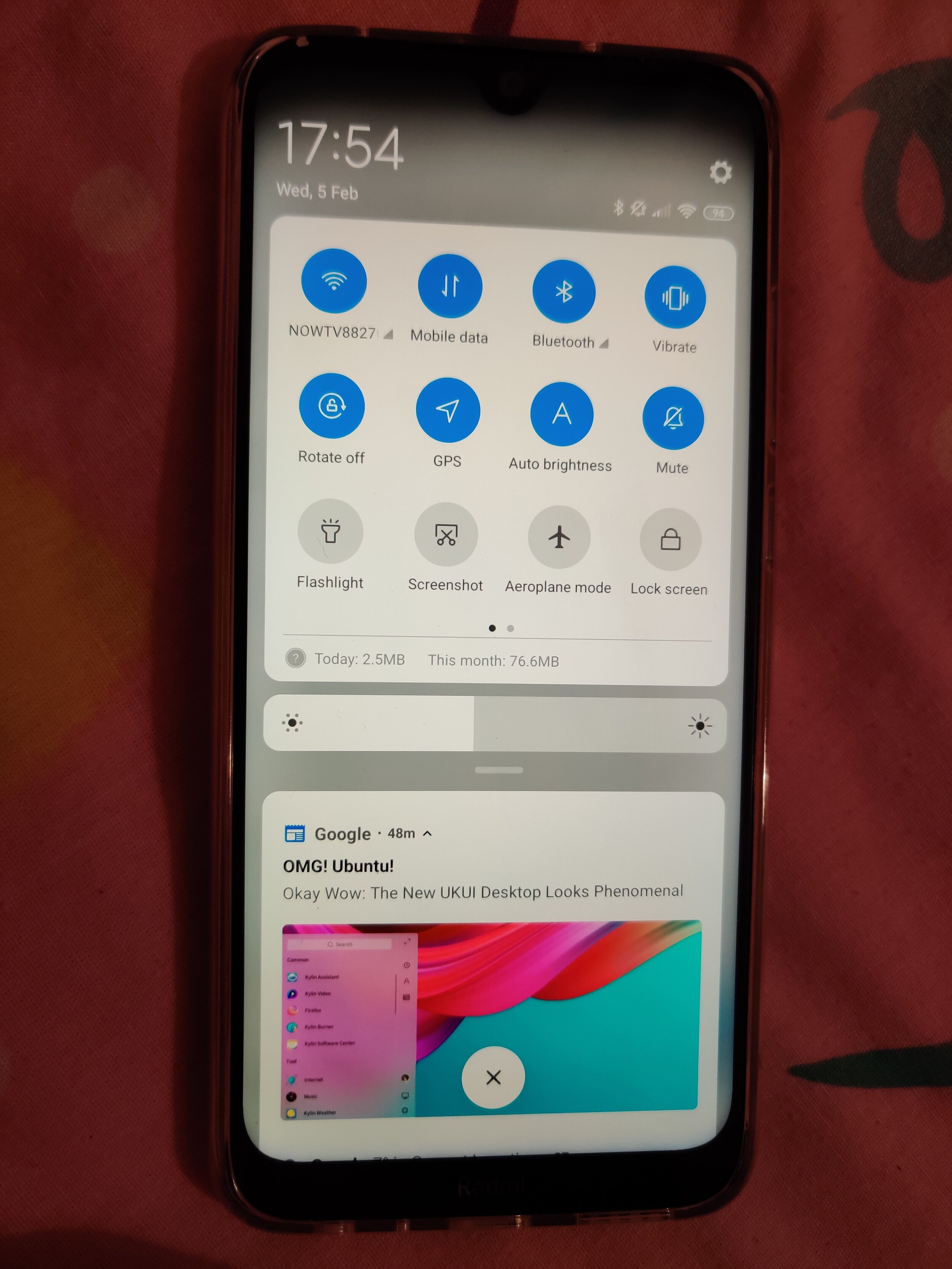
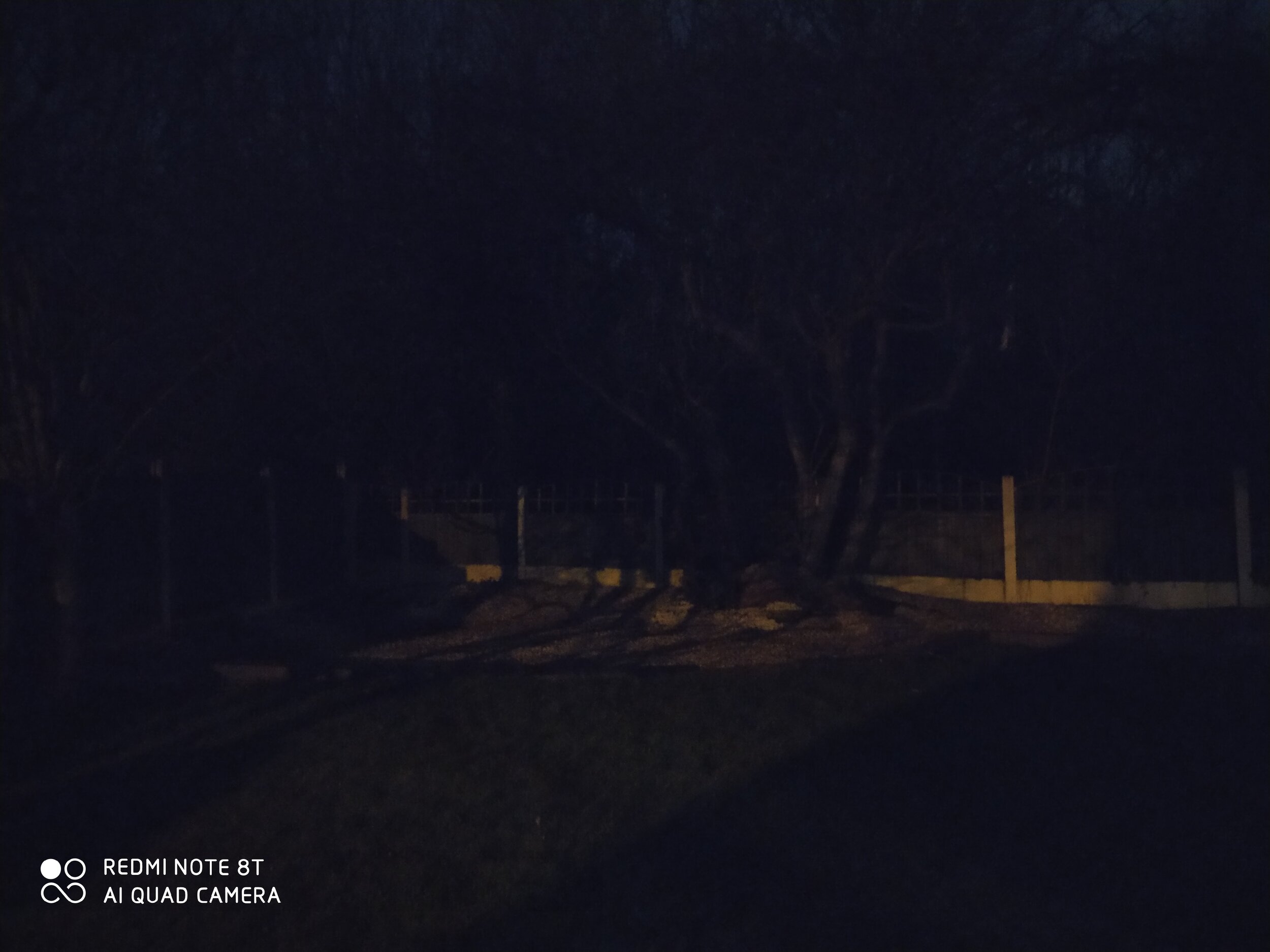

The Video is slightly more nuanced. There is Full HD upto 60fps, whilst eh front facing 13MP sensor maxes out at 1080p@30fps. It seems 4K isnt stabilised, and can be quite choppy. This is also slightly noticeable 1080@60fps, but it wasnt as significant or obvious as the 4k footage. I had a bit of difficulty uploading these, so unfortunately you’ll just have to take my word for it! Maybe we’ll be able to host them on our YouTube Channel https://www.youtube.com/techtravelgeeks
CONCLUSION
You know that thing of “if it sounds too good to be true, it probably is”? Well, this device might prove me wrong. It really has made me think of some preconceptions I had about mobile devices. We have such amazing computer power in our phones, that an unashamedly budget device could legitimately giving an experience up there with the top-end (maybe even flagship) devices. Frankly it could be the daily driver for many people and nobody would even realise the low price.
So in conclusion, I can recommend the device wholeheartedly. Majid says….YES
You can purchase the Xiaomi Redmi Note 8T here: https://amzn.to/38b9LTR

The State of Smartwatches in 2020 - Is there any point?
Smartwatches were supposed the next big thing…in 2014. I still remember driving in my car on my commute from Sunderland to Durham listening the (relative) surprise of the launch of Android Wear. I remember analysts and commentators talking about the seismic change to “wearables” as the next big thing in tech.
Google hadnt been first to the smartwatch game. Samsung had released the OG Galaxy Gear Watch with the Note 4 in 2013 and a fat of third party companies were getting in on the act. Pebble, Fit-Bit etc.
Android Wear (now Wear OS) was the first to be based on Android and controlled by Google. A flurry of devices came, the Galaxy Gear had multiple versions, the LG etc etc
TBH, I was a bit sceptical. It seemed to be a “manufactured” category. What I mean by this is that whilst mobile phones/smartphones had grown organically with progression from the Nokia 3210 days, to sliders, thin phones, flip phones (Moto Razer for example), touch screens and then the seismic shift to smartphones with BlackBerry and of course the iPhone. There was a sense that a product category existed, and companies were competing to make the best product and the consumer was all the better for it. Phone shipments rocketed, smartphones became the norm and internet access became a basic human need (along with food water and shelter).
But in a a capitalist society based around growth, something more was required. Columns and inches were written, Videos published about how this was a “gamechanger”. And of course Apple was about to “invent” the smartwatch with the Apple Watch.

Galaxy Gear S2
It just didnt happen. he public too didn’t seem to be too enamoured with them, I rarely saw “one in the wild”.
But I’m a techie…
So after resisting the magpie urge, I decided to take the plunge in 2016. By then Samsung had dropped Android Wear for Tizen (which worked surprisingly well). It seems the market was maturing and we were getting watches which looked like watches note just mini-smartphones on out wrists (LG Watch anyone?) Although to be fair the OG Moto 360 was first to that.
So I went for the Gear S2 (as shown above). It looked like a watch, ran smoothly, though the battery life was pants. A day max. The app store was a bit bare but I liked the rotating bezel, which seemed to work much better then touchscreens on Android Wear watches.
The problem? It worked best with samsung devices (it did work with others but the health features werent there and there were other severe limitations). It was now another device to get ready and charge. Half the time for sterility reasons they had to be removed in theatre and i wasnt so much into the (basic) health tracking that was there. After about a year, in 2017 I decided that this was an unnecessary piece of kit, sold by big multi-nationals to shore up a saturated smartphone market increasingly dominated by Apple and Samsung. it was surplus to requirements and so I got rid of it.
in late 2019/early 2020, I decided to revist them. I was seeing a lot more Fit-Bits and Apple Watches (the Series 4 seems to be where they really took off). Plus “proper” watch makers like Fossil, Garmin etc were really getting into it. So i decided to try the device in the opening picture. The Mobi TicWatch.
I’m not going to delve into a full review as that deserves a piece of its own. But I will say this. Connectivity is much better. Google Fit gives me a multi-device platform for health tracking (I was on a mission to get health so was often at the gym). Battery-life was 2 day+ (so no remembering to charge everynight) . it looked nice, and its dual LED screen meant even if you did lose battery, it was functional as a simple timepiece.
WearOS still isnt the best or most intuitive. But I found myself getting used to it. When I forgot it at home, I’d glance at my wrist to check notifications only to realise it wasnt there. Similarly if I’d forgotten at the gym then I’d look at my wrist to play the next song on my playlist (Eye of the Tiger!) and then realise i didnt have it. Plus it had the fantastic ability to connect to my phone so i could answer the phone on my wrist Star-Trek style (#80skid #Nerd)
The fitness aspect with Google Fit have also matured nicely and it again comes in handy for step-counts and heart rate monitoring.
I’d got used to life with it. In a way that we are now completely used/dependent on our smartphones, in certain situations this was happening too, e.g. driving and knowing what notification can be safely ignored or I have to pull over and answer.
They weren’t the next big thing, they weren’t the indispensibale future of tech. But slowly they have found a niche, it just took longer then the manufacturers wanted.
When you think about it, they are 6-7 years into their product cycle. The feature-phone also was about 7 years, and the smartphone a bit quicker at 4 years. In fact (despite the big companies efforts’) they just followed a regular pattern in technology.
Me? I’m keeping my TicWatch, might even upgrade. I dont wear it all the time. But I miss it when i forget.

Android vs Windows? or Phone vs PC? - 2020
is Phone>PC?
Some years ago when I worked with my good friends at Coolsmartphone, I wrote a piece on Android vs Windows. https://www.coolsmartphone.com/2016/07/29/android-vs-windows/
I surmised that it wasnt actually the platforms that were the problem, but that the UI’s made the phone superior then the computer in many ways.
We are now in 2020, a new decade. Is that premise still true? In fact is it even MORE true? we have an insane amount of computing power in our phones now compared to 2016 when I first wrote the article. Well-Known Youtuber Juan Carlos Bagnell AKA @SomeGadgetGuy did a recent video ( https://www.youtube.com/watch?v=KbL5Qk3Pilo ) in which he argued that actually you can now do more, and with greater efficiency on your phone then your laptop. Frequent travellers especially would find this interesting. So i decided to revisit this.
SCENARIO 1
I like to think of myself as an aspiring comedian, so when the Harry Meghan Megsit Saga was unfolding a few weeks ago, I decided to make a video overdubbing Prince Charles complaining about the whole situation (in Urdu). https://www.youtube.com/watch?v=wvezjHi8qhM
YesNow I’m not just shamelessly plugging my anaemic YouTube channel. I agree it probably isnt the best video out there, the lip-syncing is wrong etc etc.
BUT
This was all done on my OnePlus 7 Pro in about 45min. That is recording a voice track, finding a video sample of a Prince Charles Speech, editing the video, changing the audio, rendering and then posting it on Youtube. All on the phone using mobile apps
FORTY-FIVE minutes, I didnt even switch my laptop on.
SCENARIO 2
I have been involved in some interviews and investigations in my role at the hospital. I also go to many courses and meetings. Windows 10 has great Inking and Stylus support and the OneNote App is great.
The other day, i just had to open a file, review the pdf, amend, and sign. Time for my trusted Lenovo Miix. Something that this device wouldve been built for right? Yes….
BUT
For some reason Windows had difficulty connecting to my Wifi, and in the end i just gave up and used my Galaxy Note Tab A + Spen (not the most common tablet out there, but a bloody good one, snap one up if you can) and in the time Windows finally connected and downloaded the files, I had already done the necessary edits, signing, inking and emailing. Max 10 minutes.
AND YOUR POINT IS?
in 2016 when i first discussed this topic, it was true of “quick” tasks like emailing and quickly editing a file. Now in 2020, in addition to those. Proper content creation can be done mobiles. On the go, no specific extra equipment required. I have even heard of a an Indian News Channel (NDTV) doing some of their studio filming on a Galaxy Note 10!
Juan is right. Maybe the phone in your pocket is all the computer you need.

Redmi Note 8T Review - Introduction: How the NHS made me decide to get a Xiaomi
An introduction to what brought Majid to purchasing a Redmi Note 8T.
Xiaomi has really hit it out of the park over the last few years. Coming from relative obscurity in the West 5-6 years ago, to now being one of the biggest consumer electronics brands in the world. There have been major successes such as the Mi 9T, the Mi A Series, as well as sub-brands like Redmi and Pocophone. They have brought innovation, great features at amazing prices to audiences worldwide.
I have owned a number of Xiaomi devices in the past, from the original Redmi Note to the Mi 9T (Redmi K20). Every time I have been wowed by the design, the features and the value for money.
But… (there is always a but)
MIUI, Xiaomi’s version of Android, is not my favourite android skin (sorry Matteo, I mean distribution). I am not a “Stock” Android purist, I have had many different devices over the years, and things like One UI (from Smasung), LG UX (from, you guessed it, LG), EMUI (from Huawei), and others, each bring their own value and features to each device. I even wrote an ode to Samsung’s old TouchWiz once! (https://www.coolsmartphone.com/2016/08/24/an-ode-to-touchwiz-surprisingly/) and really liked One UI on my (stolen) Galaxy Note 9.
Just for clarification, I say “Stock” in quotes as there is really no such thing: there is the Android Open-source Project (AOSP) on which OEMs build their own experiences, Google included. My personal favourite is Oxygen OS from OnePlus which is fast, configurable and updated regularly.
MIUI is a bit too much for me. It looks and behaves too much like iOS (Apple’s mobile operating system). I think MIUI feels heavy, bloated, and full of unnecessary apps. I couldn’t disable or hide, let alone uninstall, the apps or services I didn’t want in most cases. MIUI 10 on the Xiaomi 9T (Redmi K20) has improved a lot in this space, but basically after using the OnePlus 7 Pro, I just couldn’t deal with MIUI, and so like many of my previous devices it got sold or passed on to someone who would benefit more from it.
I’m not a professional reviewer or influencer at Tech Travel Geeks yet, so companies haven’t sent me stuff to review recently. I have use my hard-earned cash when choosing and purchasing devices. So having made that clear, why did I end up purchasing a Redmi Note 8T?
The reason is my employer, the national institution which is the National Health Service also known as the NHS.

Now before you ask “what in the world of all that is holy in the Linux kernel”, I need to provide you with some context.
The NHS is a cash-strapped organisation, this isn’t big news to nobody. IT support and software vary widely round the country due to the nature of the regional organisation of the NHS and procurement being different and varying between Trusts and Hospitals. This is in part due to limited oversight from the Department of Health when it comes to the day-to-day running of the NHS. In this environment, its not surprising that IT has its challenges. Most machines with desktop operating systems are only just getting updated to Windows 10. Much software in use feels like it could have been written by an 8 yr old with Amiga BASIC, and there are also considerations around legal requirements of Information Governance and patient confidentiality in the mix.
There have been some successes withing the English NHS as well: I would like to give a shout out to Dr Li (https://twitter.com/ywl197) for his work in integrating patient records. There have also been successes in electronic patient observations and even tele-medicine. But these differ from hospital to hospital and do so wildly sometimes.
As a junior doctor, IT support wasn’t really front and centre for me. I was rotating around hospitals frequently, doing night-shifts, all while sitting professional Royal College exams. As long as I could do what i needed to do at work, then that was enough for me. That’s the sort of background to how I got my Lenovo Miix 510 (https://www.techtravelgeeks.com/blog/2018/10/10/the-perfect-travel-laptop-which-doesnt-break-your-wallet) which fulfilled my needs, and I had a desktop computer at home for when i needed to make presentations/write papers and needed a full desktop experience.
Now that I have been a consultant for almost 5 years and am a permanent employee of the NHS, my outlooks on matter have changed. When I look at my friends working in (non-healthcare) companies, i see they get company laptops, company phones, company cars and anything else they need to do their job.
Me? I just have my trusted Lenovo Miix and use whatever phone I own at that point. I could try and get a Trust-certified device, but I’m not sufficiently up the management food-chain for that yet.
I have at many times decided to use multiple devices at once, hence the hashtag #Dr2Phones, but I’m nowhere near our Chief Mobile Opinionist’s levels. This is probably because I’m a tech enthusiast (and seem to have no interest in paying enormous mortgage according to my wife). I like to try out different things and see what form factors and software experiences work for me. Having said that I have never reached the stage where i needed 6 phones (looking at you Matteo).
This all leads me to the situation where my personal phone and SIM card is what I use at work. I’ve always had some reservations about this, but as a Doctor it is what I have been doing for the 17 years. I just get it done. Most of my colleagues are in the same situation, and don’t seem to be having issues around this.
Recently this was now starting to have an impact on my personal life. I found myself replying to work emails when out on a Saturday night with friends or answering clinical queries via a WhatsApp from junior colleagues in the evening.
This situation has ramifications: I find difficulty switching off and detoxing from tech. I also found this was causing disruptions to my family-life and blurring of professional boundaries. Generally, this could have caused trouble.
Therefore at the beginning of this year (and decade), i resolved that it was time to compartmentalise fully. It was time to make a clear separation between my work and personal life. This meant that my personal phone number would be separate from my work number. I tried this on a dual SIM device, but again that was a non-starter as I just kept on getting “dragged back in” as Al Pacino said in The Godfather 3 because notifications still popped up.
I decided it was time for a new smartphone. Unfortunately, my stolen Samsung Galaxy Note 9 had left me severely out of pocket. I could have gone for a carrier provided device and SIM, but I couldn’t seem to find the right fit (is it me or has carrier choice/value in the UK decreased significantly?). Plus I already had another SIM and you always tend to save money buying outright over a couple of years.
As an NHS England Consultant Anesthesiologist what do I need from a work phone? Well, the same things you want from a good travel phone (see what I did there?).
The list is like this:
Good battery life
Descent performance
A reasonable camera (for scanning documents)
A nice screen to facilitate editing files
That’s basically about it. I also want a work device to be inexpensive. I am very conscious that I am lugging around almost £1000 worth of equipment in my bag at work, and security is a problem in some hospitals. I also work in operating theatres where there are communal areas outside the theatres themselves lockers are limited. The whole point of this exercise is to enable me to be contactable, especially in an emergency. There is no point in making the upgrade if your phone is sitting in your tiny locker and not getting used for what it’s for.
I thought of just getting something like the Nokia 1 or current equivalent budget smartphone. Frankly I needed and wanted a bit more horsepower, and whatever I thought of MIUI (Xiaomi’s Android distribution) I knew that Xiaomi was a brand I could trust with quality and security/OS updates rather than other branded devices. Yes I could have gone the whole hog and spent more and got something with enterprise-grade security (e.g. Samsung with Knox, Pixel with the Titan M chip or the recently departed Blackberry KeyNumber device) but the price factor always came back into play. Remmber, this was my own money I was spending.
I shopped around, and came across the Redmi Note 8T. It looked good on paper, the symmetry of having had the first Redmi Note in 2015 and now have the 8th one appealed to my sentimental side… And what I got for £150 astonished me.

This has been a bit of a long intro, thanks for reading all the way here if you made it. I hope the scroll indicator on Tech Travel Geeks caught your eye while you read.
And on that (Redmi) Note (8T), I’ll leave you dangling: Part 2, where I actually review the device, is coming soon to Tech Travel Geeks!

No raclettes: Swiss Lounge at Zurich Airport - Review
In her first post on Tech Travel Geeks Alana reviews the Swiss Senator Lounge at Zurich Airport.
Hello lovely readers! After drinking with Matteo and Lukasz on many continents, and leading Matteo to some of the weird and wonderful highlights Shenzhen has to offer, it’s a pleasure to be writing for this fine publication myself (we’ll show you Eurovision street and the world’s best custard tarts next time, promise!).
I had the pleasure of spending this weekend in sunny Switzerland. Weekends away mean flights which means…lounge visits! Over the weekend I’d already eaten my body weight in fine chocolate and awesome cheese, but everything in moderation, including moderation, right?!
First things first, to find the place. I visited the Senator Lounge, just around to the right after security, towards the A gates. It was very easy to find, and a quick scan of my boarding pass and I was in.
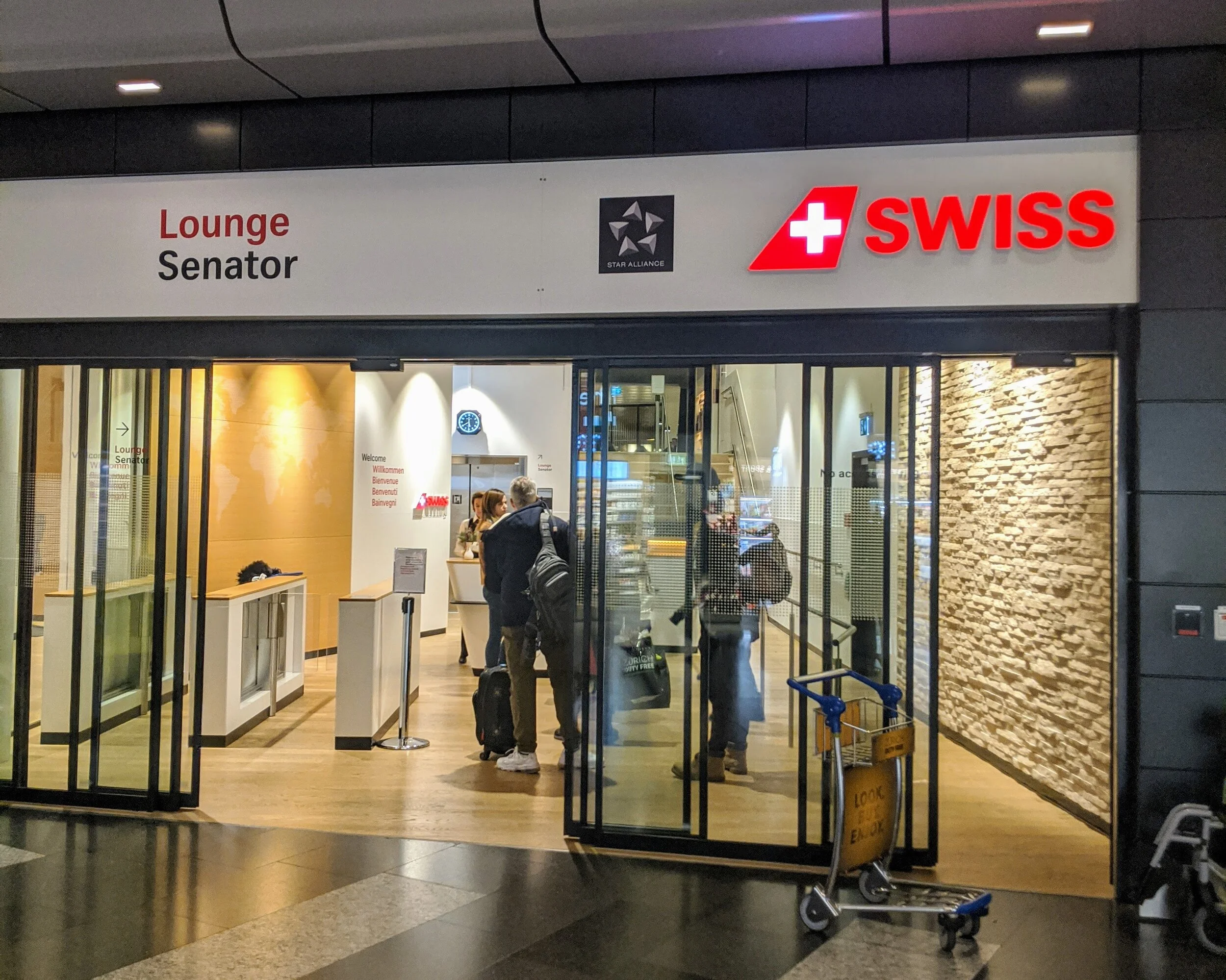
Past security, turn right, voila!
First impressions were: the space was lovely, bright and airy, but man was it BUSY! I walked around for at least 5 minutes, feeling like I’d arrived late to the party and everyone else had settled in, made friends, swapped life stories and there were no free seats.
After 4 or 5 awkward laps trying not to clothesline any small children with my bulky winter gear, I found a spot in the quiet zone upstairs. I think everyone was avoiding it because of the no-food rule, but the stacks of plates spoke to a slightly more lenient approach.

No room at the inn

My own quiet, cosy corner
The feeding and watering options were great - a large selection of both alcoholic and non-alcoholic drinks, a coffee machine with more buttons than a spaceship, racks of fruit, sweets, bread, cheese, cheese and more cheese (it is Switzerland, after all), and best of all, a team of chefs preparing hot food to order. The dishes weren’t anything amazing, but the setup was really nice and you got the feeling the food was fresher than you might find in an airline lounge.


So, with shelter, food and water procured, my attention turned to the next item in Maslow’s adapted-for-Tech-Travel-Geeks hierarchy of needs: internet. There were signs around for Wi-Fi access, with the spectacularly unhelpful instruction to ‘go to the Wi-Fi printer’. Can one print Wi-Fi? Were the Swiss really so far ahead?!.
Not helpful, Swissair.
There was a printer at the back of the lounge, but it didn’t look aware of the internet in any form. Decoy, or sneak 500? I decided on decoy, and utilised the survival tools at my disposal. I asked a member of staff, who smiled and pointed me towards an unlabelled, unassuming white cube by the entrance stairs.

Yes, the one that looks like a bin.
So, with a seat, drinks, food and a connection to the outside world, I could finally settle in to wait for my flight. But wait! There’s one more need to satisfy…
Ahhh. All the charging points a Tech Travel Geek could need, and right in the comfort of my own chair.

2 USB ports, and plug sockets to suit every taste and budget.
Overall, the lounge is very pleasant. Great food and drink options, a lovely open modern feel and ample connectivity. There are also showers, private ‘cabins’ at the back for calls, plus a smoking area if that’s your thing. The only downsides were the lack of seating (although the crowd had thinned out by the time I left) and the confusing Wi-Fi setup, but all in all, a nice place to relax before a flight.
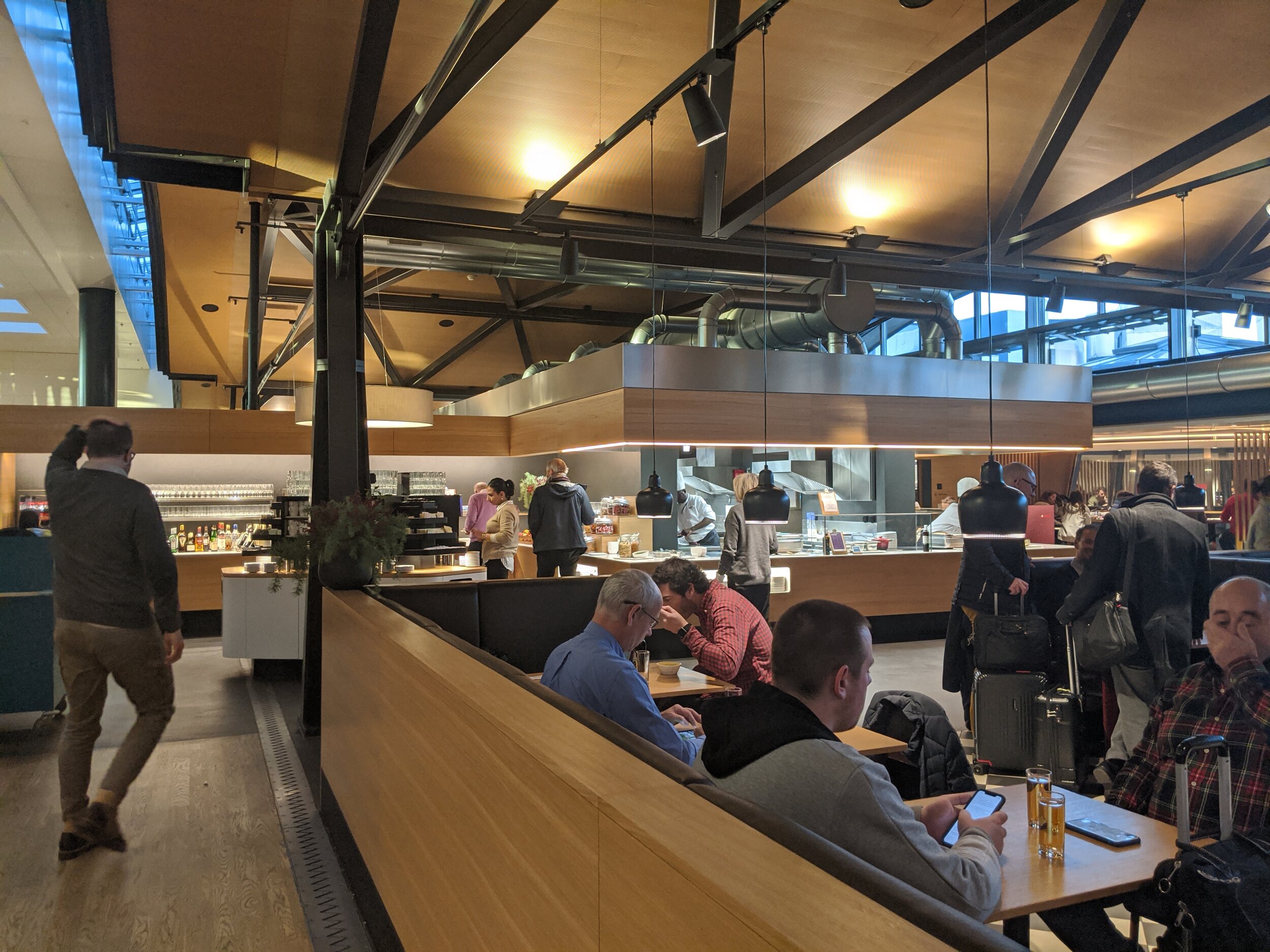
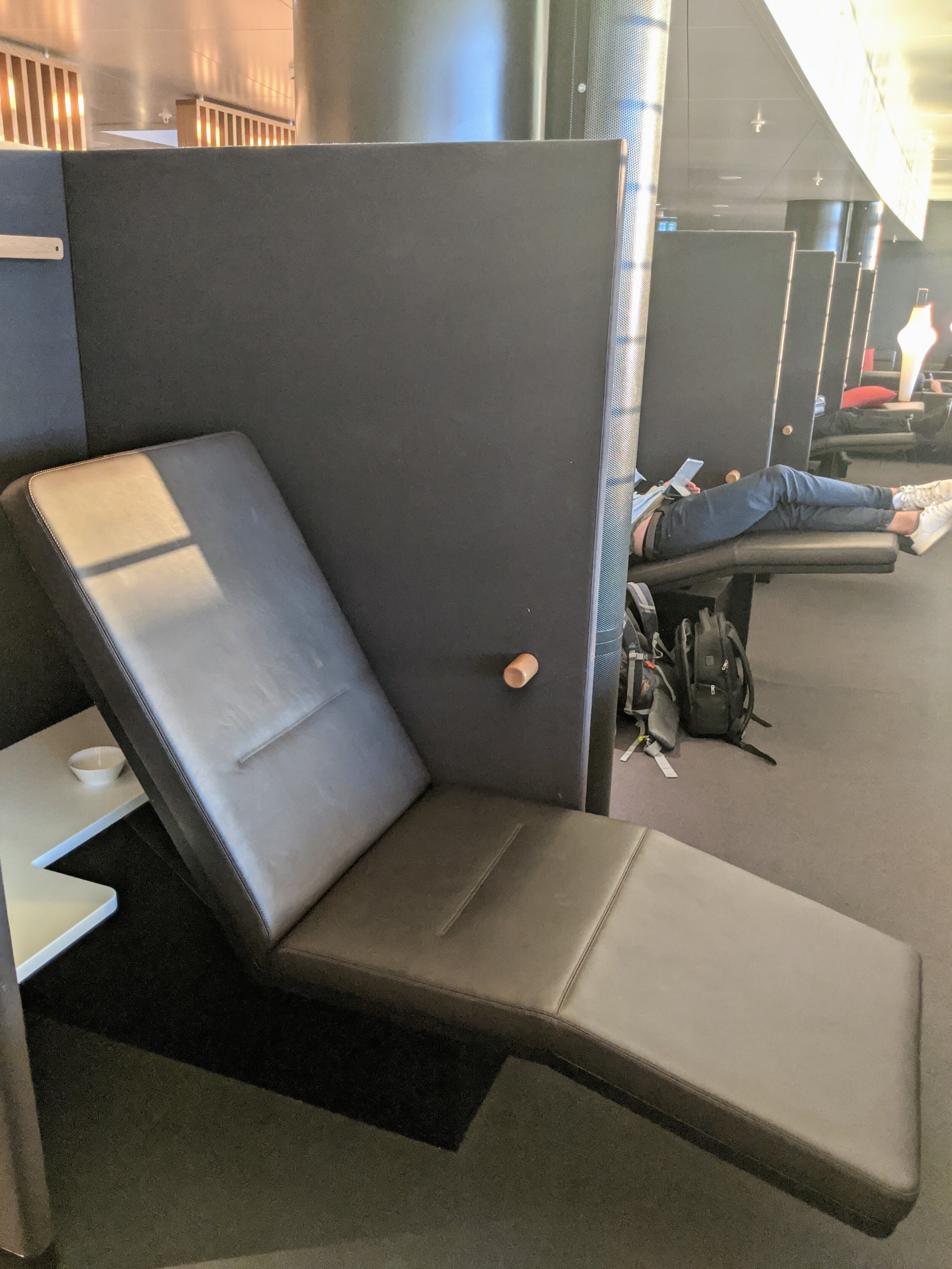
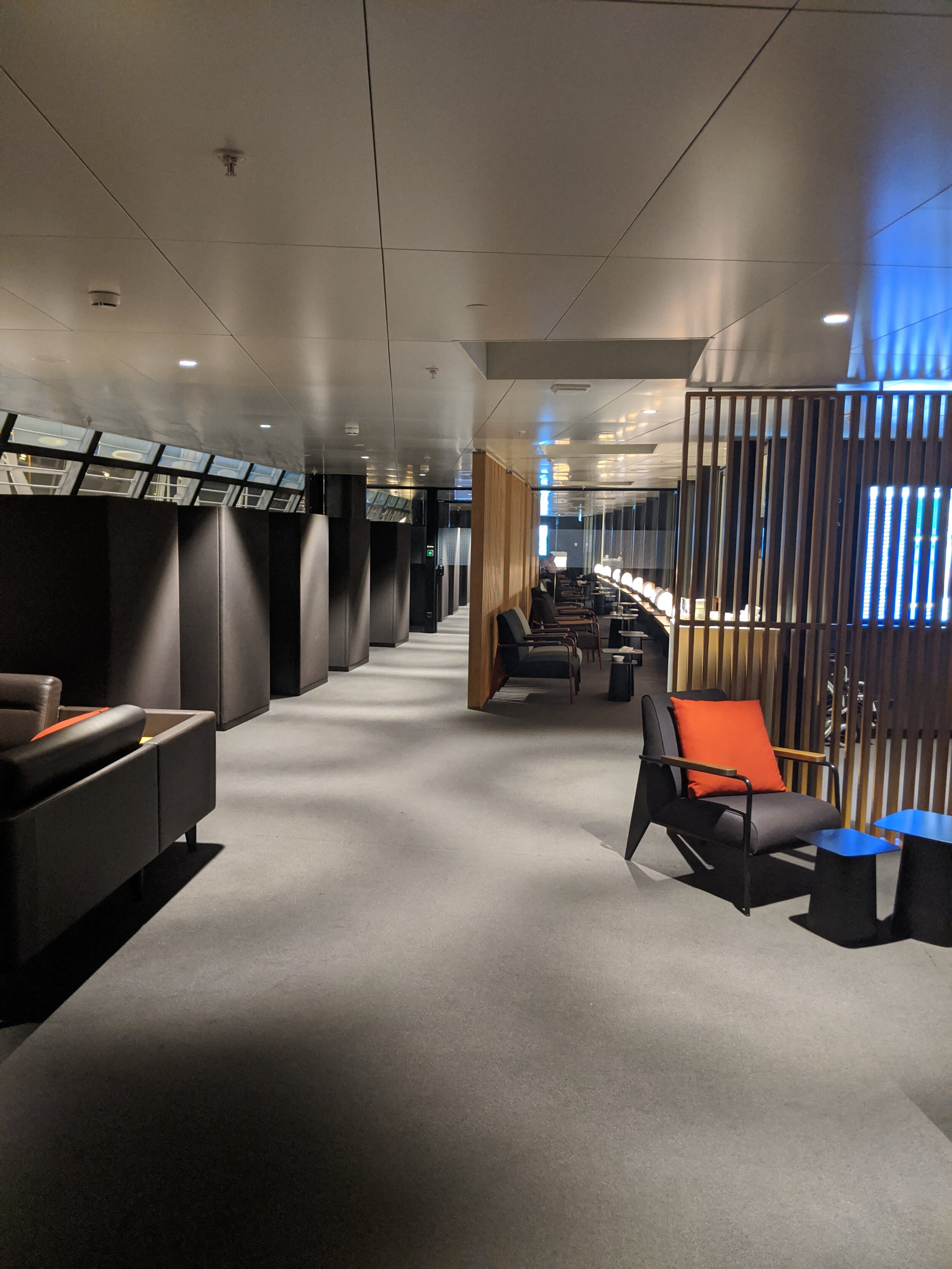
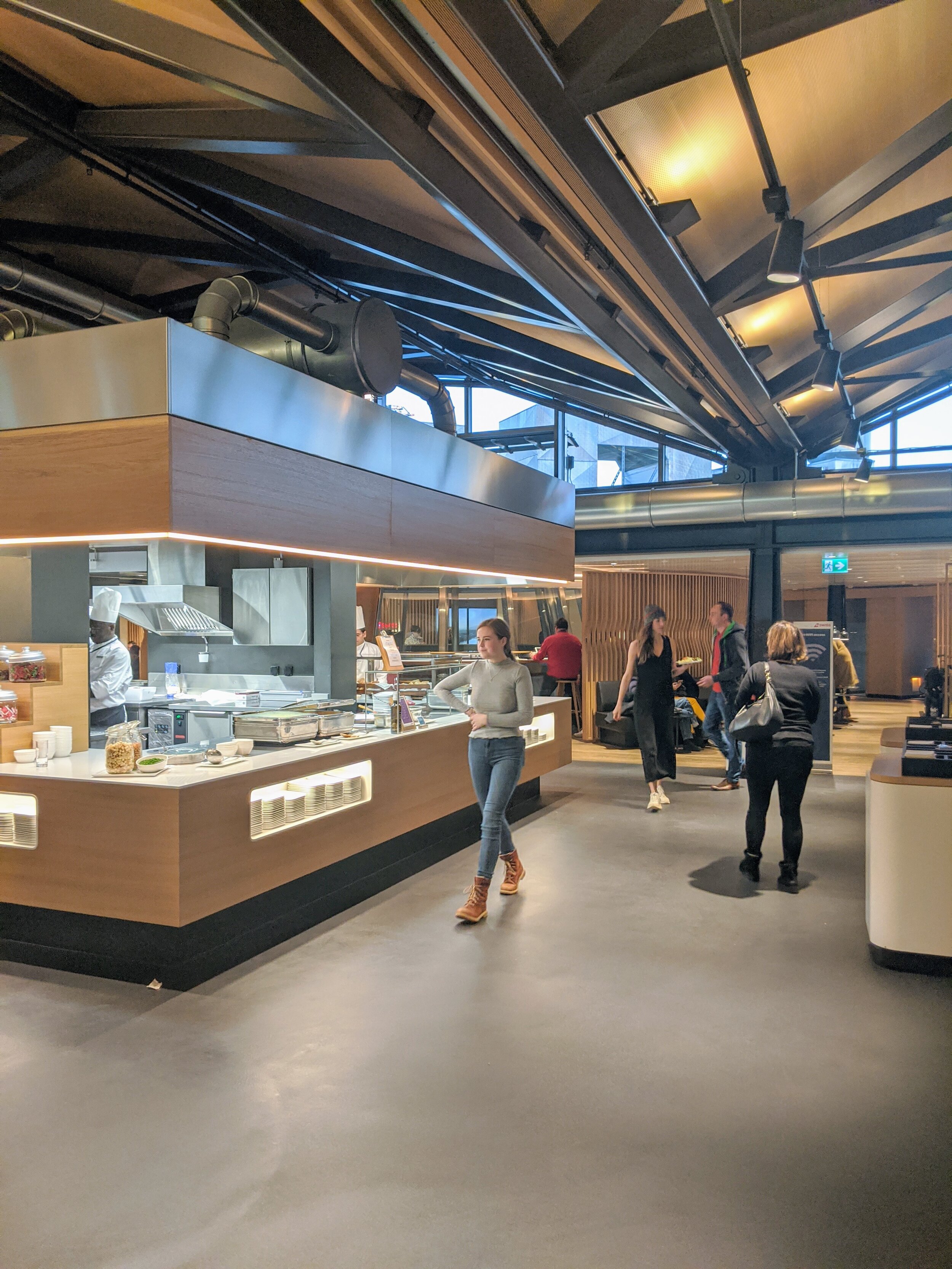

The Tech Travel Geeks are at IFA 2019 in Berlin!
The Tech Travel Geeks are at IFA in Berlin. Would you like to get in touch? Here is how.
The Tech Travel Geeks are covering IFA 2019 in Berlin this year.
The IFA or Internationale Funkausstellung Berlin (International radio exhibition Berlin, a.k.a. 'Berlin Radio Show') is one of the oldest industrial exhibitions in Germany. Between 1924 and 1939 it was an annual event, but from 1950 it was held every other year until 2005. Since then it has become an annual event again, held in September. Today it is one of world's leading trade shows for consumer electronics and home appliances.
If you too are at IFA and would like to meet up, or would like to have a request for Tech Travel Geeks’ coverage, please get in touch using our form or tweeting at us.
Expect plenty of content here on the website and on the Tech Travel Geeks YouTube channel.
We are grateful to Huawei for hosting us this year and the Berlin Messe for recognising the Tech Travel Geeks as Media for the trade show.
Follow our reports from IFA 2019 on our Youtube channel:

Hands on with the Huawei Mate 20 X 5G
Our Chief Mobile Opinionist Matteo goes hands on with the Huawei Mate 20 X 5G, and provides us with some first impressions.
Today in Berlin I had the pleasure of getting some hands on time with the Huawei Mate 20 X 5G smartphone, Huawei’s current 5G handset offering for European markets.
The Huawei Mate 20 X 5G is a big device: it has a 7.2” display (FHD+). Despite this it is surprisingly easy to handle and feels well balanced. In many ways it reminded me of my Xiaomi Mi Max I had a while back in terms of ergonomics.


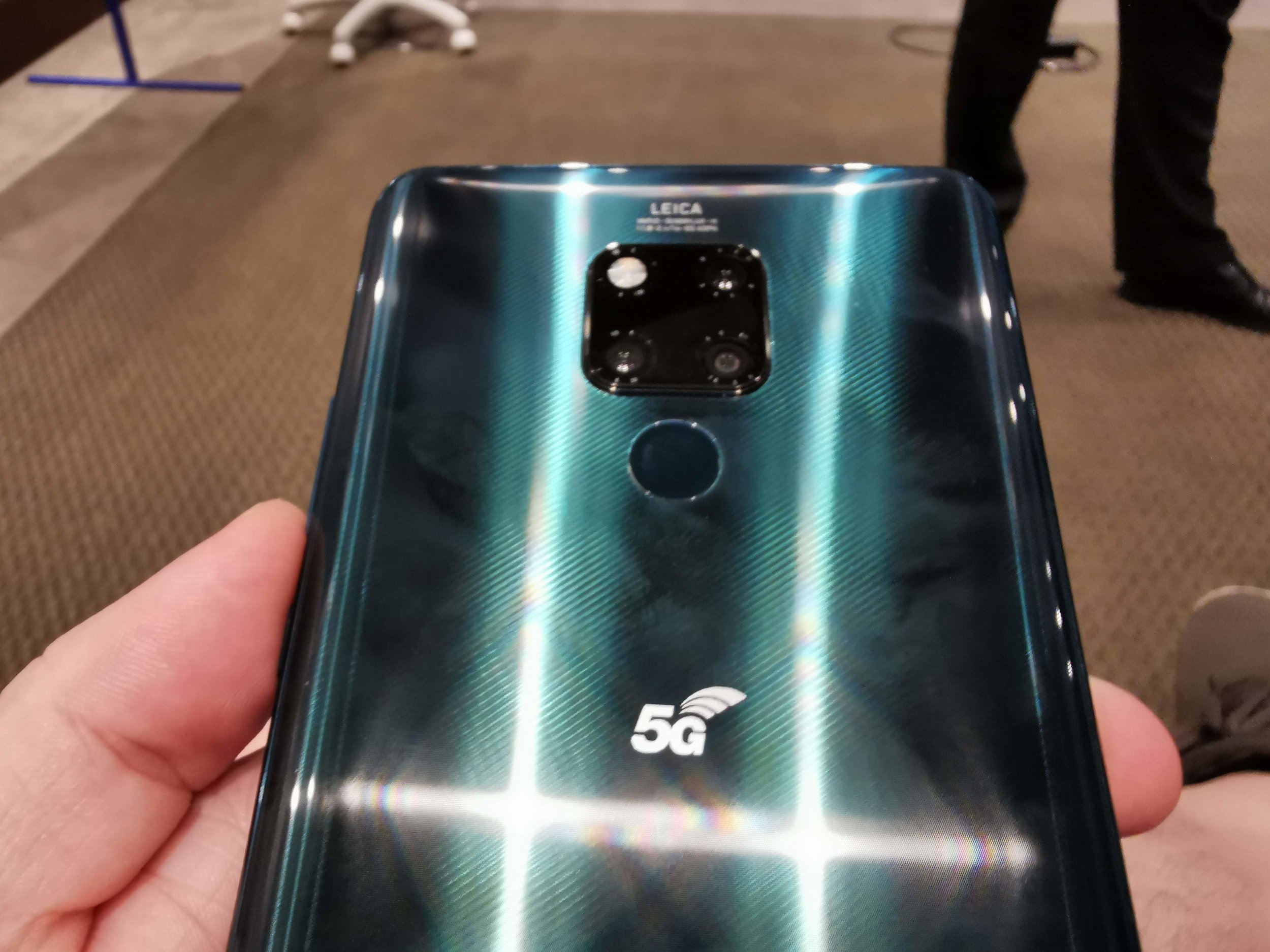

The user experience was very smooth. I wasn’t surprised by this as the device is powered by the same HiSilicon Kirin 980 chip we have seen on the Mate 20 Pro and the Huawei P30 Pro.
The Huawei Mate 20 X 5G is already on sale int he UK from Three, Vodafone and EE (the networks launching their 5G at the moment).
The camera setup is identical to the one on the Huawei Mate 20 Pro, so should deliver some great shots in a variety of situations.
I look forward to seeing how this device does in the market, as it is a bit of a niche product. I can definitely see it delivering a lot of value to someone who travels or commutes a lot, given the immersive screen and gaming capabilities.
Would you consider having a device like the Huawei Mate 20 X 5G? Let us know int he comments or on Twitter.
Huawei Mate 20 X 5G Full Specifications
General
Brand: Huawei
Model: Mate 20 X 5G
Body type: Glass
Dimensions (mm): 174.60 x 85.40 x 8.15
Weight (g): 232.00
Battery capacity (mAh):4200
Removable battery: No
Fast charging: Proprietary
Wireless charging: Yes
Display
Screen size (inches): 7.20
Touchscreen: Yes
Resolution: 1080x2244 pixels
Aspect ratio: 18.7:9
Hardware
Processor: octa-core (2x2.6GHz + 2x1.92GHz + 4x1.8GHz)
Processor make: HiSilicon Kirin 980
RAM: 6GB
Internal storage: 128GB
Expandable storage: Yes
Expandable storage type: Nano Memory Card
Expandable storage up to (GB): 256
Camera
Rear camera: 40-megapixel (f/1.8) + 20-megapixel (f/2.2) + 8-megapixel (f/2.4)
Rear flash: Yes
Front camera: 24-megapixel (f/2.0)
Software
Operating system: Android 9.1 EMUI 9.1
Connectivity
Wi-Fi: Yes
Wi-Fi standards supported: 802.11 a/b/g/n/ac
GPS: Yes
Bluetooth:; Yes
USB Type-C: Yes
Headphones: No 3.5mm jack, adapter from USB Type-C included in box
Number of SIMs: 2
Sensors
3D face recognition: No
Fingerprint sensor: Yes
Compass/ Magnetometer: Yes
Proximity sensor: Yes
Accelerometer: Yes
Ambient light sensor: Yes
Gyroscope: Yes
Barometer: Yes

Xiaomi Mi 9T (Redmi K20) - All the Tech Travel Geeks videos
All the Xiaomi Mi 9T (Redmi K20) videos by the Tech Travel Geeks in one place: the review, the unboxing, the sample video and the case Matteo is using.
In July I ended up buying a Xiaomi Mi 9T from eGlobal Central and have been loving it since it was delivered.
Lukasz, our Chief Aperture Officer, and I have made a few videos for the Tech Travel Geeks YouTube Channel about the Xiaomi Mi 9T. It is now time to share them with you here on the website too.
We really enjoyed making these videos, and overall it is a device which has earned the honour of housing one of my main SIM cards.
Would you like to know more? Is there anything we haven’t covered and you have questions about? Reach out to us on Twitter, leave a comment on this post or on any of our YouTube videos. We are happy to geek out about this excellent device.